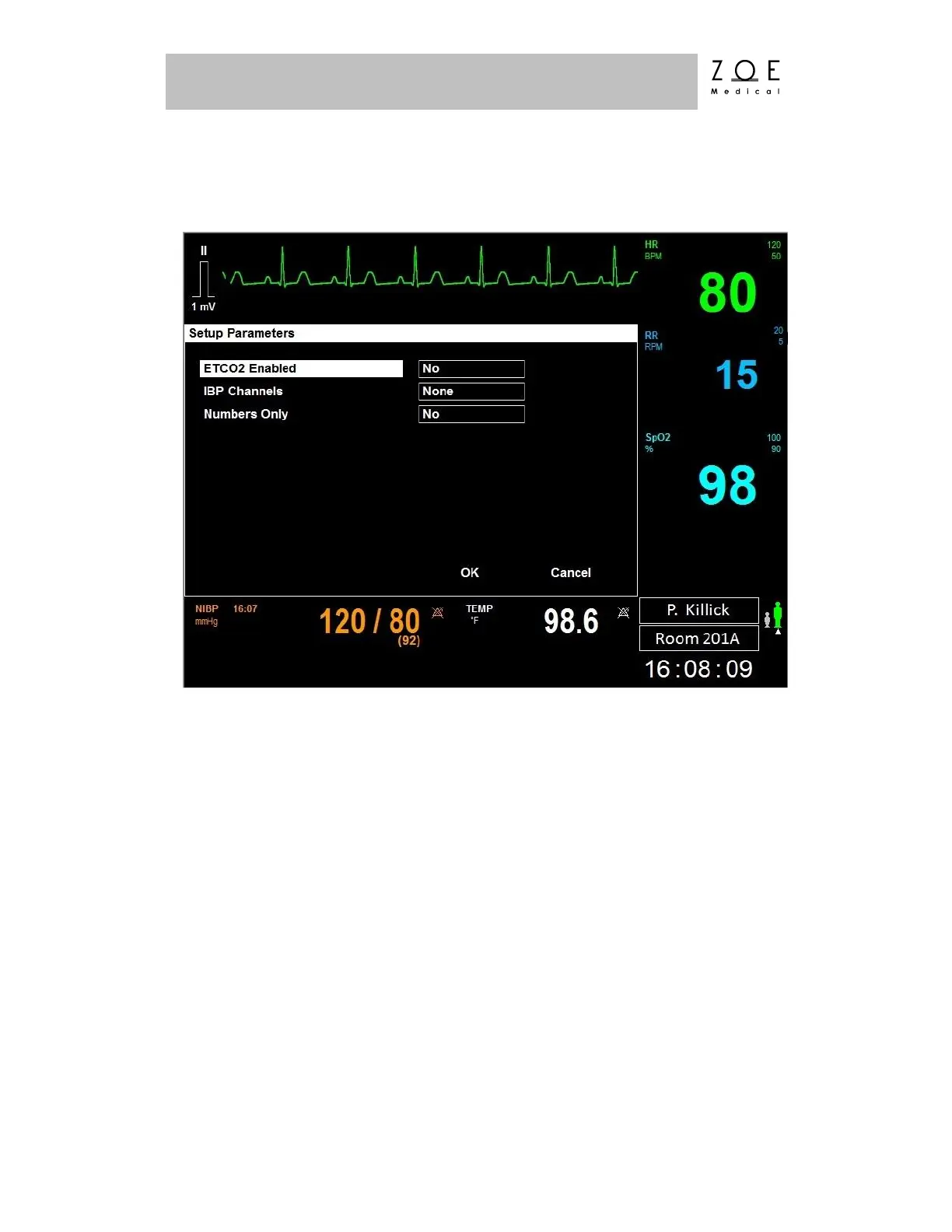
If you select the "Parameters" item, the Setup Parameters Menu appears.
Figure 42. Setup Parameters Menu
The Setup Parameters menu allows you to enable ETCO
2
(CO
2
/ Capnography)
and IBP (Invasive Blood Pressure) Monitoring, if these components are present in
your Nightingale PPM3 monitor, but have not been turned on from a software
standpoint.



 To Next Page