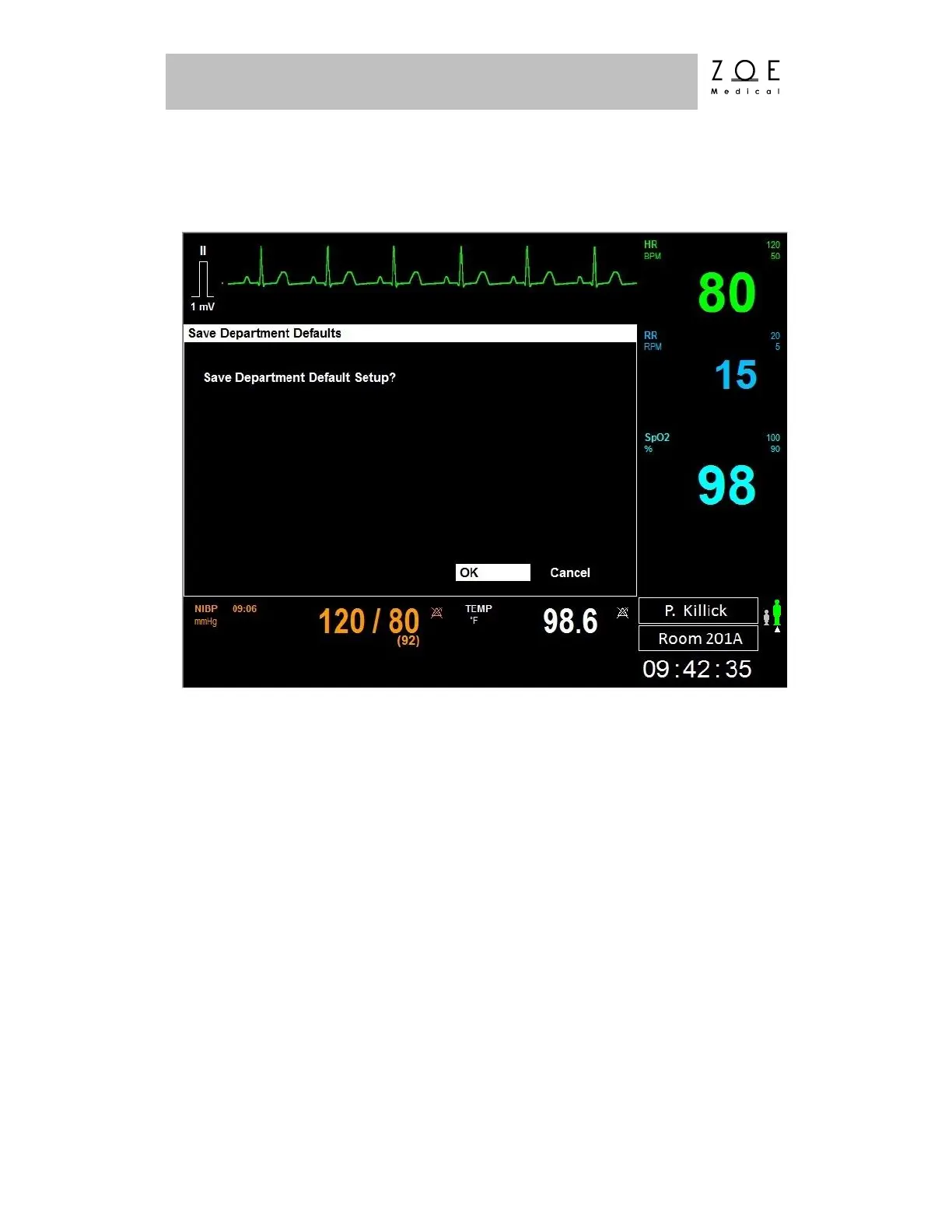
If you select the "Save Department Defaults" item, the Save Department Defaults
Menu appears.
Figure 59. Save Department Defaults Menu
The Save Department Defaults menu allows you to configure the PPM3 for your
particular application. Once the patient monitoring settings have been configured
as desired, selecting this choice will allow you to save the current settings as the
baseline for all new patients. The settings that are saved include all of those listed
in the Parameter Settings and Waveform Settings tables found in the PPM3
Monitor Settings chapter.
WARNING – A potential hazard can exist if the department default
alarm settings are not consistent among all the Nightingale PPM3
monitors deployed within the same clinical area.
The Show Event Log item brings up the system event log, which contains useful
troubleshooting information.



 To Next Page