11.2.2. Password Protected Menus
If you select "Alarms," "System," "Service," or "Factory" on the Setup
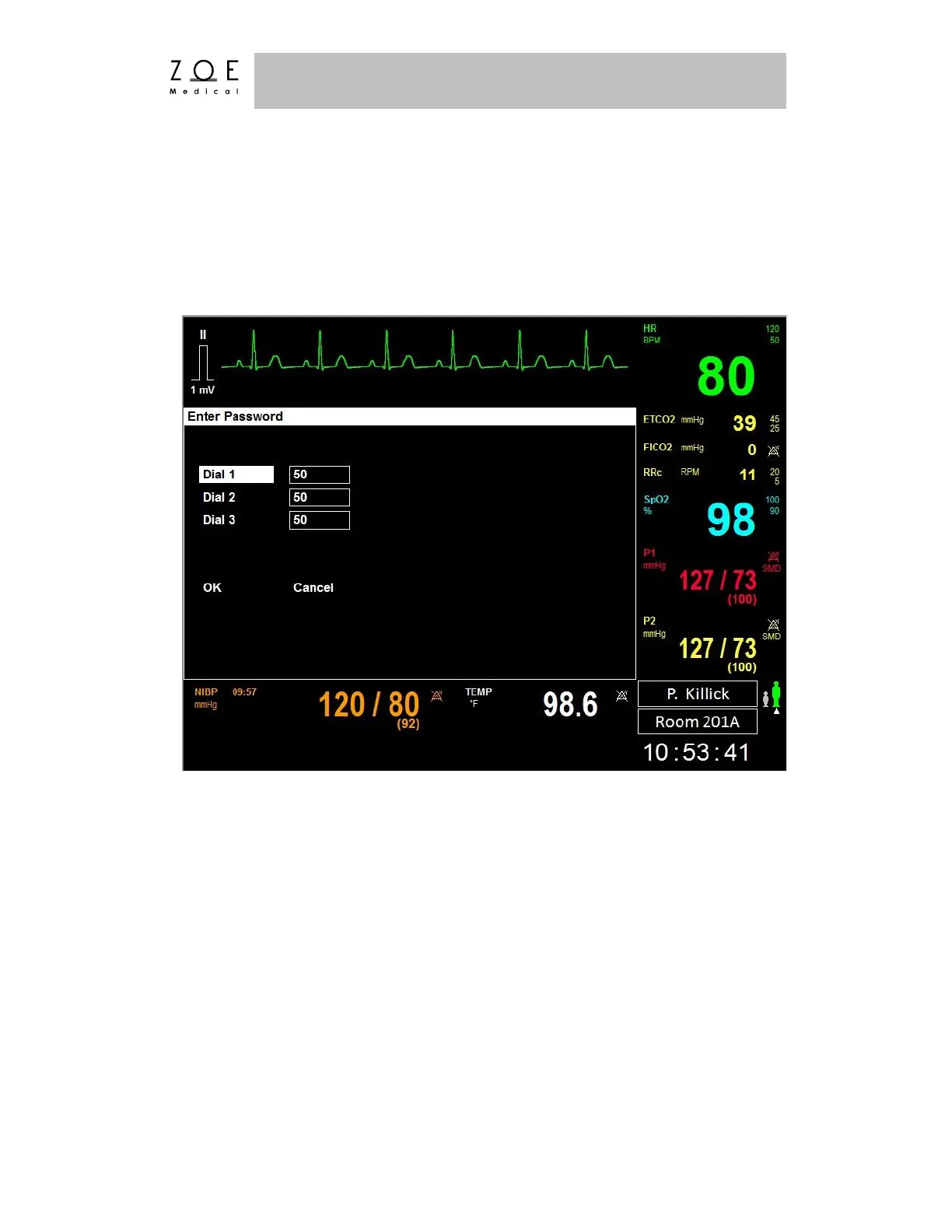
Administration Menu, the PPM3 brings up the Enter Password Menu.
Figure 55. Enter Password Menu
This menu allows you to enter a password to proceed to the Setup Alarms or
Setup System menu.
The password for these menus is located at the end of the Maintenance and
Storage chapter of this document.
Note – The Service and Factory setup menus are intended to be used by trained service
and production personnel.



 To Next Page