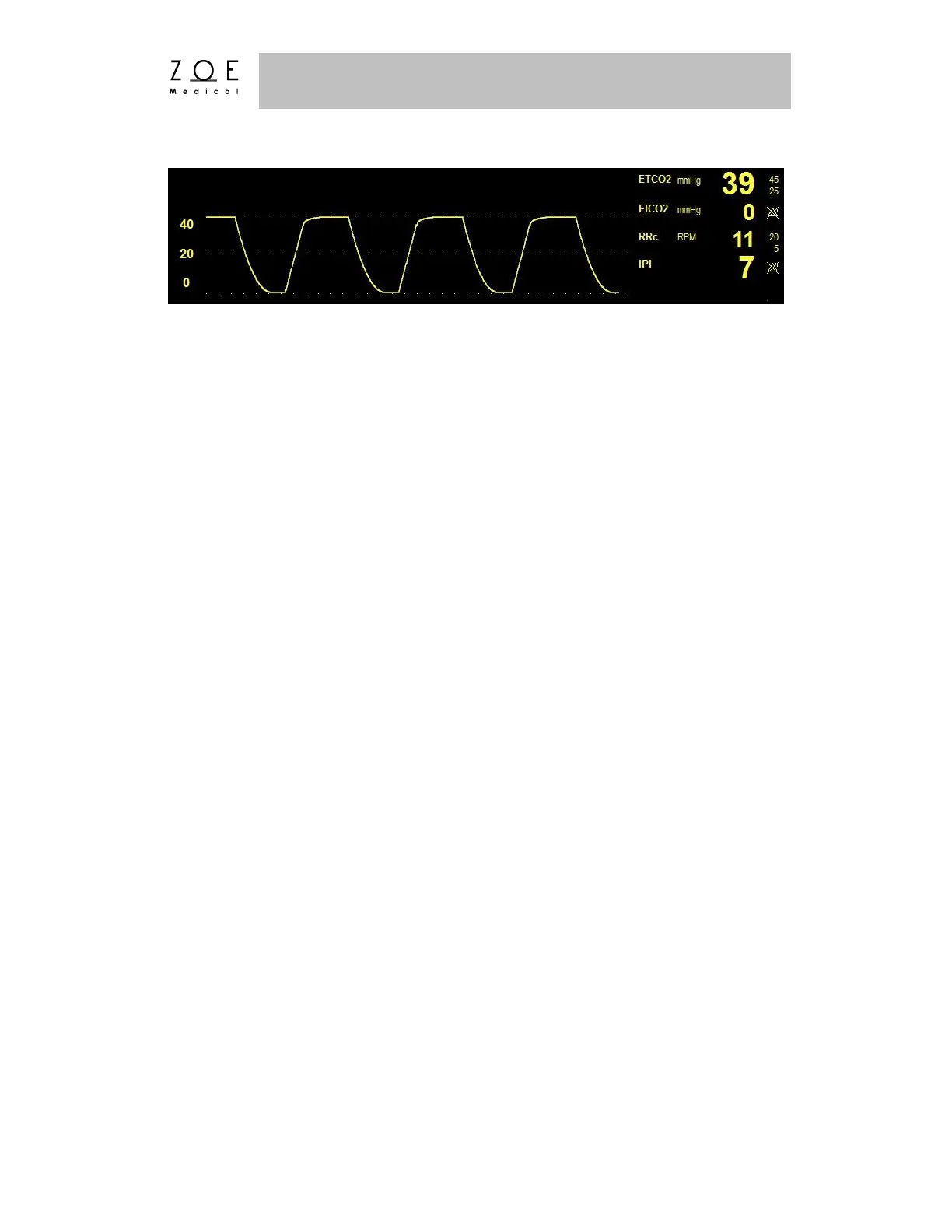
Figure 22. Oridion CO
2
Waveform and Values
To manually test CO
2
monitoring alarm functionality on a daily basis, you may
use the following approach. First, either connect the patient to the Nightingale
PPM3 using the above procedure or continue as follows with a patient who is
already being monitored. Then, enable the alarms ETCO
2
, RRc, FICO
2
, and IPI.
Next, lower the ETCO
2
upper alarm limit setting below its current value. Verify
that "ETCO
2
< [upper limit]" annunciates as a medium grade alarm. Press the
ALARM SILENCE key, and return the ETCO
2
upper alarm limit to its previous
value. Verify that the alarm is no longer active, and that CO
2
monitoring
continues normally. Repeat this process in turn for the RRc, FICO
2
, and IPI
parameters (lower limit).
The CO
2
Monitoring settings and specifications for the Nightingale PPM3 may be
found in the PPM3 Monitor Settings and Technical Data chapters. Procedures for
changing configuration settings, such as adjusting alarm limits, changing the
waveform size (amplitude), setting the apnea time, or enabling or disabling IPI,
etc. may be found in the Working With Menus chapter.
7.4. Integrated Pulmonary Index
The Integrated Pulmonary Index (IPI) is a parameter that uses capnography,
respiration rate, pulse rate (from SpO
2
), and pulse oximetry to articulate a single
numeric value to describe a patient’s overall ventilatory status. All four values
are necessary to calculate the IPI parameter. The IPI may provide an early
indication of ventilatory changes that may not be evident in any of the four
parameters individually. Also, since IPI is based on physiological parameters that
can change with age, the Nightingale PPM3 will prompt you to pick from one of
three pediatric age changes (1-3 years, 3-6 years, and 6-12 years) when using IPI
with a pediatric patient type selected.



 To Next Page