15. Entering Standby Mode
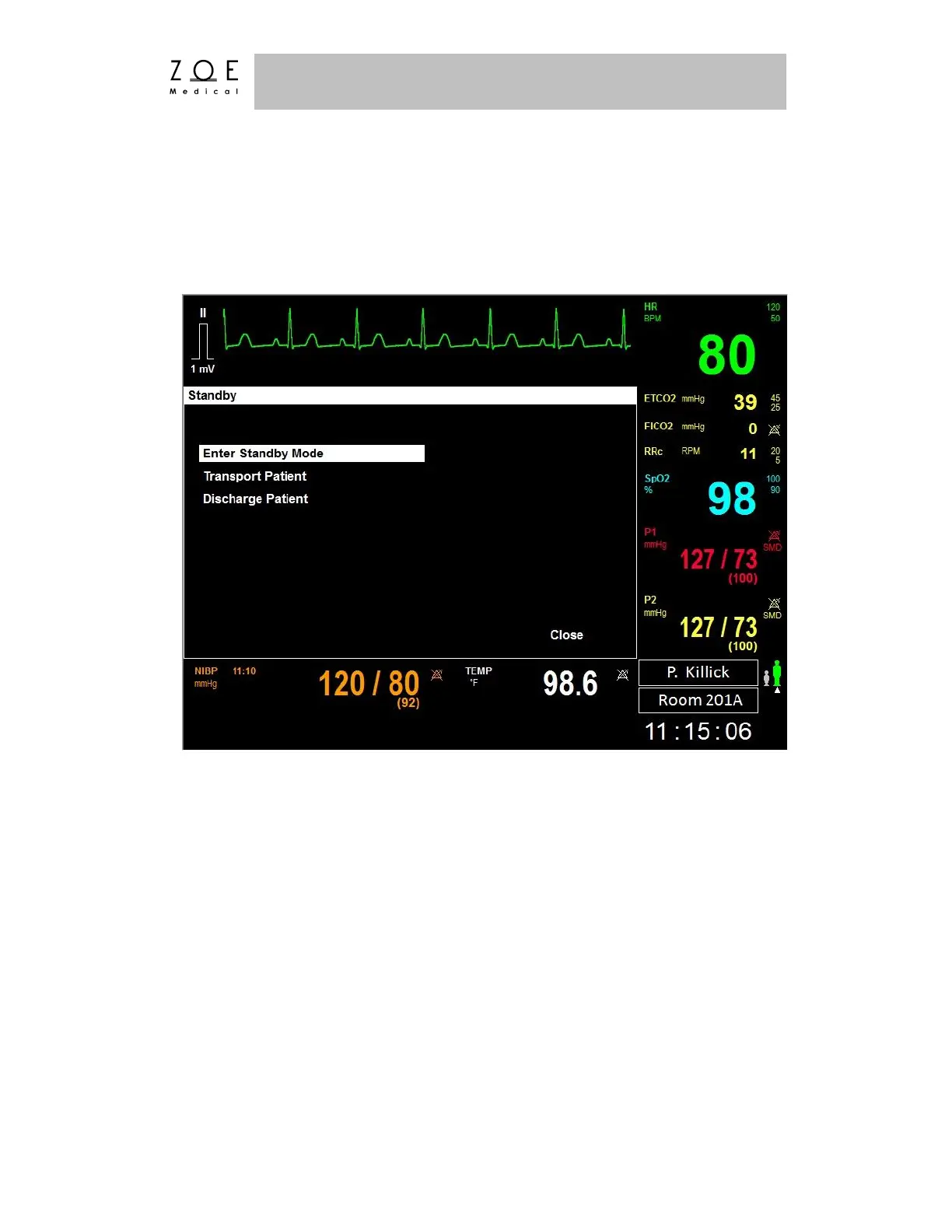
If you press the "Standby" key while a patient is admitted to the PPM3, the PPM3
will present you with the various Standby Mode options.
Figure 64. Standby Menu
Select the "Enter Standby Mode" menu item if you wish to temporarily suspend
all monitoring for this patient (say, when the patient is being bathed). This will
place both the PPM3 and the MPC in Standby Mode for this patient. In addition,
the PPM3 will display the Standby Mode Display.



 To Next Page