April 2019 Nightingale PPM3 User's Guide 17-1
Strip Chart Recorder Option
17. Strip Chart Recorder Option
17.1. Basic Operation
PPM3 monitors may be configured with an optional 50mm strip chart recorder
available from Zoe Medical. To start a recording, press the Print key. When a
recording is in progress, you can press the Print key to stop it.
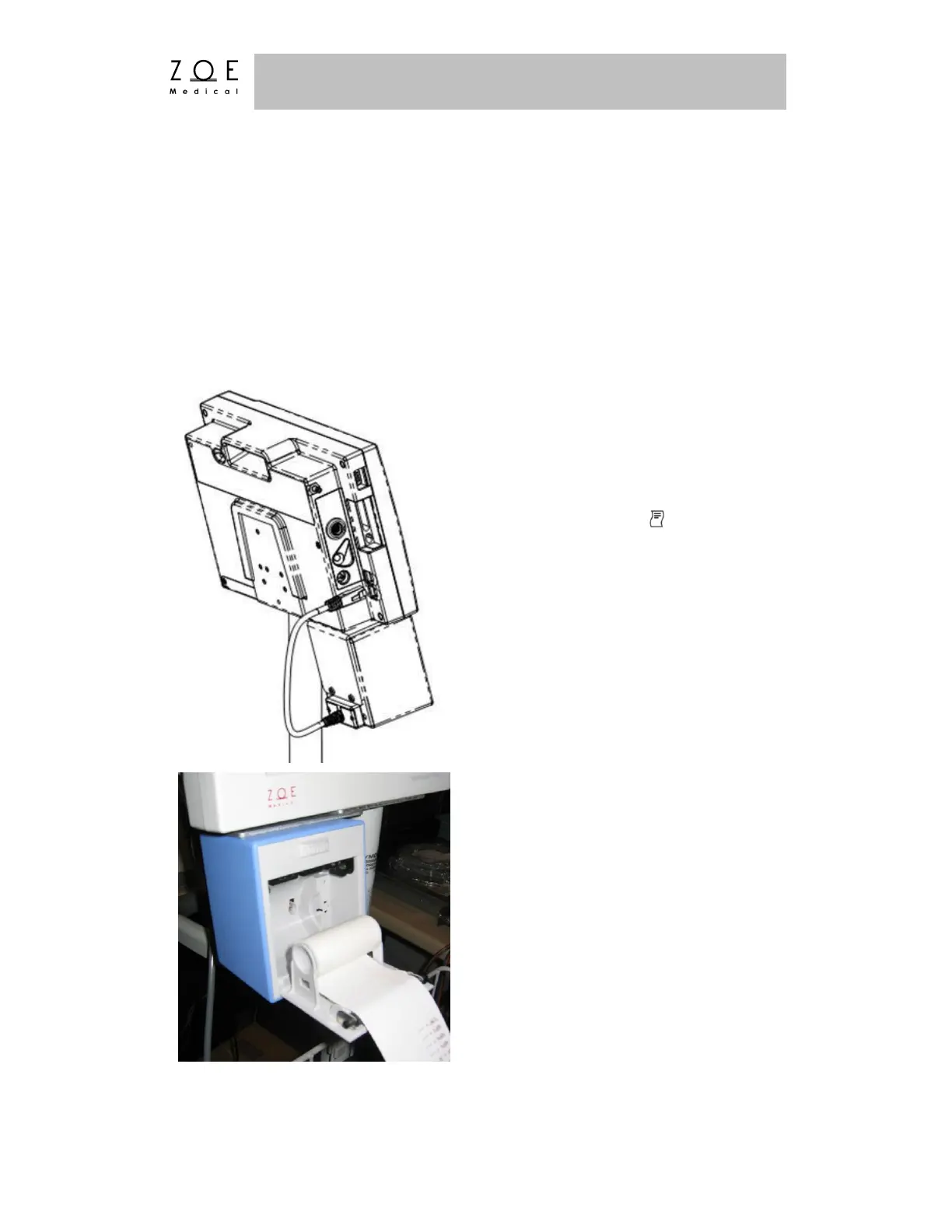
Plug the recorder cable into the
connector labeled as on the left
side of the PPM3.
Press down on the recorder door latch to
release the door. Remove the old spool,
and replace with a new roll. The paper
should come out from under the roll, as
shown in the photo.
Figure 68. PPM3 Recorder Connection
Figure 69. Replacing Recorder Paper



 To Next Page