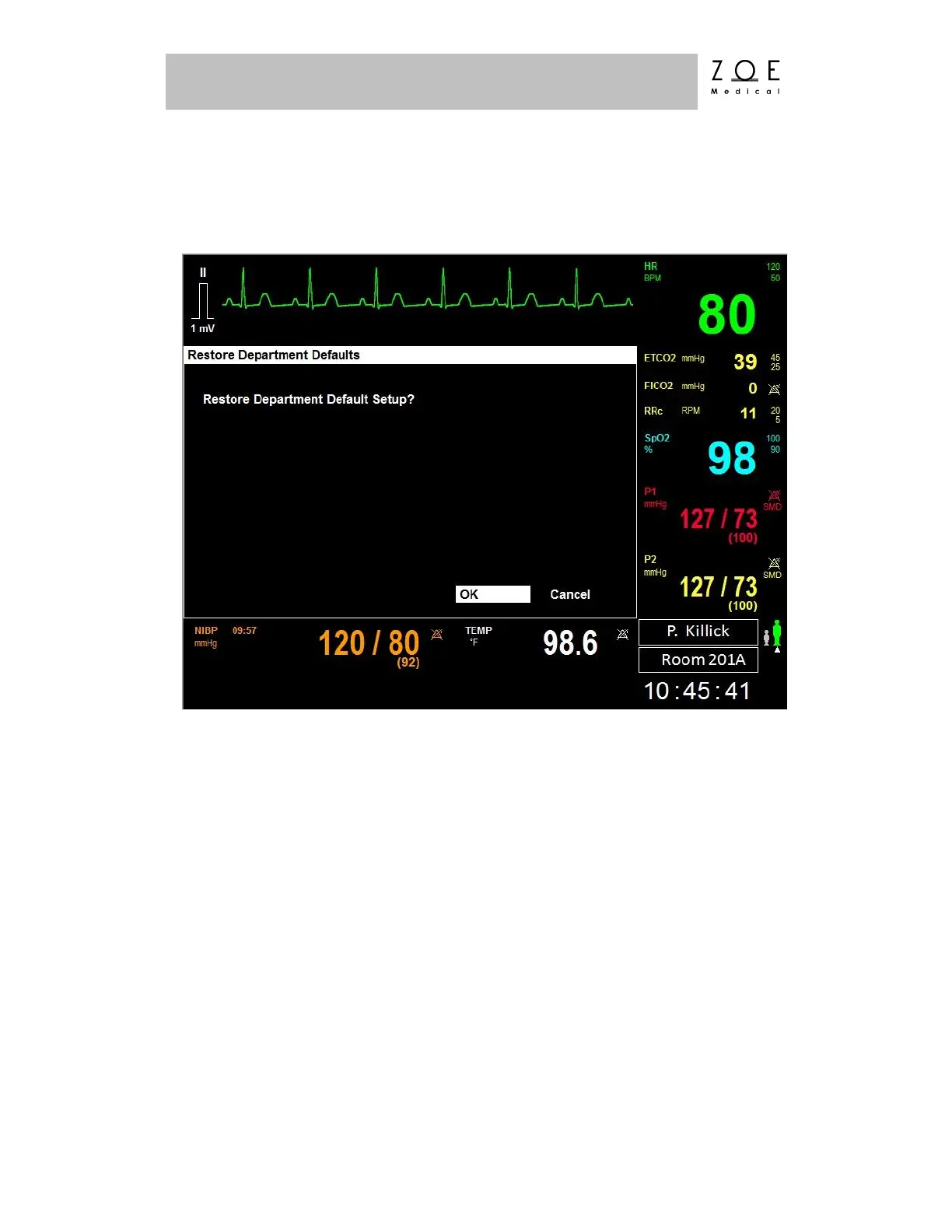
If you select the "Restore Department Defaults" item, the Restore Department
Defaults Menu appears.
Figure 52. Restore Department Defaults Menu
When you choose to Restore Department Defaults, any changes made to the
patient settings (parameter & waveform settings) for the current patient will be
restored to the previously saved Department Default values. Or, if no Department
Defaults have previously been created, the settings will be restored to the Factory
Default values found in the PPM3 Monitor Settings chapter.
Department Defaults can only be saved from within the password protected Setup
System Menu.



 To Next Page