5.3. Checking the Pulse Oximetry Signal
When you have connected the patient following the steps listed above, you should
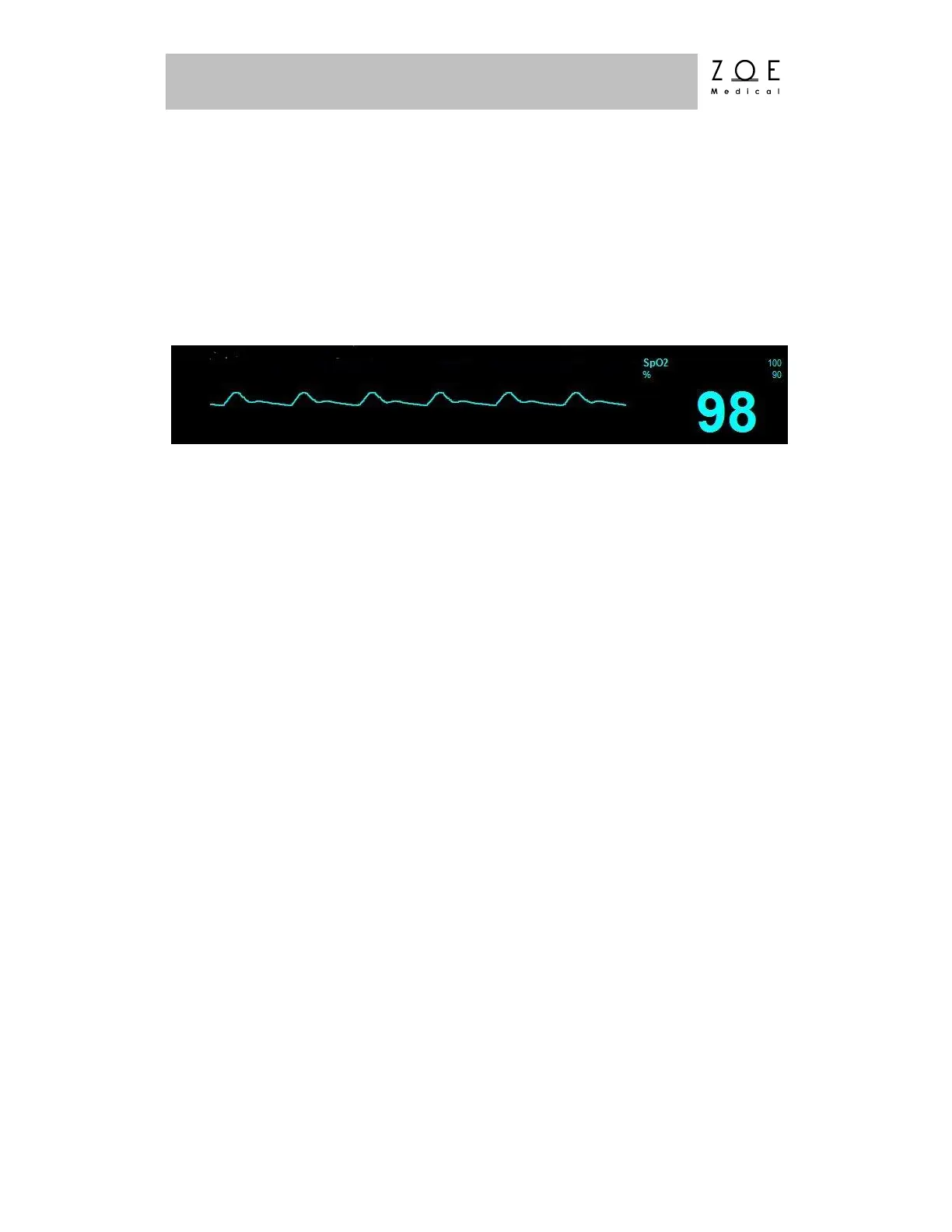
be able to see a clean pulse oximetry waveform on the PPM3 display as shown
below. The PPM3 label for this waveform is SpO
2
. The PPM3 should also
display values for the patient's oxygen saturation (SpO
2
) and alarm limit settings.
Figure 20. SpO
2
Waveform and Value
To manually test SpO
2
alarm functionality on a daily basis, apply a probe to a
finger and wait for a SpO
2
value to appear. Then lower the upper alarm limit
setting below the current value. Verify that "SpO
2
< [upper limit]" annunciates as
a medium grade alarm. Press the ALARM SILENCE key, and return the upper
alarm limit to its previous value. Verify that the alarm is no longer active and that
SpO
2
monitoring continues normally.
The Pulse Oximetry Monitoring settings and specifications for the Nightingale
PPM3 may be found in the PPM3 Monitor Settings and Technical Data chapters.
Procedures for changing configuration settings, such as sourcing the pulse rate
(PR) from SpO2, enabling a pulse tone, or adjusting alarm limits, may be found in
the Working With Menus chapter.
WARNING – Only use pulse oximetry sensors and extender cables
approved by Zoe Medical for use with the Nightingale PPM3.
Unapproved components can result in degraded performance and/or
device malfunction.
WARNING – Change the sensor at least every four hours (every 2
hours for poorly perfused patients). Move the sensor if you see any
signs of skin irritation or impaired circulation. Reposition at least
once every 24 hours to allow the patient’s skin to breathe.
WARNING – Tissue damage or inaccurate measurements may be
caused by incorrect SpO
2
sensor application or use, such as



 To Next Page