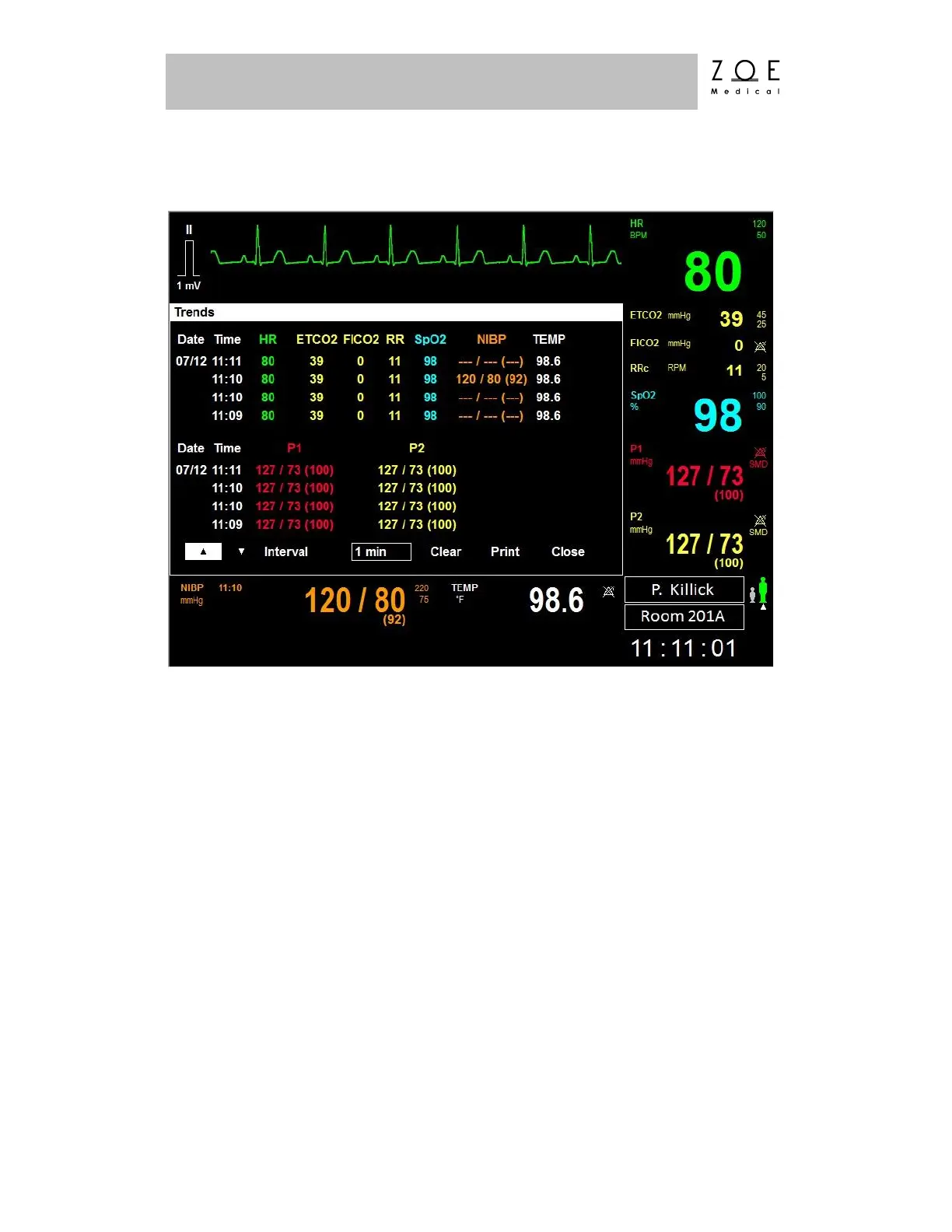
You can view the trends for a patient by pressing the TRENDS key.
Figure 62. Trends Menu
By selecting the "Print" item, you can get a hard copy of the trends data if the
optional Strip Chart Recorder is configured with your PPM3 (see the Strip Chart
Recorder Option chapter).
If your PPM3 is connected to the MPC, this report will print out immediately on
the printer configured with the MPC. Otherwise, the data will be stored
internally, and will upload and print automatically the next time the PPM3 is
connected to the MPC.
Using the up and down arrows on the Trends menu, you can scroll backward and
forward in time through the trends data.



 To Next Page