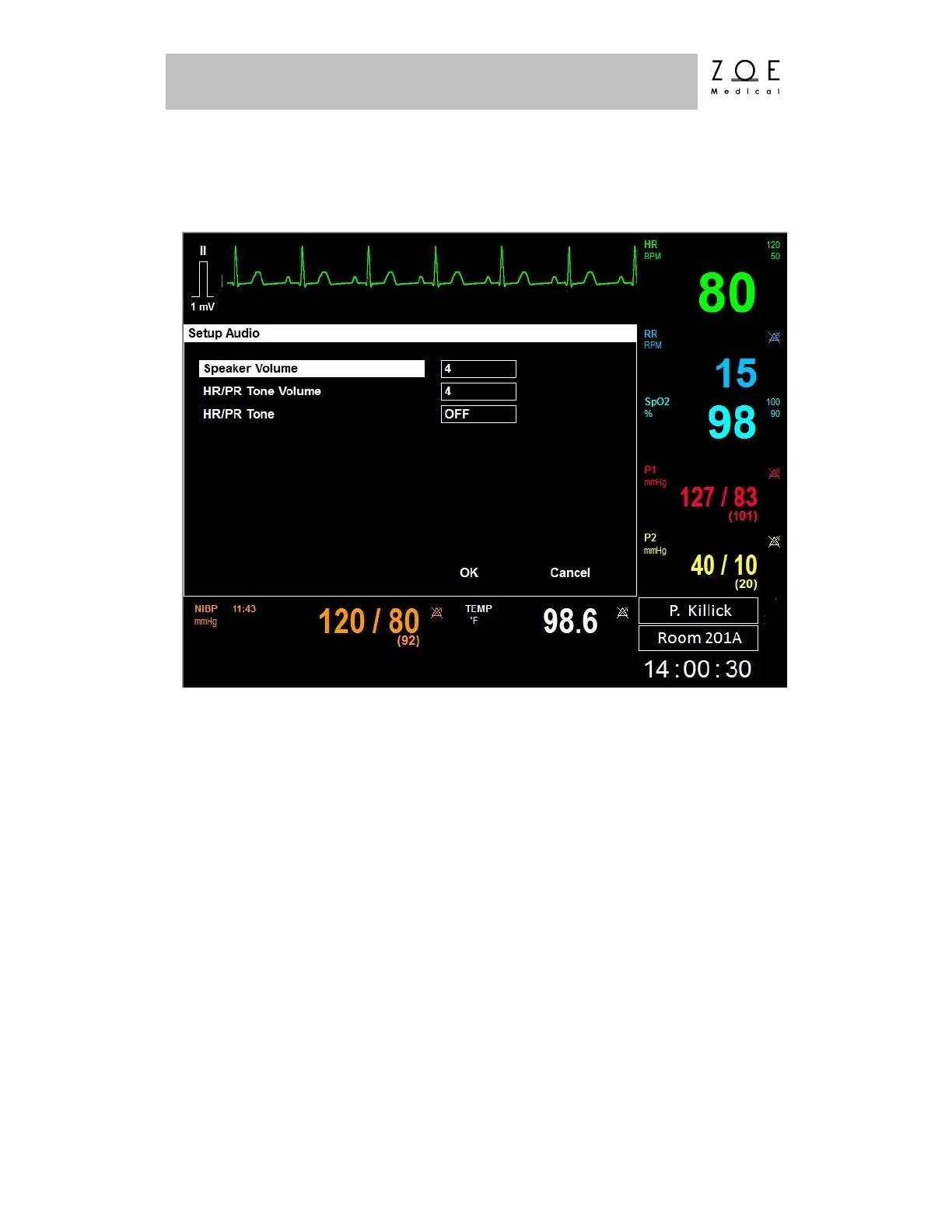
If you select the "Audio" item, the Setup Audio Menu appears.
Figure 46. Setup Audio Menu
The Speaker Volume allows you to change the volume for alarm tones.
The HR/PR Tone Volume allows you to change the volume for pulse tones. You
can also enable the HR/PR Tone and select the source from this menu, just as you
can from the Setup HR and Setup SpO
2
menus.



 To Next Page