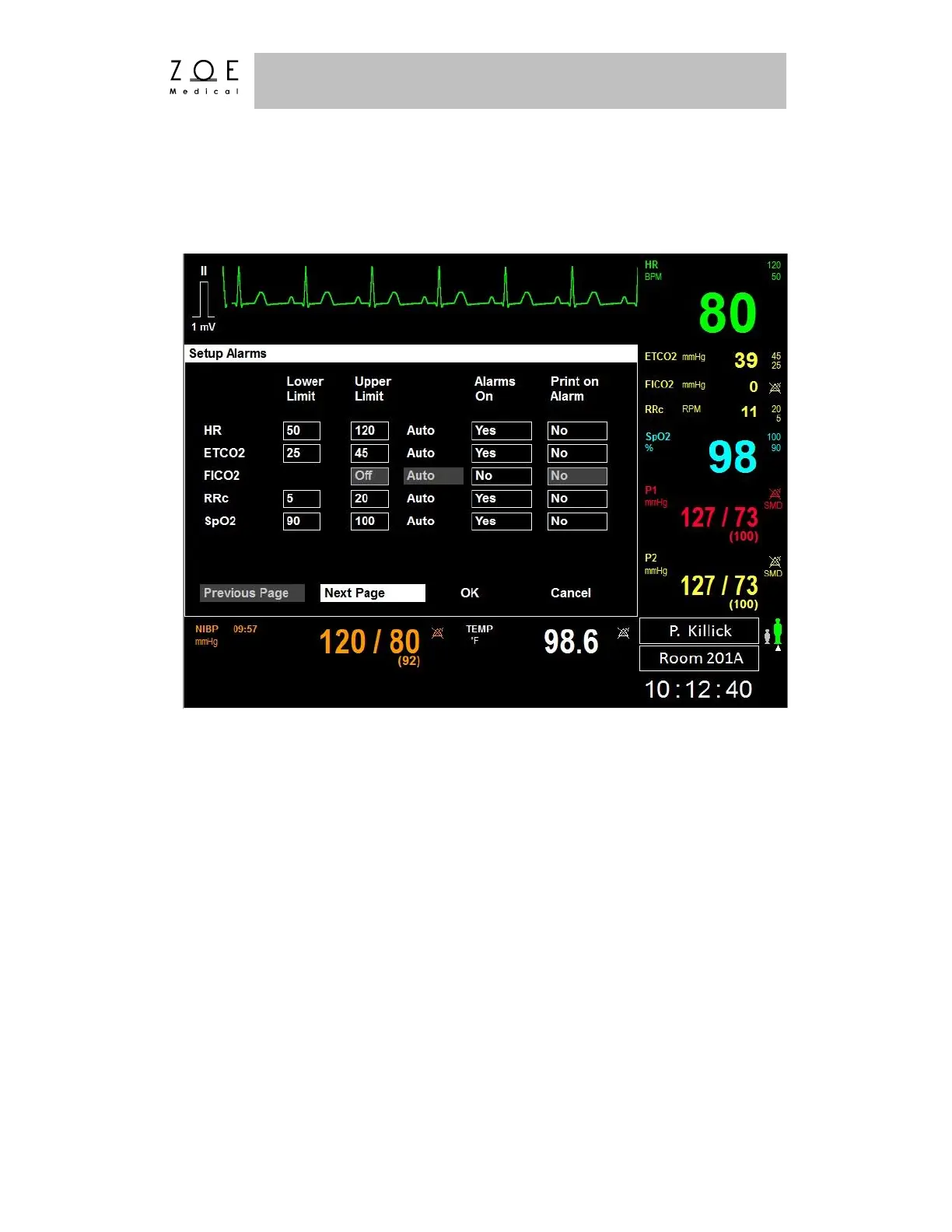
If you select the "Alarms" item, the Setup Alarms Menu appears. The three
screens associated with this menu are presented below and on the following two
pages.
Figure 47. Setup Alarms Menu – Screen 1
This menu provides access to the alarm settings for all parameters at once for your
convenience. Any changes made here are also reflected in the individual
parameter box menus, and vice versa.
The factory default values and ranges of possible values for all alarm limits may
be found in the Parameter Settings table of the PPM3 Monitor Settings chapter.
When you select the "Auto" feature for a parameter’s alarms, the PPM3
automatically adjusts the upper and lower limits based on the current value of the
parameter. The rules used for each of the parameters are provided in the table on
the next page.



 To Next Page