10. Temperature Monitoring
The temperature monitoring capabilities of the Nightingale PPM3 include:
• Measuring the patient's temperature using a core temperature probe
• Displaying the TEMP parameter in degrees Celsius or degrees Fahrenheit
To begin temperature monitoring, use the following procedure:
1. Fully insert the probe into a probe cover.
2. Apply the probe to the patient
Please refer to the Accessories chapter for a list of Zoe Medical
approved temperature probes for use with the Nightingale PPM3.
For oral application: Insert the probe as indicated in the Zoe
Medical "Oral Temperature Probe Instructions," P/N 122-0030.
For surface application: Apply the probe to a location on the
patient that stays fairly dry (the abdomen is recommended). To
ensure good adhesion, clean the skin with alcohol before-hand.
Tape the probe and cable to the patient’s skin.
3. Connect the temperature probe cable to the PPM3.
Note ‒ Probe performance is unaffected when used without a probe cover.
Note ‒ Follow the instructions for use provided with the probe packaging.
Note ‒ Place the probe according to the clinical techniques of your hospital.
Note ‒ Skin surface temperature is typically 2 to 3 °F below core temperature.
10.1. Checking the Temperature
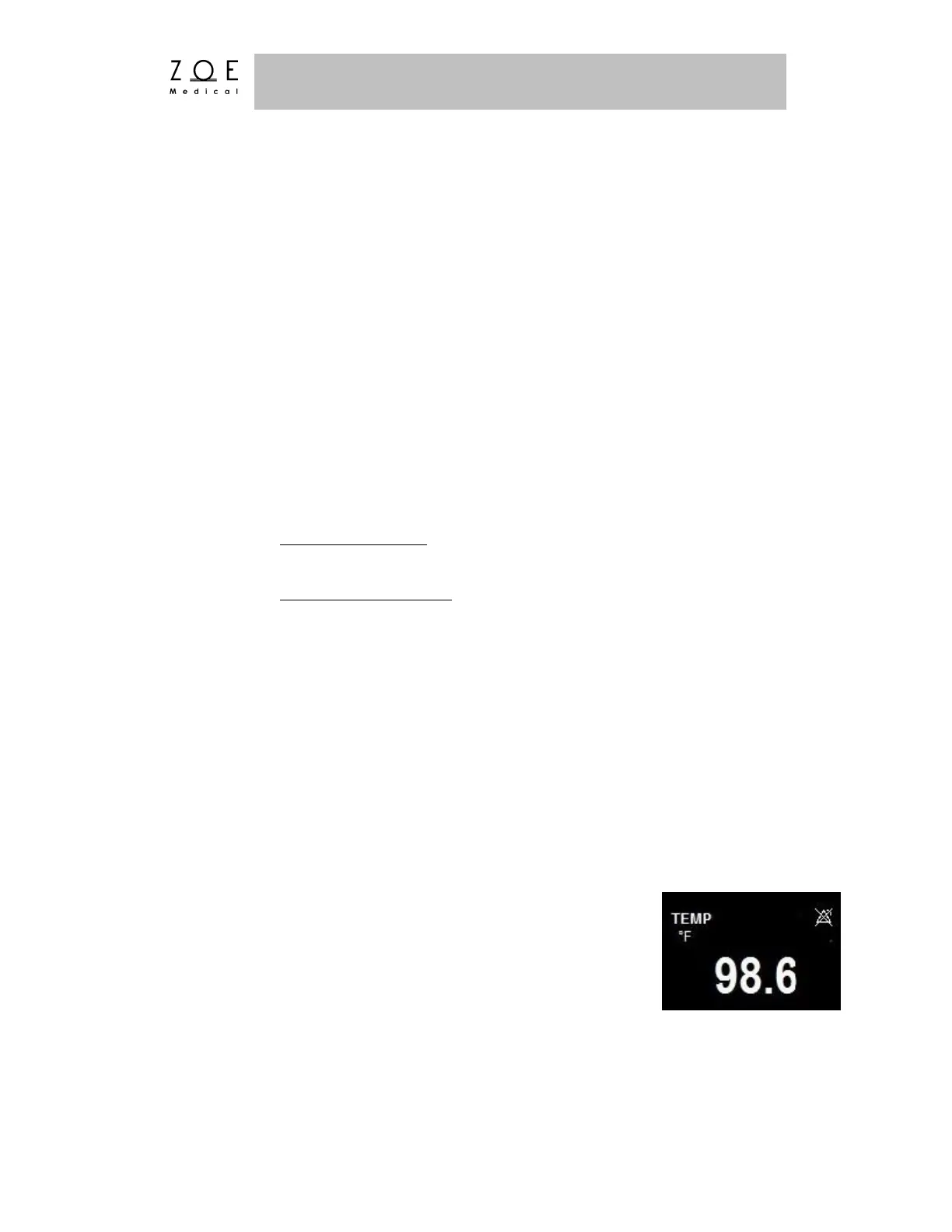
When you have connected the patient following the steps listed
above, you should be able to see a temperature value on the
PPM3 display as well as the alarm limit settings (shown as
disabled below).



 To Next Page