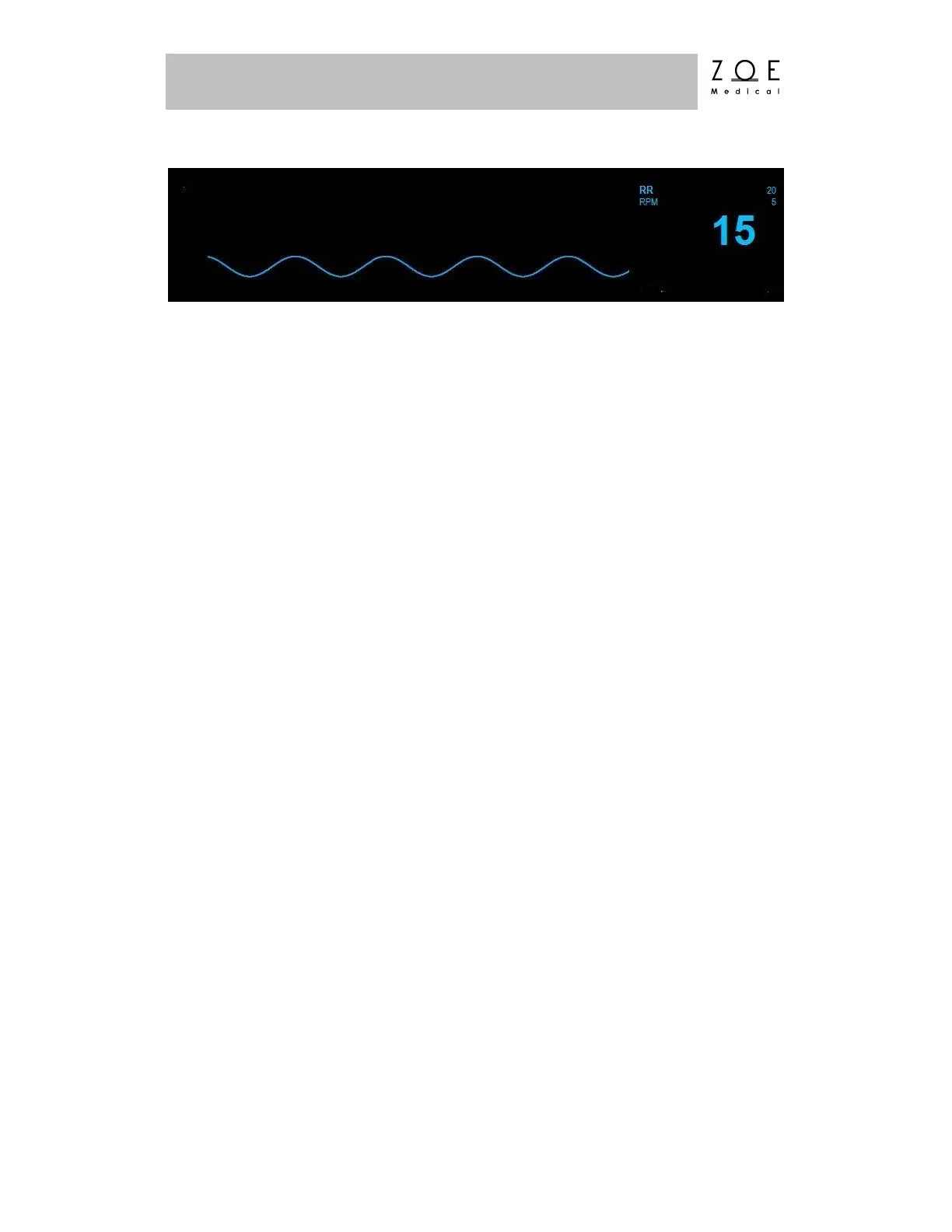
Figure 19. RR Waveform and Value
To manually test RR alarm functionality on a daily basis, you may choose from
two approaches. First, if a patient’s respiration is currently being monitored,
make certain that the alarms are enabled, and then lower the RR upper alarm limit
setting below its current value. Verify that "RR < [upper limit]" annunciates as a
medium grade alarm. Press the ALARM SILENCE key, and then return the RR
upper alarm limit to its previous value. Verify that the alarm is no longer active,
and that RR monitoring continues normally. Alternatively, disconnect the RA or
LL electrode. Verify that "RR lead off" (interleaved with "HR lead off")
annunciates as a low grade alarm. Press ALARM SILENCE and reconnect the
electrode. Verify that the alarm ceases and that the RR waveform and parameter
return.
The Respiration Monitoring settings and specifications for the Nightingale PPM3
may be found in the PPM3 Monitor Settings and Technical Data chapters.
Procedures for changing configuration settings, such as enabling alarms, or
adjusting alarm limits, may be found in the Working With Menus chapter.
WARNING – Operating the Nightingale PPM3 with RR limit alarms
disabled means that no low or high RR alarm conditions will produce
alarm notifications. Use this feature with extreme caution. Patients
must be closely observed if RR limit alarms are disabled.
WARNING – When using an ECG electrode to calculate respiration
rate via the thorax impedance method, movement artifacts
may create inaccurate results. Respiration rates derived from CO
2
parameter is not subject to such movement artifacts.
Note – If the Respiration waveform is not currently selected for display on the PPM3,
follow the instructions in the chapter on Working With Menus to select this waveform for
display.



 To Next Page