Connecting to an Electronic Medical Record (EMR) System
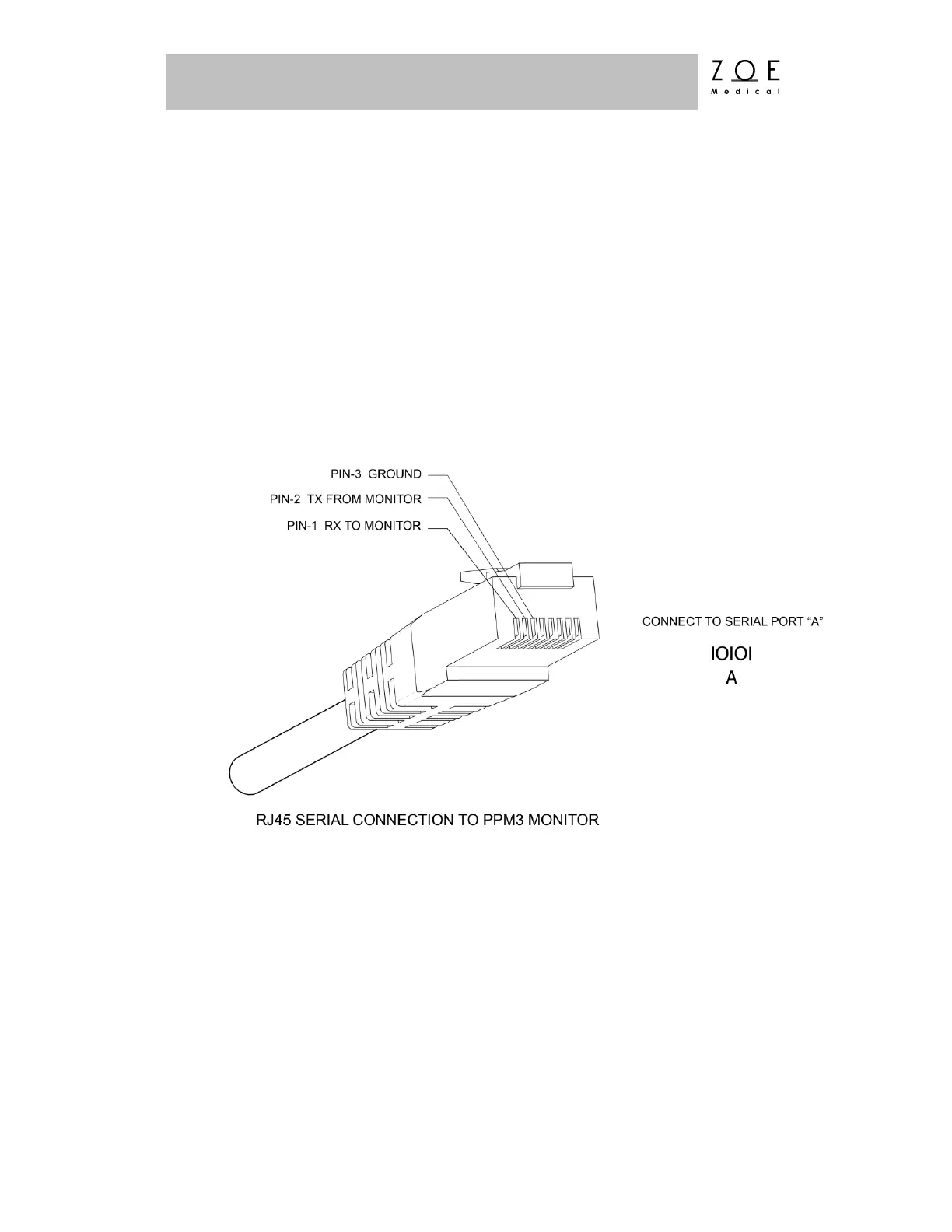
Connection to an EMR system requires a custom Network Cable from Zoe
Medical (Part Number 421-0052) or an equivalent cable configured as shown
below. One end of the cable has a DB-9 connector that interfaces to a standard PC
serial port. The other end of the cable connects to an RJ45 port on the right side
of the PPM3.
Note: To connect to PC’s that do not have built-in DB9 connectors, a third party
USB-to-serial cable of the type recommended by the EMR vendor may be used.



 To Next Page