Pannoramic MIDI 1.18 User’s Guide 4 Software Description
Set the type of TMA block on this panel.
1. Select the shape of the TMA spots (Rectangle spots or Circle spots).
2. Enter the number of rows and columns in the Rows and Columns fields or select the
appropriate values with the arrows.
3. Enter the distance between two spots on the X and the Y axis in µm (in the Spot
distance X (µm) and Spot distance Y (µm) fields or select the appropriate values
with the arrows.
4. Enter the average diameter of the spots in the Diameter of spots (µm) field or
select the appropriate value with the arrows.
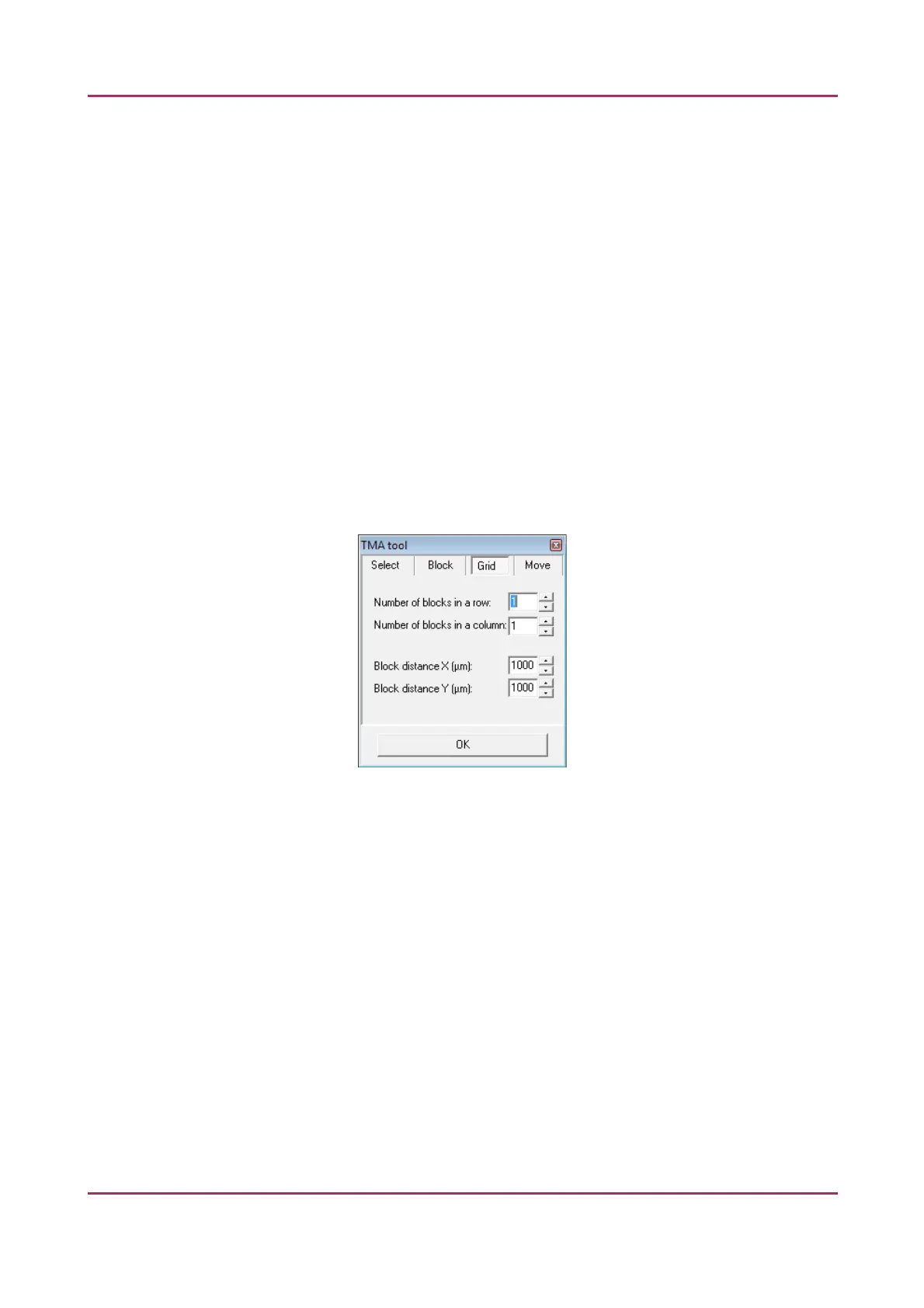
Grid panel
The Grid panel displays the previously set grid settings
Figure 35 – TMA tool: Grid
April 3, 2014 - Rev 1 3DHISTECH Ltd. 56(127)



 To Next Page