User’s Manual
Enterprise Access Point ENGLISH
Copyright © 4IPNET, INC. All rights reserved.
EAP320
Front Panel
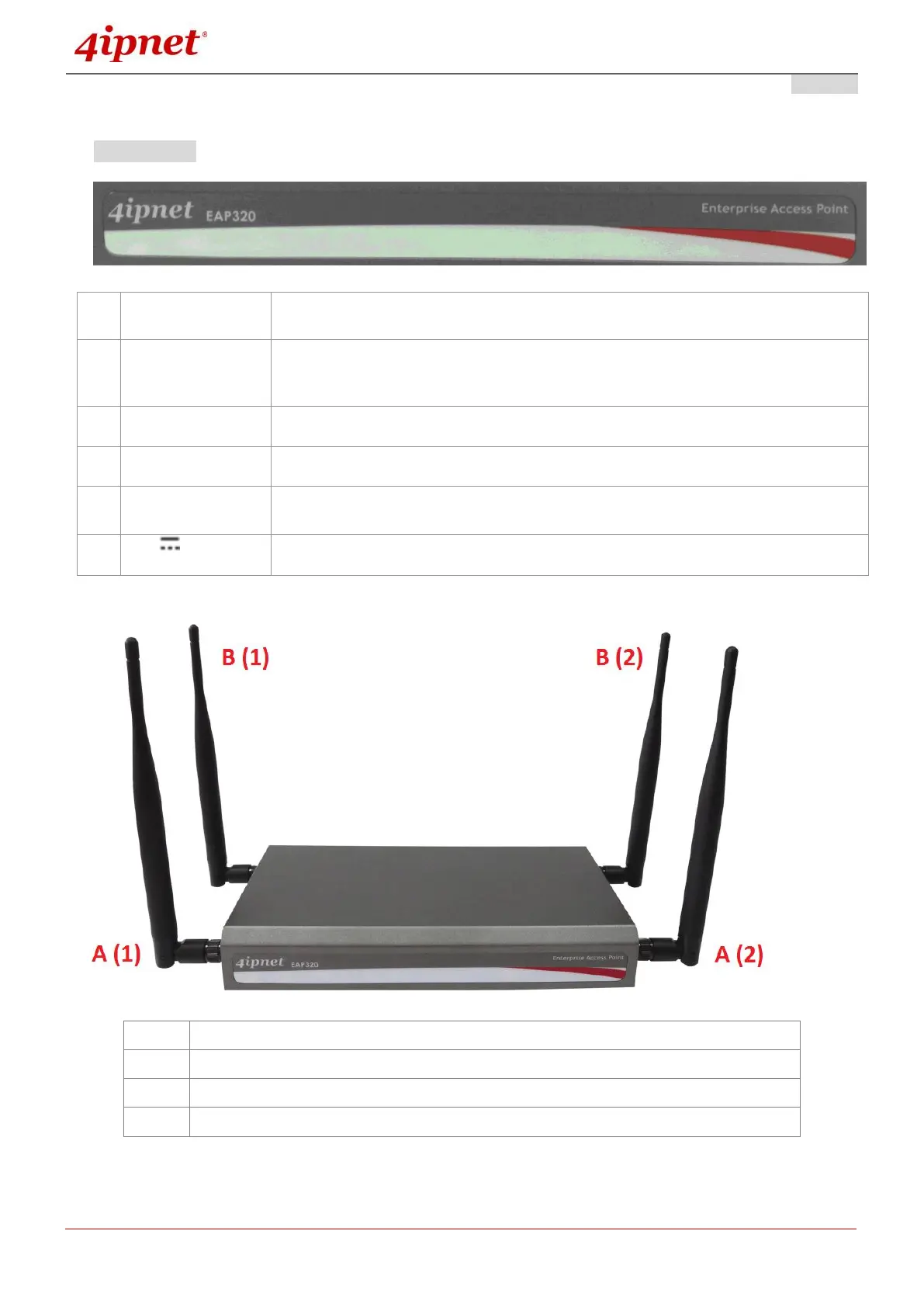
EAP320 Front Panel
Press once to restart the system; to reset the system to factory default settings,
hold for more than 5 seconds.
WDS Easy Setup. Press the button to build up a WDS link with another peer. 4
WDS links can be set up per RF card. Note that the WES Button only runs on the
5 GHz RF Card B.
To access EAP220 via the console interface.
The ports for connections with LAN side devices.
The port for uplink connection to another gateway or device. PoE (802.3at) is
supported.
Power Socket for the power adaptor
Primary antenna connector (Ant1) for RF Card A
Secondary antenna connector (Ant2) for RF Card A
Primary antenna connector (Ant1) for RF Card B
Secondary antenna connector (Ant2) for RF Card B



 To Next Page