EasyManua.ls Logo

4IPNET EAP210 - EAP706 Hardware Description

4IPNET EAP210
166 pages
Print Icon
To Next Page IconTo Next Page
To Previous Page IconTo Previous Page
Loading...
User’s Manual
Enterprise Access Point ENGLISH
Copyright © 4IPNET, INC. All rights reserved.
22
EAP706
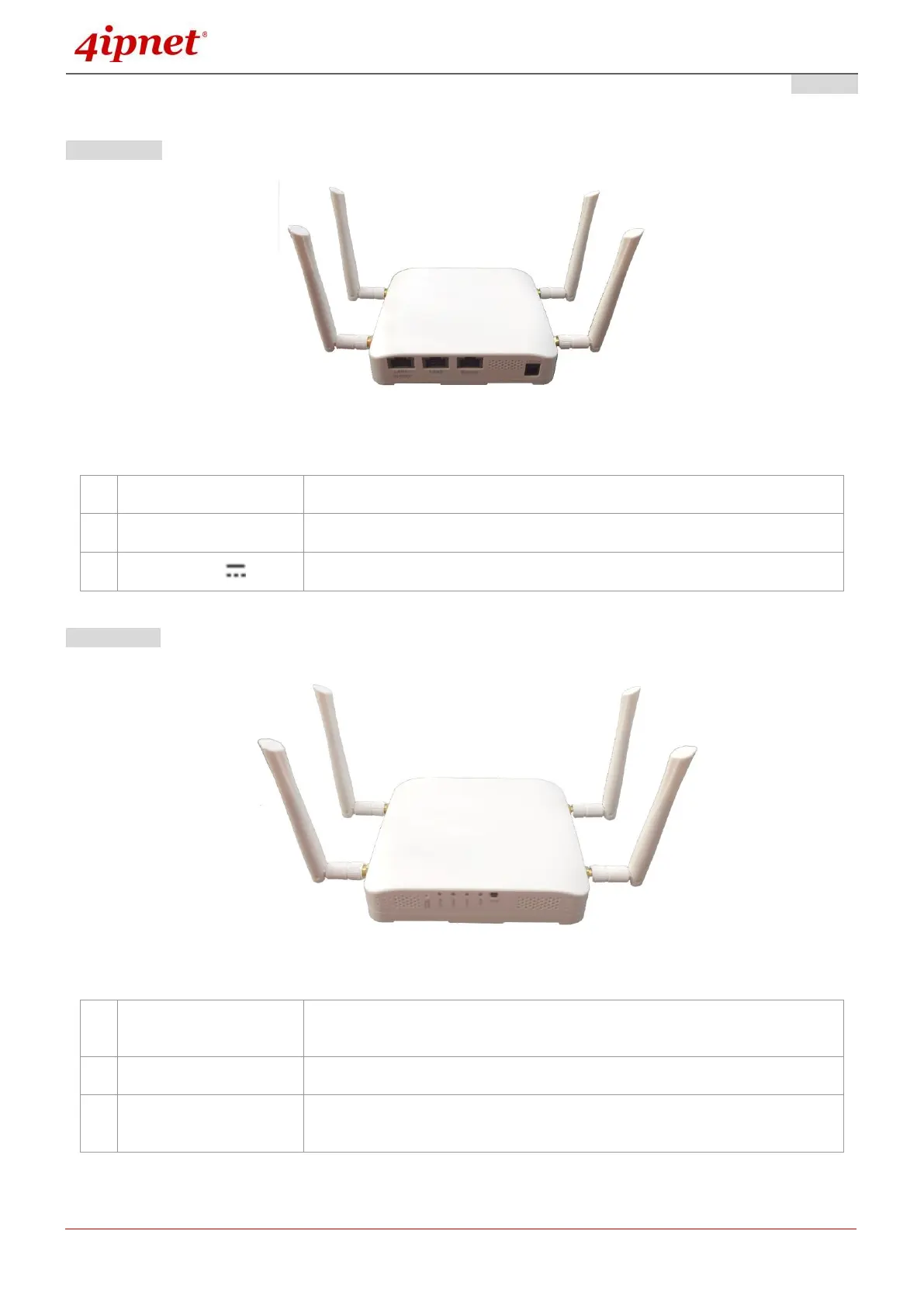
Lower Panel
1
1 32
EAP706 Lower Panel
Upper Panel
1 2
3
EAP706 Upper Panel
1
LAN 1 2 Ports
Attach Ethernet cables here to connect to the wired local network.
2
Bypass
RJ-45 pass-through port
3
DC Jack 12V 1 A
Attach the power adaptor here.
1
Restart / Reset Button
Press once to restart the system; Press and hold for more than 5 seconds
to reset to factory default.
2
LED Indicators
4 LED lights. Representation is listed at the top of the panel.
3
WES Button
WDS Easy Setup. Press the button to build up a WDS link with another
peer.

Other manuals for 4IPNET EAP210

Related product manuals