User’s Manual
Enterprise Access Point ENGLISH
Copyright © 4IPNET, INC. All rights reserved.
EAP717
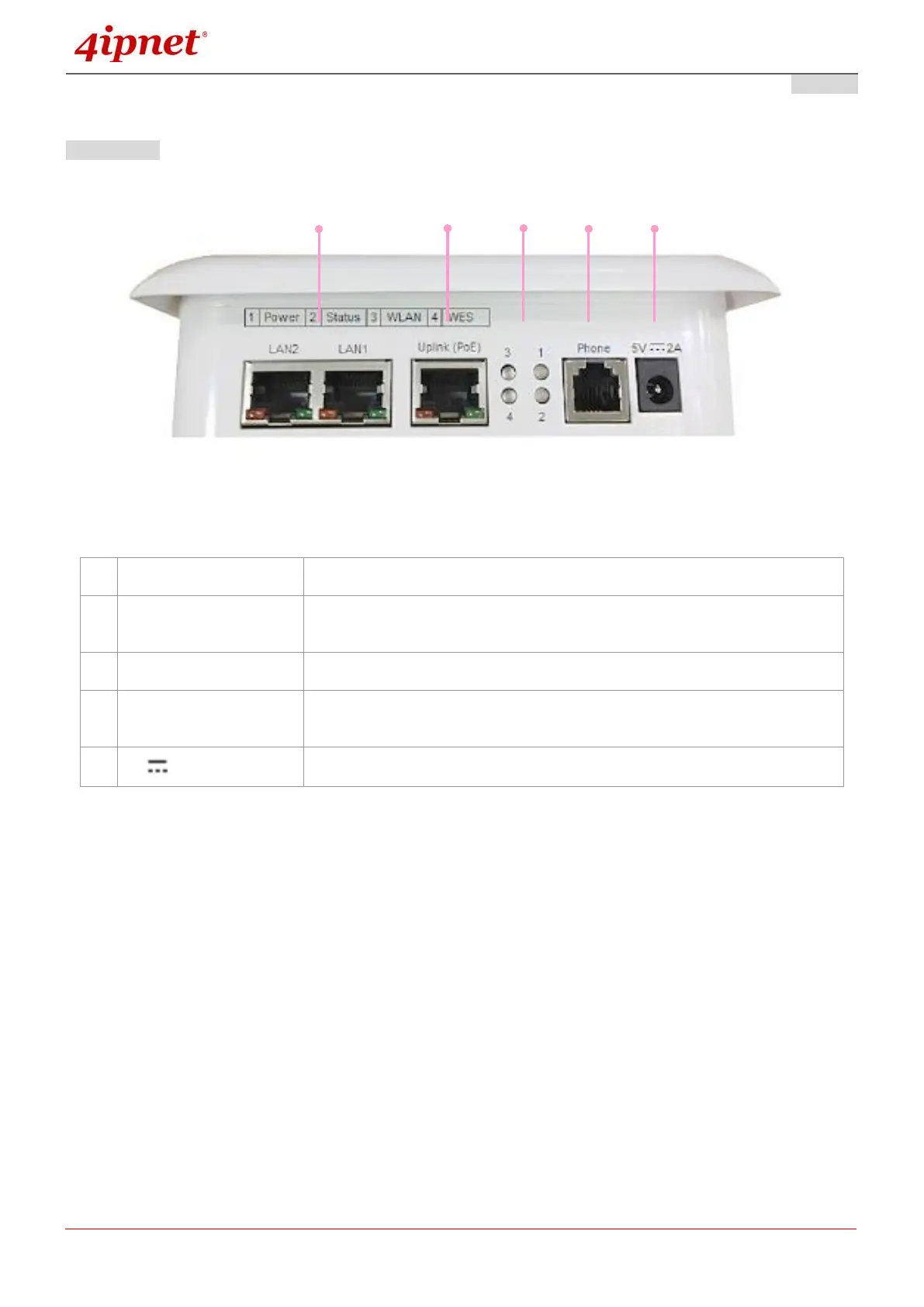
Front Panel
EAP717 Front Panel
Attach Ethernet cables here to connect to the wired local network.
For Uplink connection. This port can be used to connect to a controller,
gateway, or directly to the internet. PoE is supported.
4 LED lights. Representation is listed at the top of the panel.
A telephone can bypass to a connected phone line in the back of the AP
when connected to the socket.
Attach the power adaptor here.



 To Next Page