User’s Manual
Enterprise Access Point ENGLISH
Copyright © 4IPNET, INC. All rights reserved.
The system can be configured via a serial console port. The administrator
can use a terminal emulation program such as Microsoft’s Hyper Terminal
for troubleshooting purposes.
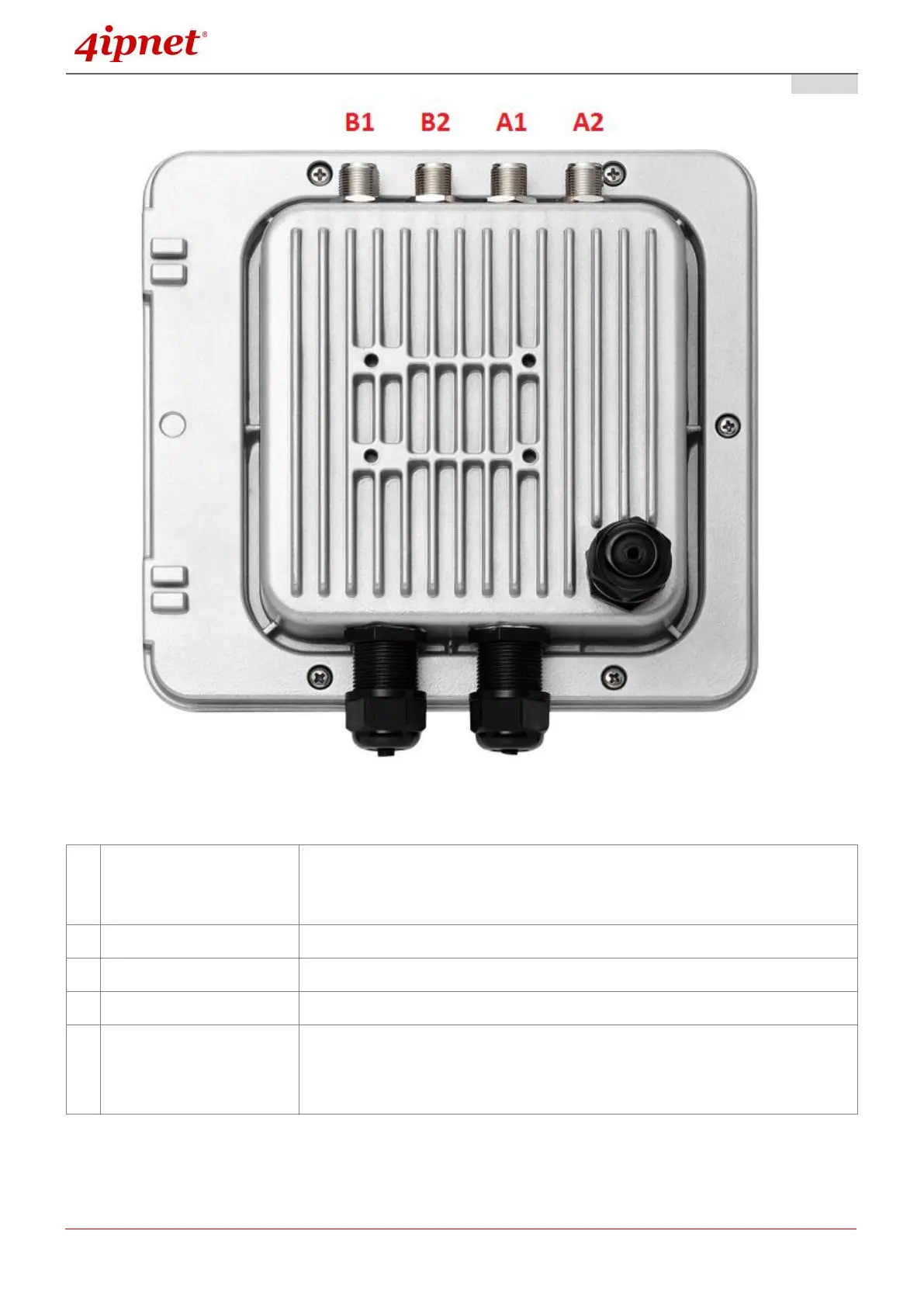
Attach Ethernet cables here for connecting to the wired local network.
For connecting to the Power Sourcing Equipment (PSE).
For connecting to an antenna (OWL610).
For connecting to an antenna (OWL620: RF Card A x 2, RF Card B x 2).
A1/B1 is the primary antenna connector and A2/B2 is the secondary.
Utilize both connectors for 802.11n MIMO optimized performance.



 To Next Page