User’s Manual
Enterprise Access Point ENGLISH
Copyright © 4IPNET, INC. All rights reserved.
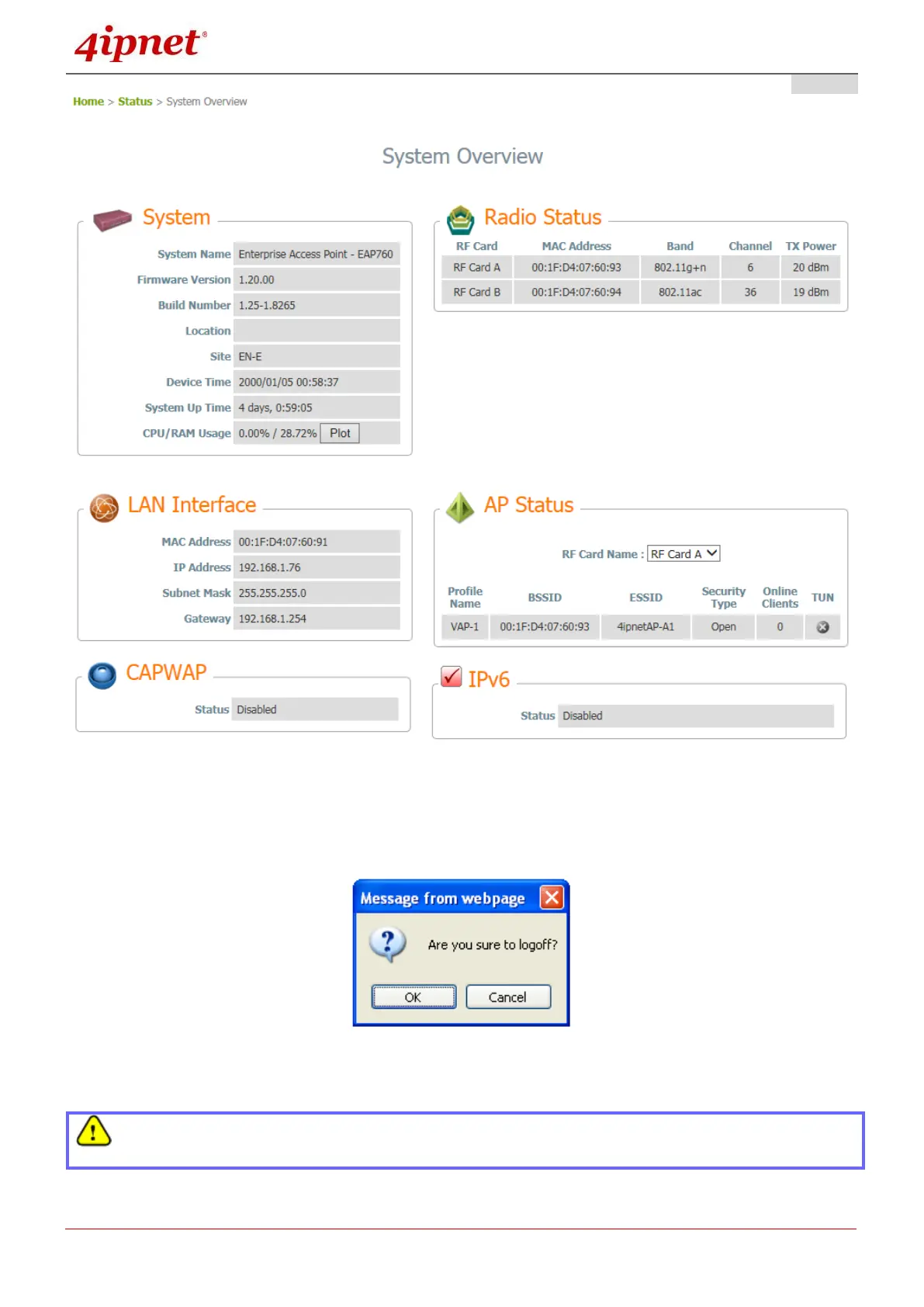
The Web Management Interface - System Overview Page
To logout, simply click on the Logout button at the upper right hand corner of the interface to return to
the Administrator Login Page. Click OK to logout.
Logout Prompt
For security reasons, it is strongly recommended to change the administrator’s password upon the
completion of all configuration settings



 To Next Page