User’s Manual
Enterprise Access Point ENGLISH
Copyright © 4IPNET, INC. All rights reserved.
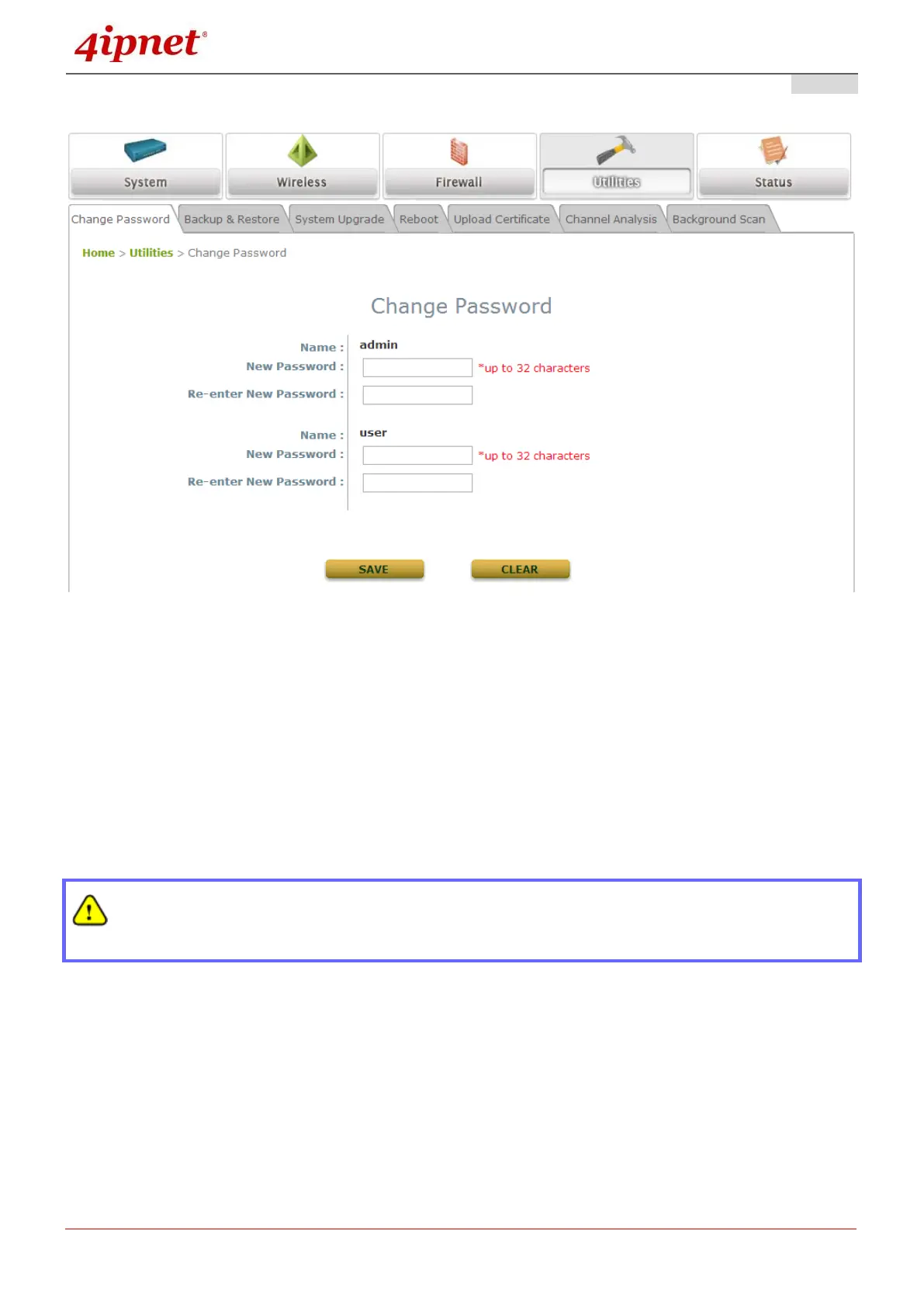
Please follow the following steps to change the administrator’s password:
Change Password Page
Click on the Utilities icon on the main menu, and select the Change Password tab.
Enter the old password and then a new password with a length of up to 32 characters, and retype it in
the Re-enter New Password field.
Congratulation!
Now, the 4ipnet Access Point is installed and configured successfully.
It is strongly recommended to make a backup copy of your configuration settings.
After the AP’s network configuration is completed, please remember to change the IP Address
of your PC Connection Properties back to its original settings in order to ensure that your PC
functions properly in its real network environments.



 To Next Page