User’s Manual
Enterprise Access Point ENGLISH
Copyright © 4IPNET, INC. All rights reserved.
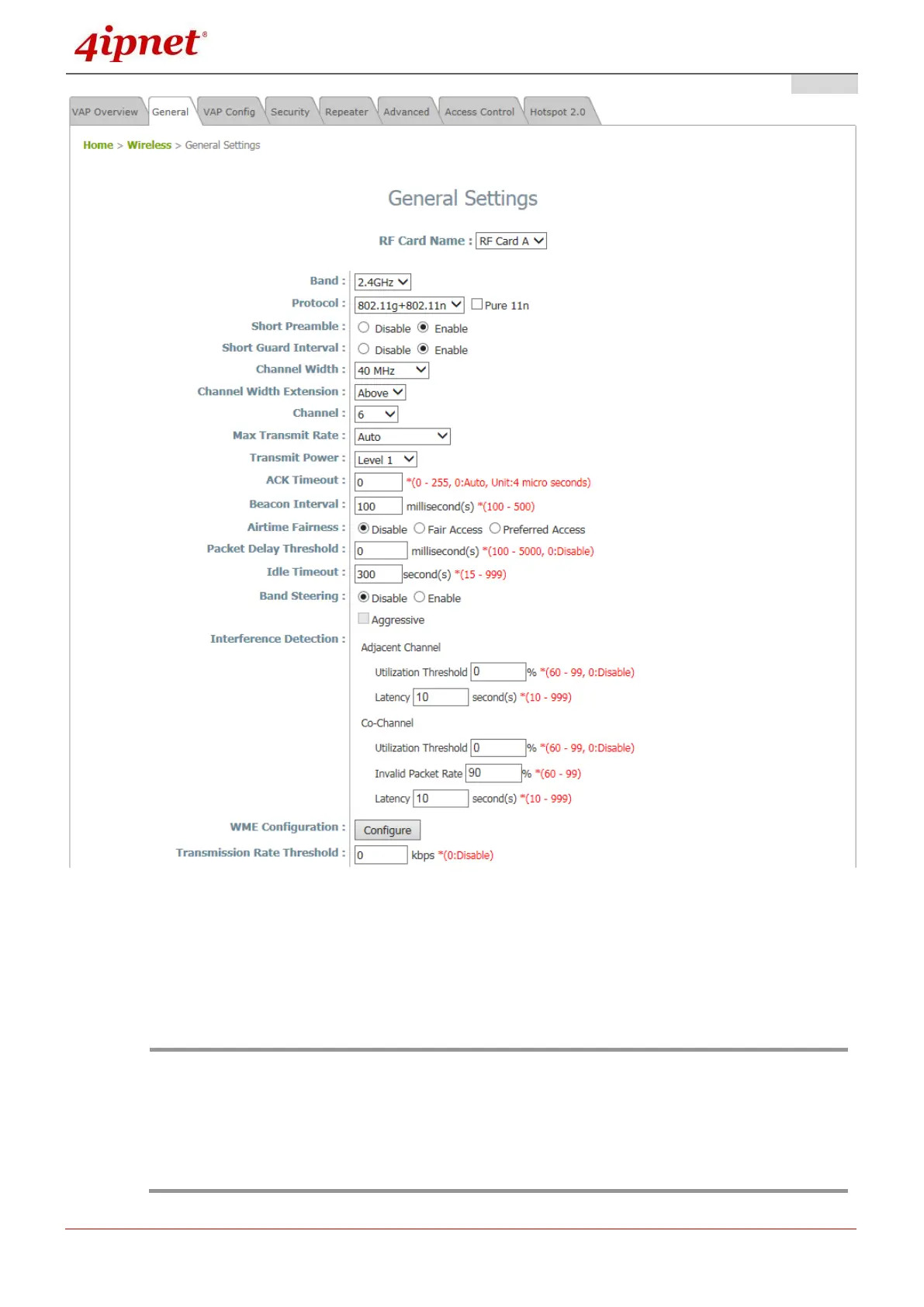
Wireless General Settings Page
On this page, choose the RF card you would like to set up and select the band in which the AP is to
broadcast its signal. The rest of the fields are optional and can be configured at another time. Click
SAVE if any changes have been made.
•For EAP220, the RF Card A supports only 2.4GHz bands (b/g/n) and RF Card B supports
only 5GHz bands (a/n).
•EAP320 / EAP750 / EAP757 / OWL620 supports both 2.4GHz and 5GHz bands on both RF
Cards A and B.
•For EAP330 / EAP705 / EAP706/ EAP727 / EAP760 / EAP767 / OWL630, the RF Card A
supports only 2.4GHz bands (b/g/n) and RF Card B supports only 5GHz bands (a/n/ac).



 To Next Page