Operating Instructions
Busch-ComfortTouch
®
Operation
Operating Instructions | 1473-1-8041 — 32 —
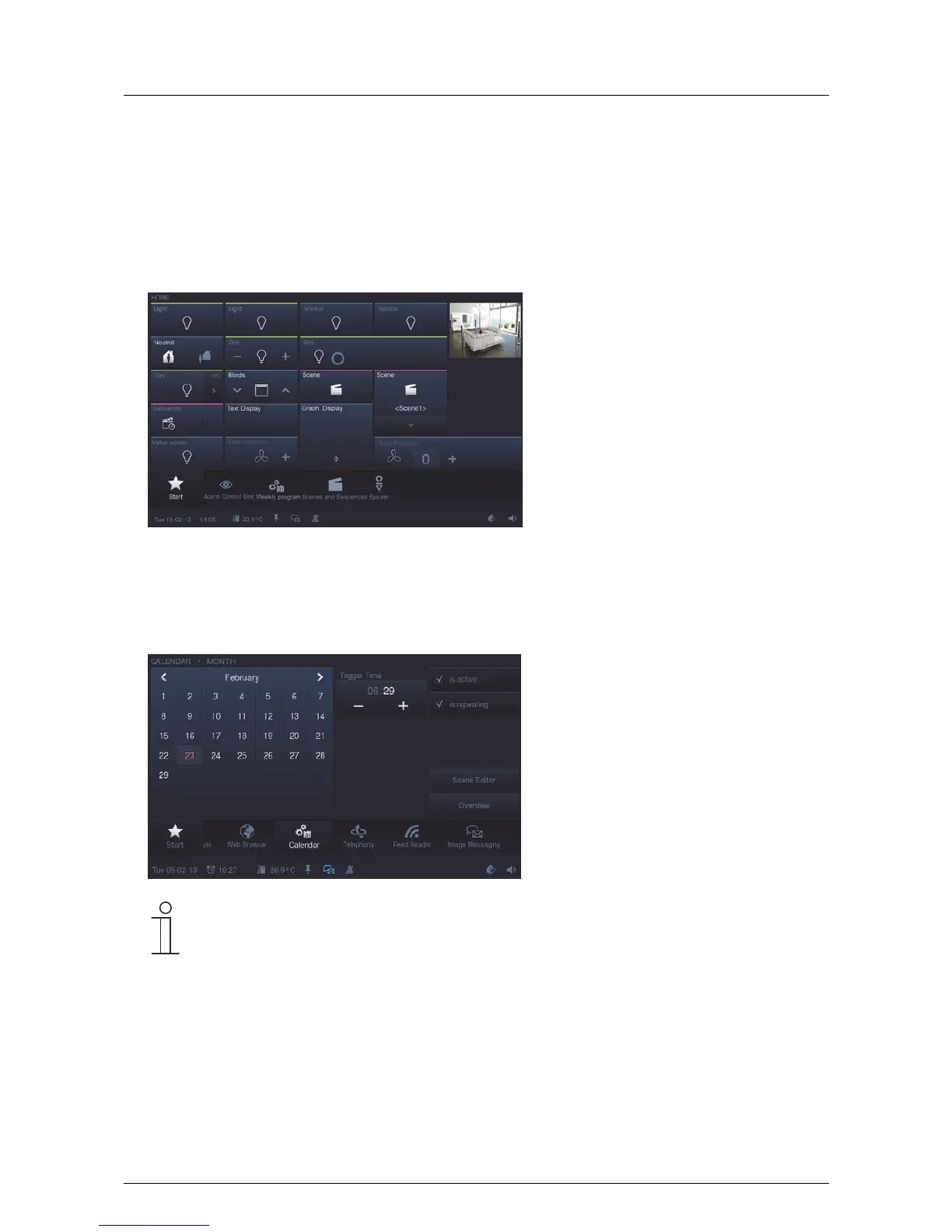
- Operating pages:
Operating pages can be freely configured via the project planning software of the Busch-ComfortTouch
®
and
are used to provide building control functions (lights, blinds, room temperature controller, etc.). You can, for
instance, operate all the blinds on the one operating page and all the home lights on the next. You could also
use the operating page for all the functions of one room and the next page for all functions of the next. The
type of structuring you wish to use is left to you. Please contact your electrical installer who will set up the
Busch-ComfortTouch
®
for you individually and according to your wishes.
- Application pages:
The Busch-ComfortTouch
®
can be equipped with a range of applications (e.g. calendar, Media Player, etc.).
For this the application pages are inserted into the Busch-ComfortTouch
®
via its project planning software.
Please contact your electrical installer who will set up the Busch-ComfortTouch
®
for you individually and
according to your wishes. Each application page has access in the navigation bar.
Note
The page types can contain buttons, control elements as well as input options. The basic operation
is explained in section "Control processes at the touchdisplay".
Pos: 15.6.3.1 /Layout bis 2014- 11-11/Online-Dok umentation ( +KNX)/Überschriften (--> Für alle Dokumente <--)/3. Ebene/G - L/Grundfunkti onen Schalten, Dimmen, etc. @ 34\mod_13617 94554222_15.doc x @ 283098 @ 3 @ 1
5.3.2 Basic functions of switching, dimming, blinds, value, scenes, RTC and measured values
Pos: 15.6.3.2 /Layout bis 2014- 11-11/Online-Dok umentation ( +KNX)/Bedienung/ KNX/KNX-Aktor ik/ComfortPane l 3.0/Bedienungsa nleitung/Er läuterung der Fun ktionen/Grundf unktionen Schal ten, Dimmen, etc./Grundfunk tionen Schalten, Dimmen, etc . @ 34\mod_1361793 783929_15.doc x @ 282651 @ @ 1
The basic functions are carried out via the operating page with the aid of control elements. These control
elements are described in detail in section "Control processes at the touchdisplay" -> "Control elements".
Pos: 15.6.4 / Layout bis 2014-11- 11/Online-Dok umentation (+ KNX)/Steuermodule - Online-Dokumentation (--> Für alle Dokumente <--)/++++++++++++ Seitenumbruc h +++++++++ +++ @ 9\mod_126889866809 3_0.docx @ 52149 @ @ 1



 To Next Page