Operating Instructions
Busch-ComfortTouch
®
Operation
Operating Instructions | 1473-1-8041 — 56 —
Pos: 15.6.29.1 /Layout bis 2014- 11-11/Online-D okumentation ( +KNX)/Überschriften (--> Für alle Dokumente <--)/3. Ebene/G - L/Kurzzei ttimer @ 34\mod _1361799471325_15. docx @ 283332 @ 3 @ 1
5.4.6 Short-time timer
Pos: 15.6.29.2 /Layout bis 2014- 11-11/Online-D okumentation ( +KNX)/Bedienung/ KNX/KNX-Aktor ik/ComfortPane l 3.0/Bedienungs anleitung/ Erläuterung der Funktionen/Kur zzeittimerKur zzeittimer @ 40\mod_141890072 1531_15.docx @ 310810 @ @ 1
On the Busch-ComfortTouch
®
, four different short-time timers ("Egg timers") can be activated for a 9" Busch-
ComfortTouch
®
and five for a 12.1" Busch-ComfortTouch
®
. A tone sequence can be set after the time has
expired. There is also the additional option of running an automated scene at the start and/or end of a short-time
timer.
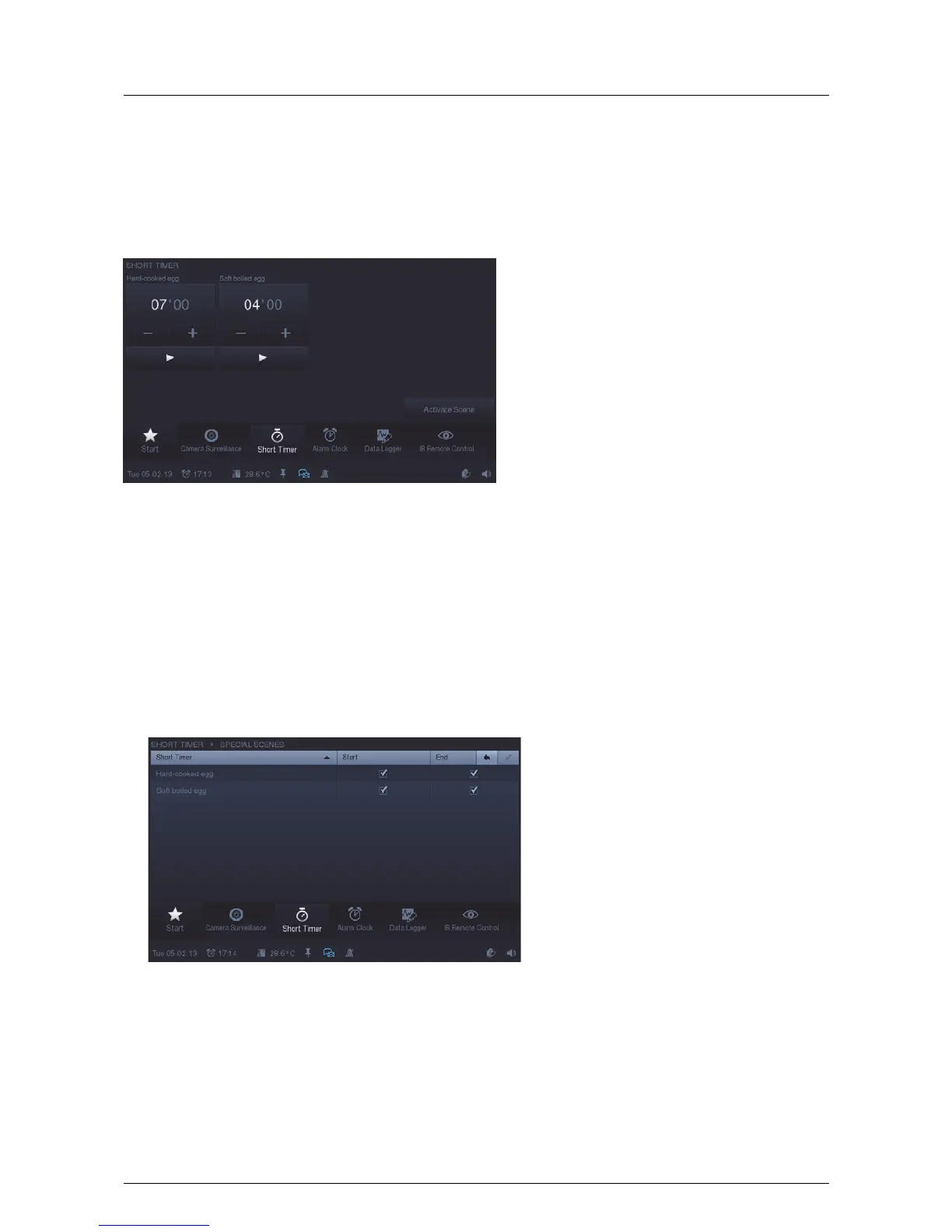
1. Press the "Short timer" icon in the navigation bar to access the function.
The overview displays the available shot-time timers. Here the timers can be set.
2. Touch the hours or minutes.
The setting is made via -/+.
3. Start the time sequence with the "Start button" (►).
This can be stopped at any time with the "Stop button" (■). Via "Activate scene" you can activate scenes that
have been assigned to the timers.
4. Set a tick to specify whether the assigned special scene is to be played at the start and/or at the end (for
adjustment of scenes see "Szeneneditor").



 To Next Page