Operating Instructions
Busch-ComfortTouch
®
Operation
Operating Instructions | 1473-1-8041 — 61 —
Pos: 15.6.35.1 /Layout bis 2014- 11-11/Online-D okumentation ( +KNX)/Überschriften (--> Für alle Dokumente <--)/3. Ebene/U - Z/Web- Browser @ 34\mod_1361 799846947_15.doc x @ 283405 @ 3 @ 1
5.4.9 Web browser
Pos: 15.6.35.2 /Layout bis 2014- 11-11/Online-D okumentation ( +KNX)/Bedienung/ KNX/KNX-Aktor ik/ComfortPane l 3.0/Bedienungs anleitung/ Erläuterung der Funktionen/W eb-Browser/W eb-Browser @ 34\ mod_1361793724769_15.d ocx @ 282411 @ @ 1
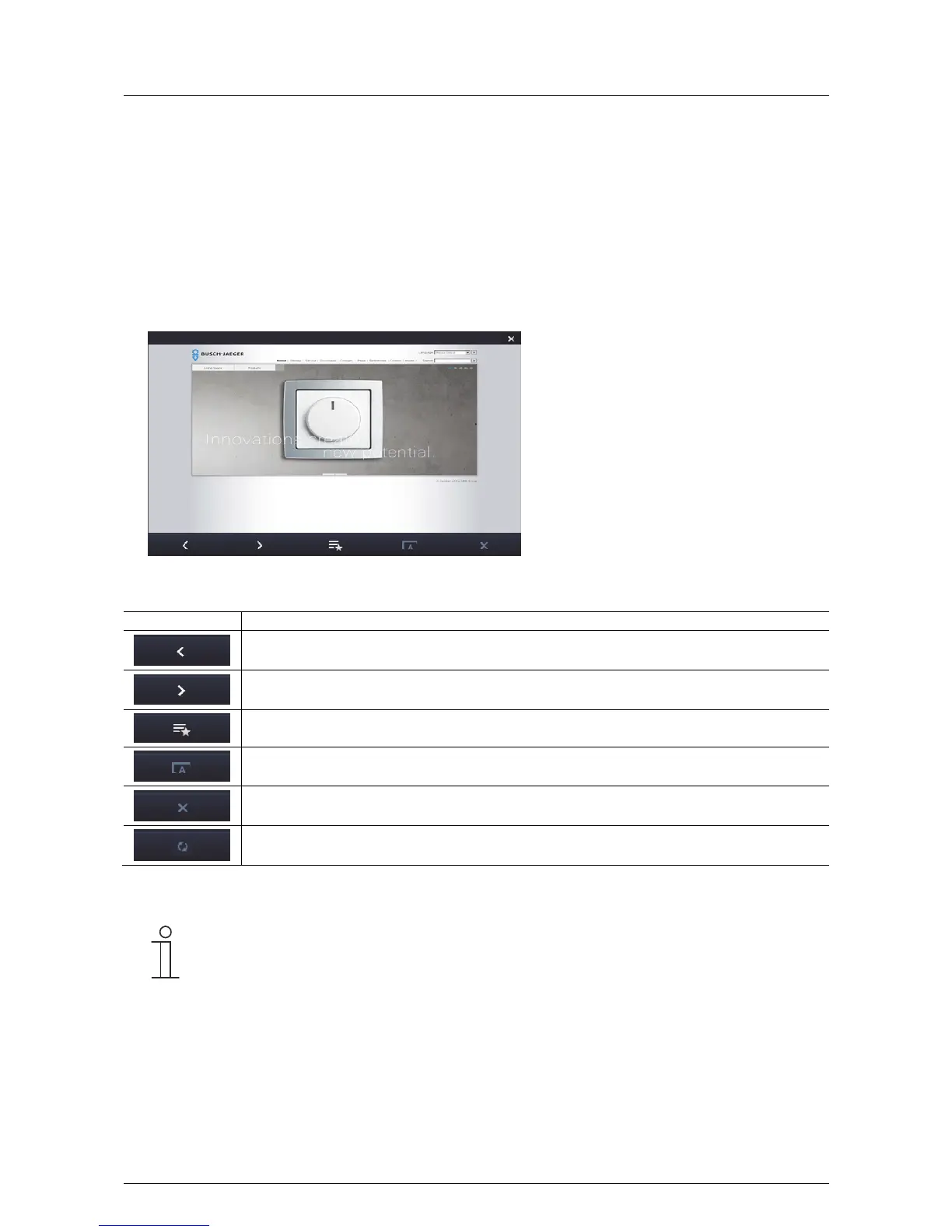
Also Internet sites can be called up and displayed in full-screen mode with the integrated Web browser of the
Busch-ComfortTouch
®
. Predefined Internet sites can be called up on the Busch-ComfortTouch
®
. For this, up to
20 bookmarks for Internet sites can be stored in the project planning software for the Busch-ComfortTouch
®
.
When the Web browser starts, a list of all stored bookmarks are displayed. This list can be selected at any time.
When the user selects an Internet site, it opens.
1. Press the "Web browser" icon in the navigation bar to access the function.
The buttons have the following functions:
Button Function
One page back.
One page forward.
Call-up of the "Bookmark" list.
Scaling.
Quitting the loading process (also a progress bar appears during the loading process).
Update.
2. Close the Web browser by clicking the cross in the right-hand top corner.
Note
Via the Web interface there is the option of making settings independently on the Busch-
ComfortTouch
®
. Practical changes in the Busch-ComfortTouch
®
are, for example, adjustments of
the favourite (Internet sites) for the Web browser. It is activated via the project planning software of
the Busch-ComfortTouch
®
. Please see your electrical installer. He will also explain the operation
to you.
Pos: 15.6.36 / Layout bis 2014- 11-11/Online- Dokumentation (+ KNX)/Steuermodu le - Online-Dok umentation (--> Für alle Dokumente <--)/++++++++++++ Seitenumbruch ++++++++++++ @ 9\ mod_1268898668093_0. docx @ 52149 @ @ 1



 To Next Page