Operating Instructions
Busch-ComfortTouch
®
Operation
Operating Instructions | 1473-1-8041 — 73 —
Pos: 15.6.45.1 /Layout bis 2014- 11-11/Online-D okumentation ( +KNX)/Überschriften (--> Für alle Dokumente <--)/3. Ebene/S - T/Szenenedi tor @ 34\mod_1361 800300396_15.doc x @ 283489 @ 3 @ 1
5.4.14 Scene editor
Pos: 15.6.45.2 /Layout bis 2014- 11-11/Online-D okumentation ( +KNX)/Bedienung/ KNX/KNX-Aktor ik/ComfortPane l 3.0/Bedienungs anleitung/ Erläuterung der Funktionen/Szen eneditorSzenen editor @ 40\mo d_1418733840545_15. docx @ 3098 17 @ @ 1
The "Scene editor" function offers the user the option of changing scenes and sequences which have been
created in the project planning software ("Standard scenes").
The end user can also change so-called "Special scenes" that have been permanently assigned to an application
page or a software module (e.g. alarm clock scenes).
Note
In the "Scene editor" on the Busch-ComfortTouch
®
the user cannot create new scenes. This is
only possible with the scene editor in the project planning software.
Press the "Scenes and sequences" icon in the navigation bar to access the function. The function can also be
opened via other functions that operate with scenes. Here the editing function then opens directly (see the
directions of use in the following).
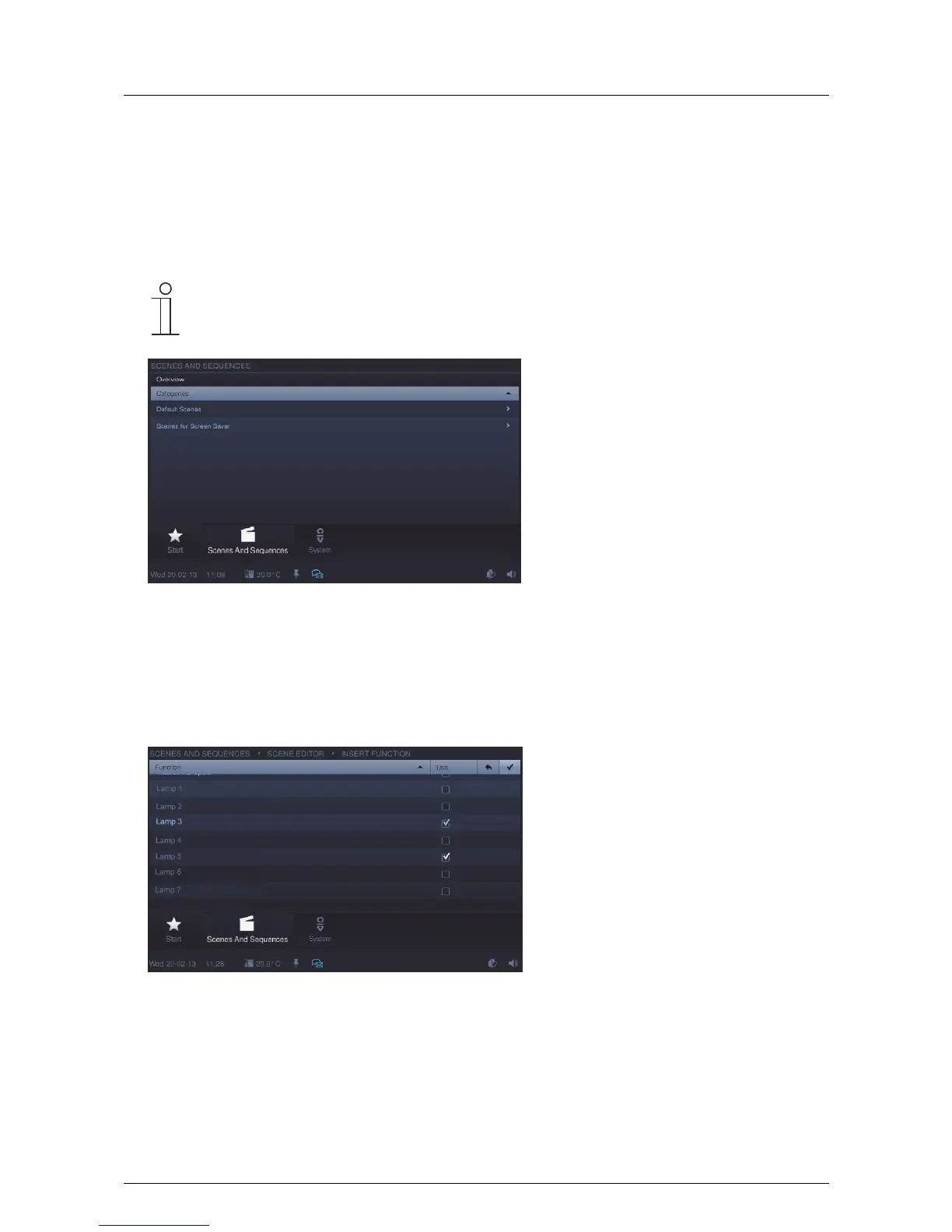
The overview shows the available categories of corresponding scenes and sequences.
1. Select a category .
The overview shows the scenes and sequences that can be played. The scene can be activated / deactivated
by inserting a tick. Additionally, the status of the scenes and the remaining times are displayed here after they
are started.



 To Next Page