Operating Instructions
Busch-ComfortTouch
®
Operation
Operating Instructions | 1473-1-8041 — 30 —
Pos: 15.4.6.1 /Layout bis 2014- 11-11/Online-Dok umentation ( +KNX)/Überschriften (--> Für alle Dokumente <--)/3. Ebene/A - F/Eingaben @ 34\mod_13617923190 25_15.doc x @ 282218 @ 3 @ 1
5.2.3 Entries
Pos: 15.4.6.2 /Layout bis 2014- 11-11/Online-Dok umentation ( +KNX)/Bedienung/ KNX/KNX-Aktor ik/ComfortPane l 3.0/Bedienungsa nleitung/Bedi enungsvorgänge am Touchdisplay /Eingaben/Einga ben @ 34\mod_1361 791462951_15. docx @ 282110 @ @ 1
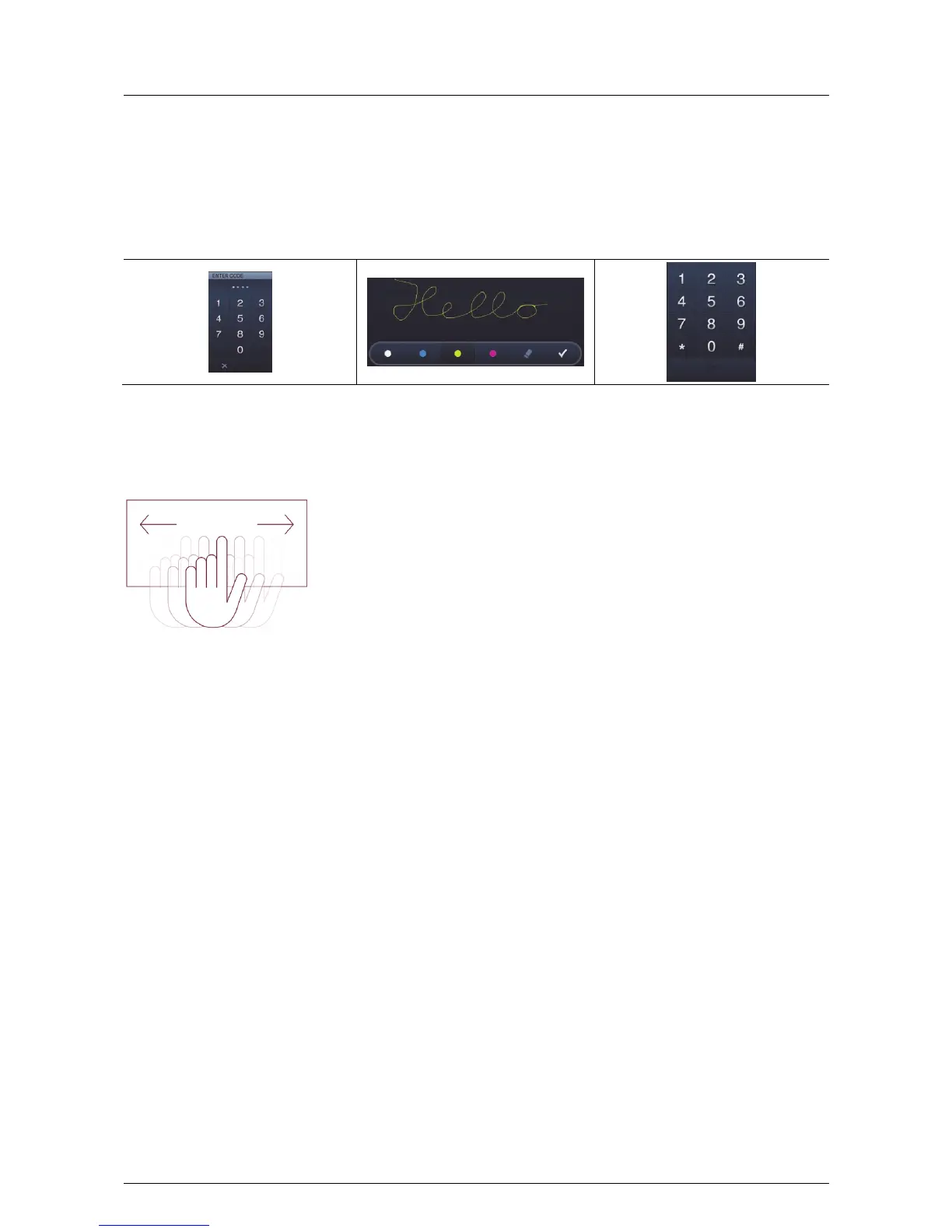
Appropriate entry options are always offered in the Busch-ComfortTouch
®
when entries have to made for the
execution of functions.
Examples for entry options in the Busch-ComfortTouch
®
:
Pos: 15.4.7.1 /Layout bis 2014- 11-11/Online-Dok umentation ( +KNX)/Überschriften (--> Für alle Dokumente <--)/3. Ebene/U - Z/Wischbewe gungen (Scr ollen) @ 34\mod_1361792 432573_15.doc x @ 282234 @ 3 @ 1
5.2.4 Swiping motions (scrolling)
Pos: 15.4.7.2 /Layout bis 2014- 11-11/Online-Dok umentation ( +KNX)/Bedienung/ KNX/KNX-Aktor ik/ComfortPane l 3.0/Bedienungsa nleitung/Bedi enungsvorgänge am Touchdisplay /Wischbewegunge n (Scrollen)/ Wischbewegungen ( Scrollen) @ 34\mod_1361791468984 _15.docx @ 282126 @ @ 1
Scrolling is carried out with swiping motions of the fingers on the touchdisplay. This allows the navigation bar to
be shifted to the left or right so that all elements become accessible.
Fig. 7: Moving the navigation bar with swiping motion
Pos: 15.5 /Lay out bis 2014-11-1 1/Online-Doku mentation (+KNX) /Steuermodule - Online-Dokumentation (--> Für alle Dokumente <--)/++++++++++++ Seitenumbruch ++++++++++++ @ 9\mod_1268898668093_0. docx @ 52149 @ @ 1



 To Next Page