Operating Instructions
Busch-ComfortTouch
®
Operation
Operating Instructions | 1473-1-8041 — 43 —
Pos: 15.6.14.1 /Layout bis 2014- 11-11/Online-D okumentation ( +KNX)/Überschriften (--> Für alle Dokumente <--)/3. Ebene/A - F/Feed-Reader @ 34\mod_13617956 89711_15.doc x @ 283195 @ 3 @ 1
5.3.8 Feed Reader
Pos: 15.6.14.2 /Layout bis 2014- 11-11/Online-D okumentation ( +KNX)/Bedienung/ KNX/KNX-Aktor ik/ComfortPane l 3.0/Bedienungs anleitung/ Erläuterung der Funktionen/Feed- Reader/Feed- Reader @ 34\mod_136 1793764765_15. docx @ 282571 @ @ 1
With the Feed Reader you can display and read up to ten "News feeds" in compact form directly on the Busch-
ComfortTouch
®
. This is, for example, current news, weather information, traffic information, etc.
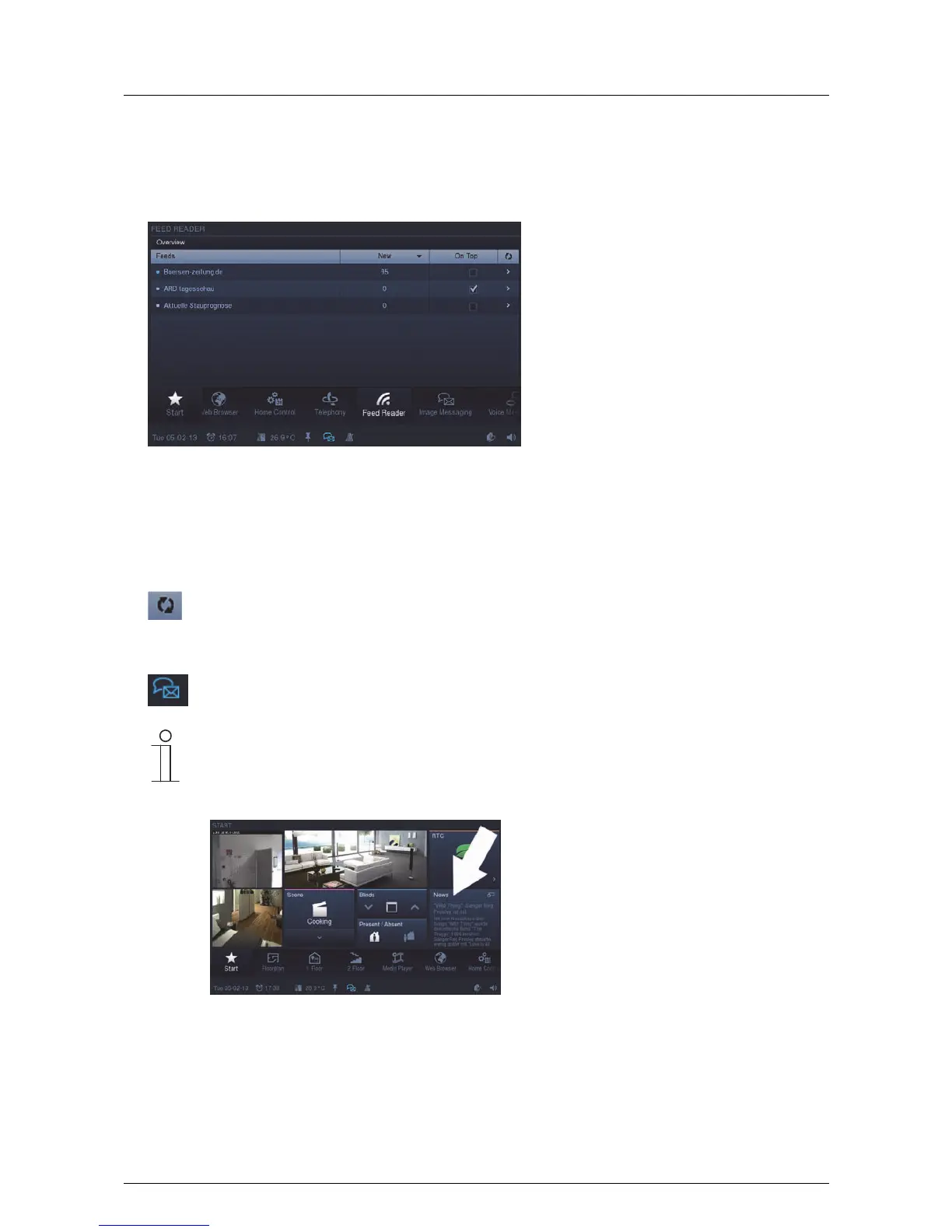
1. Press the "Feed Reader" icon in the navigation bar to access the function.
The list shows the Feeds (news services) that have been previously specified via the project planning
software of the Busch-ComfortTouch
®
. Please see your electrical installer. A blue dot shows that the latest
news has arrived at the Feeds. Otherwise the dot remains light blue. An update can be made via the following
icon.
An icon appears in the status bar which indicates that news has arrived.
Note
The project planning software can also be used to specify whether Feeds are displayed as news
feeds on the start page. The ones that are to be displayed can be selected in the overview (by
setting a tick at "On start page"). The news is opened in the Web browser by pressing on an entry.



 To Next Page