Operating Instructions
Busch-ComfortTouch
®
Operation
Operating Instructions | 1473-1-8041 — 40 —
5. Select the receiver of the message by inserting a tick.
6. Then press "Save".
An icon appears in the status bar which indicates that a new message has arrived.
7. To listen to a message, just touch the icon in the status bar. The message centre opens. Select the voice
message here.
The message is displayed in full-page mode and can be played back. The dark blue dot signals a new
message.
8. Close the message by clicking the cross in the right-hand top corner.
A list of all available messages is displayed. Messages that heve been heard are marked with a light blue dot.
All the messages can be selected and replayed again. The messages can also be deleted here. To do this,
touch the following icon:
Cross icons appear next to the messages. If they are touched, the message is deleted.
Note
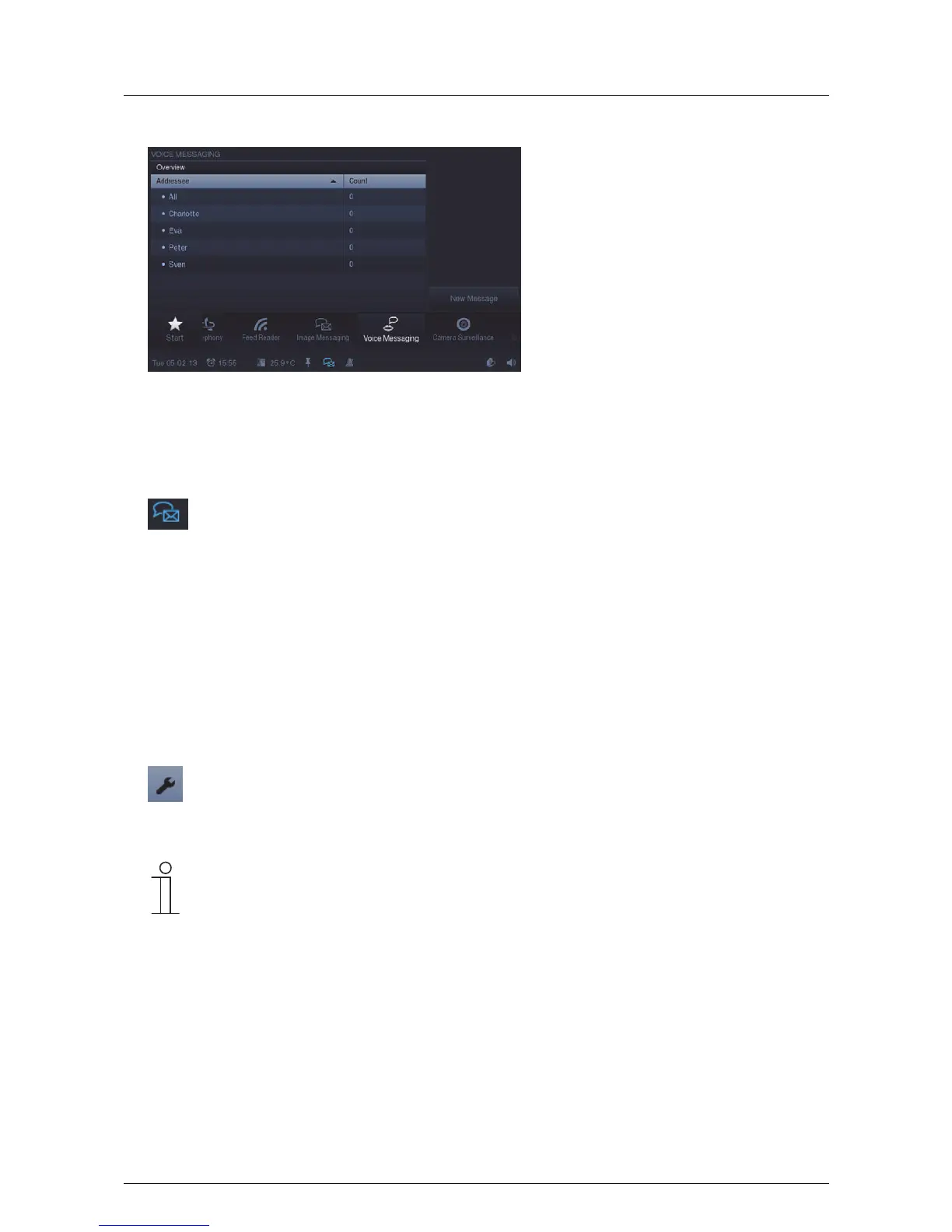
The list of all available messages for a receiver can be called up at any time via the "Voice
message" function. Just select the respective receiver.
Pos: 15.6.11 / Layout bis 2014- 11-11/Online- Dokumentation (+ KNX)/Steuermodu le - Online-Dok umentation (--> Für alle Dokumente <--)/++++++++++++ Seitenumbruch ++++++++++++ @ 9\ mod_1268898668093_0. docx @ 52149 @ @ 1



 To Next Page