Operating Instructions
Busch-ComfortTouch
®
Operation
Operating Instructions | 1473-1-8041 — 46 —
3. Select an entry (scene) to edit it.
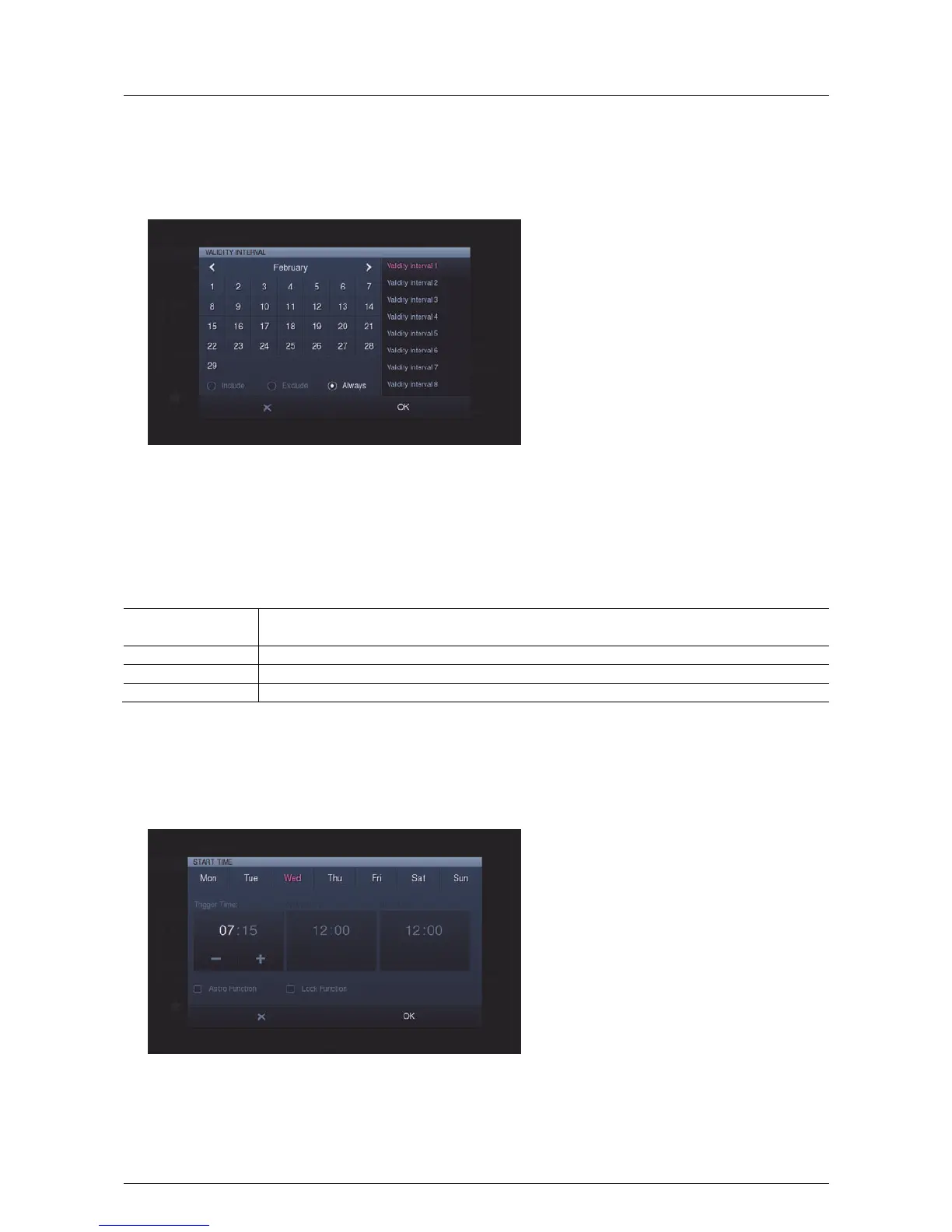
The validity intervals can be specified via "Set validity".
The months can be selected with the arrows.
4. Select a validity interval on the right-hand side.
5. Select the day(s) in the calendar.
6. Also specify the characteristics of the intervals.
Interval
characteristics
Description
Always The weekly program is continuous: there is no assignment to an interval.
Include Within the marked days: The weekly program runs only within the marked days.
Exclude Outside the marked days: The weekly program is suspended during the marked days.
7. Press "OK".
You return to the overview of scenes.
8. Adjust the start times via "Set start time".
9. Select the day(s) in the upper bar.



 To Next Page