Operating Instructions
Busch-ComfortTouch
®
Operation
Operating Instructions | 1473-1-8041 — 52 —
Note
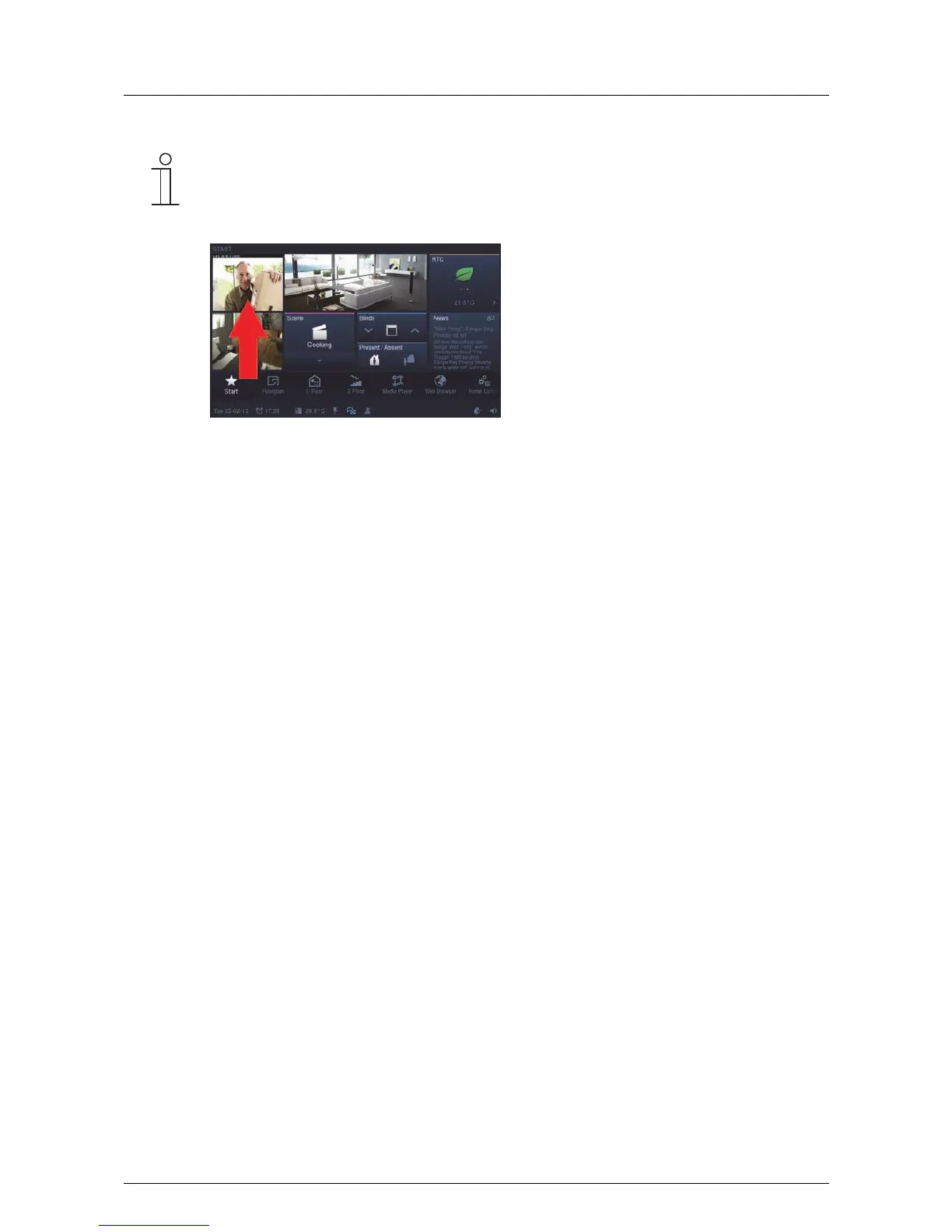
The project planning software can also be used to specify whether camera surveillance is
displayed as a small window at the start page. The current camera image is the displayed
permanently. With a press on this window the "Camera surveillance" function opens.
Pos: 15.6.24 / Layout bis 2014- 11-11/Online- Dokumentation (+ KNX)/Steuermodu le - Online-Dok umentation (--> Für alle Dokumente <--)/++++++++++++ Seitenumbruch ++++++++++++ @ 9\ mod_1268898668093_0. docx @ 52149 @ @ 1



 To Next Page