Operating Instructions
Busch-ComfortTouch
®
Operation
Operating Instructions | 1473-1-8041 — 54 —
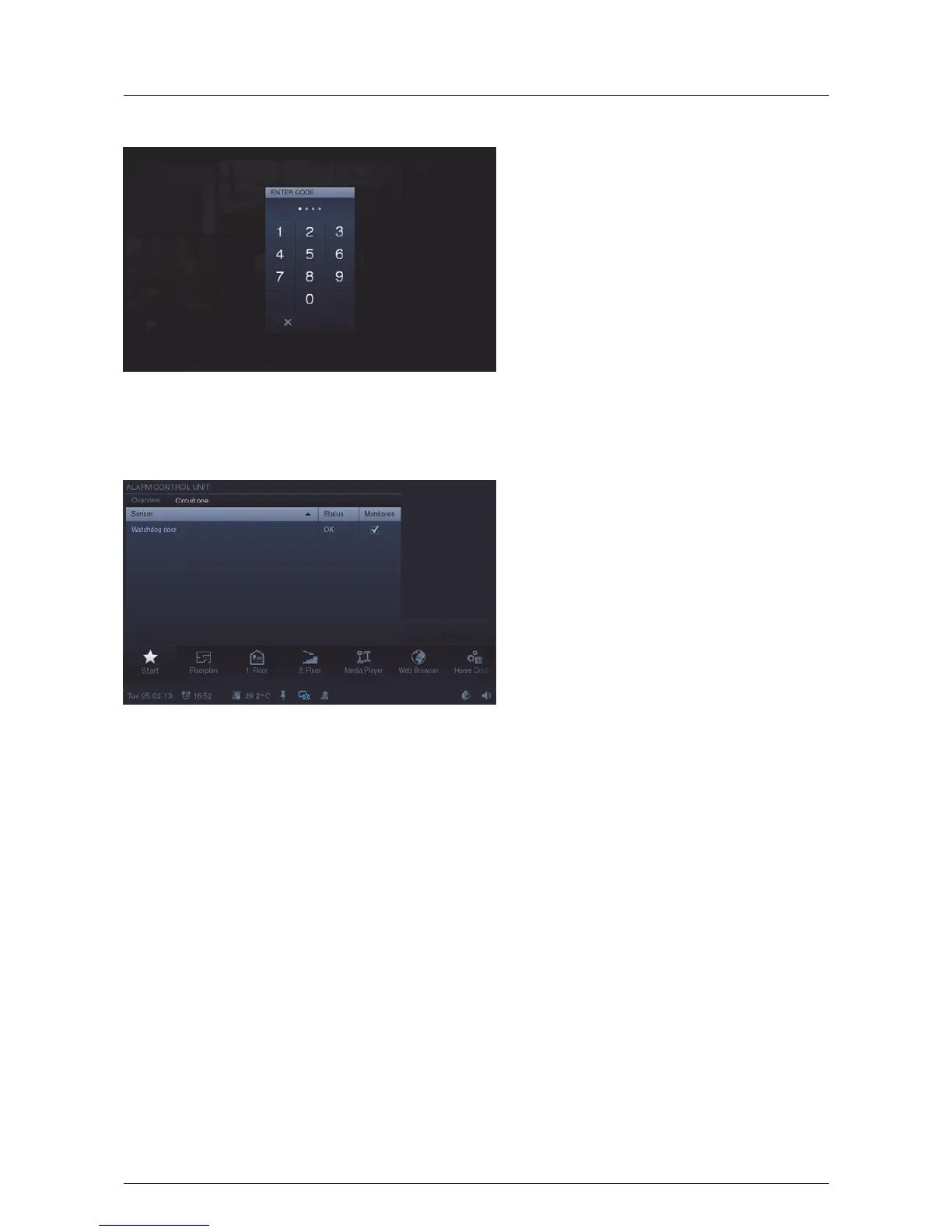
The sensors (e.g. movement detectors) contained in the message circuits can be seen by touching the entry. The
individual sensors can be activated / deactivated by setting a tick under "Monitored". With the aid of "Ignore" it
can be specified that an alarm can be set in spite of an existing message. By touching the lettering "Overview"
you return to the previous view.
Pos: 15.6.26 / Layout bis 2014- 11-11/Online- Dokumentation (+ KNX)/Steuermodu le - Online-Dok umentation (--> Für alle Dokumente <--)/++++++++++++ Seitenumbruch ++++++++++++ @ 9\ mod_1268898668093_0. docx @ 52149 @ @ 1



 To Next Page