Operating Instructions
Busch-ComfortTouch
®
Operation
Operating Instructions | 1473-1-8041 — 67 —
2. Select the outdoor station.
The image will now displayed. If the station has several cameras, the arrow buttons (< / >) can be used to
switch between the cameras.
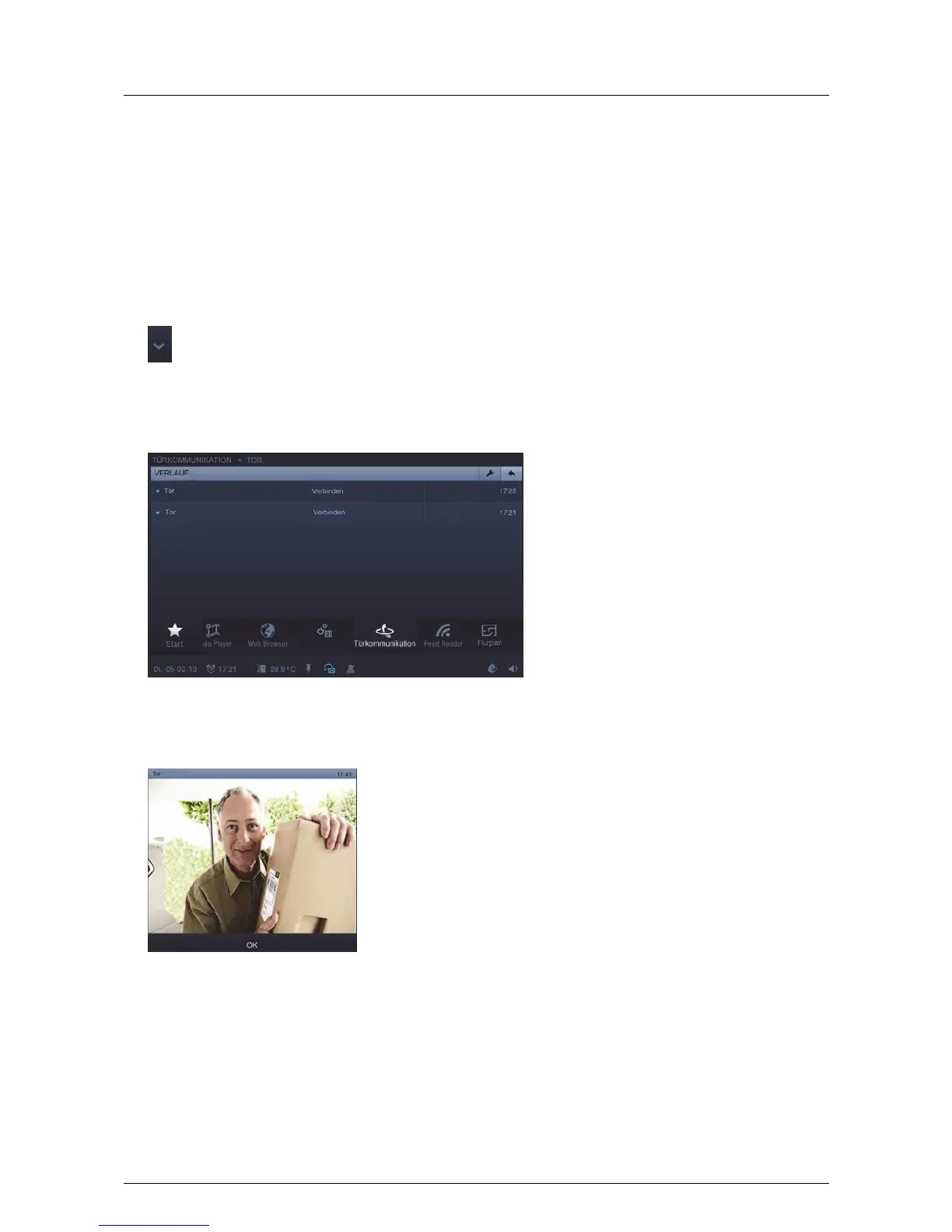
Open and edit the history (progress) of snapshots
1. Open a list of connected stations on the right-hand side with the aid of the following arrow.
2. Now select the station.
3. Press "History".
4. Select an entry.
The snapshot is displayed.
With the aid of the arrows one can switch between all snapshots of the station.



 To Next Page