Operating Instructions
Busch-ComfortTouch
®
Operation
Operating Instructions | 1473-1-8041 — 83 —
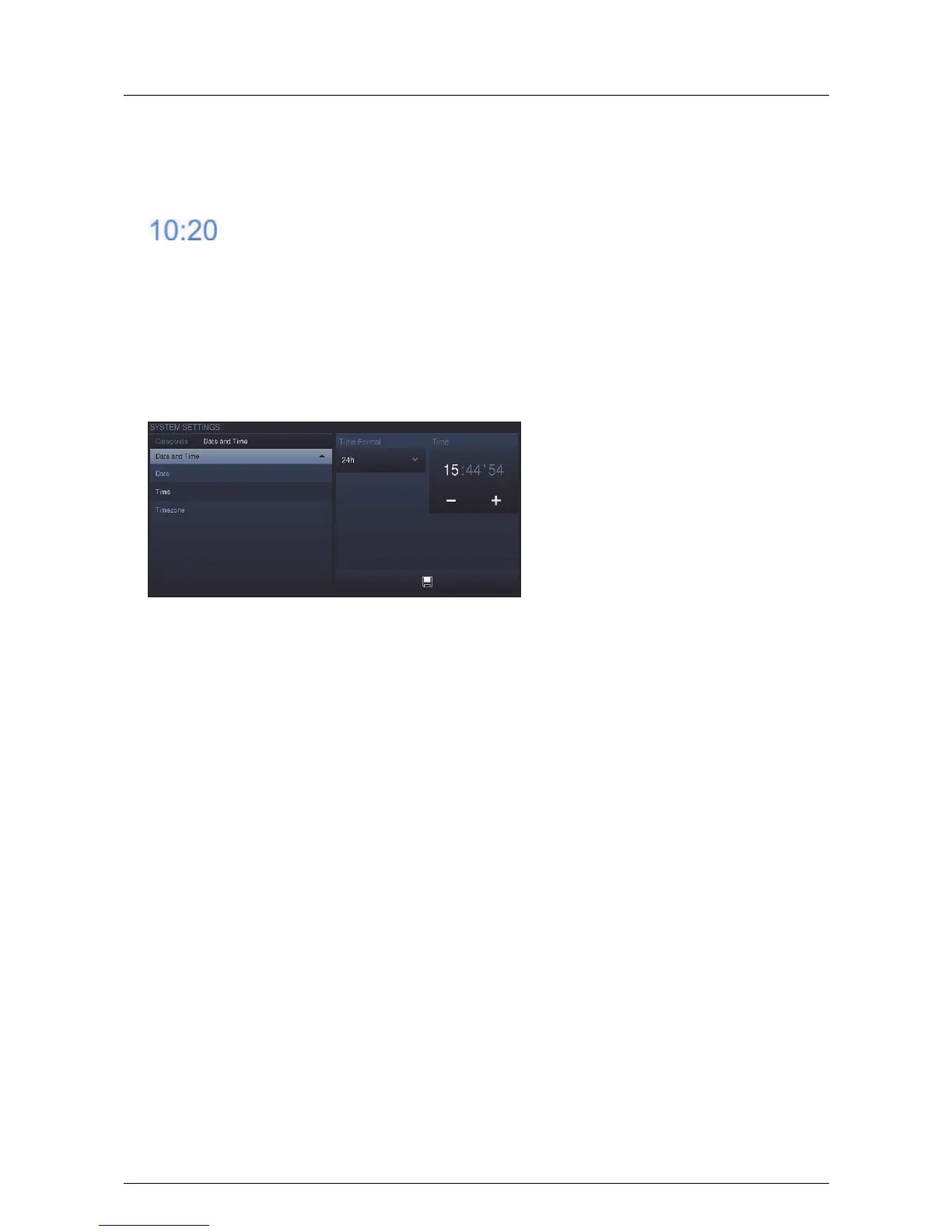
Set time
The current time is displayed in the status bar.
1. Press the time.
An option opens.
2. Here select the "Time setting".
Additional time-relevant functions (alarm clock and timer) are available for selection depending on the
activation.
3. Select the date format. Press the arrow to open an options list.
4. Press an entry here.
5. Set the time.
6. Touch the hours or minutes or the seconds.
The setting is made via -/+.
7. Press the "Save" button.
Pos: 15.6.50 / Layout bis 2014- 11-11/Online- Dokumentation (+ KNX)/Steuermodu le - Online-Dok umentation (--> Für alle Dokumente <--)/++++++++++++ Seitenumbruch ++++++++++++ @ 9\ mod_1268898668093_0. docx @ 52149 @ @ 1



 To Next Page