Commissioning
System Manual
96
– If a WLAN connection is selected, a connection with a WLAN network must be
established.
– All available nearby WLAN networks will be displayed on the list.
– If you can’t find the desired WLAN network, click the "Update" button to search
again.
– Click on the desired WLAN name (SSID) in the list, enter the password and then
click on "Connect" to establish the connection to the WLAN network.
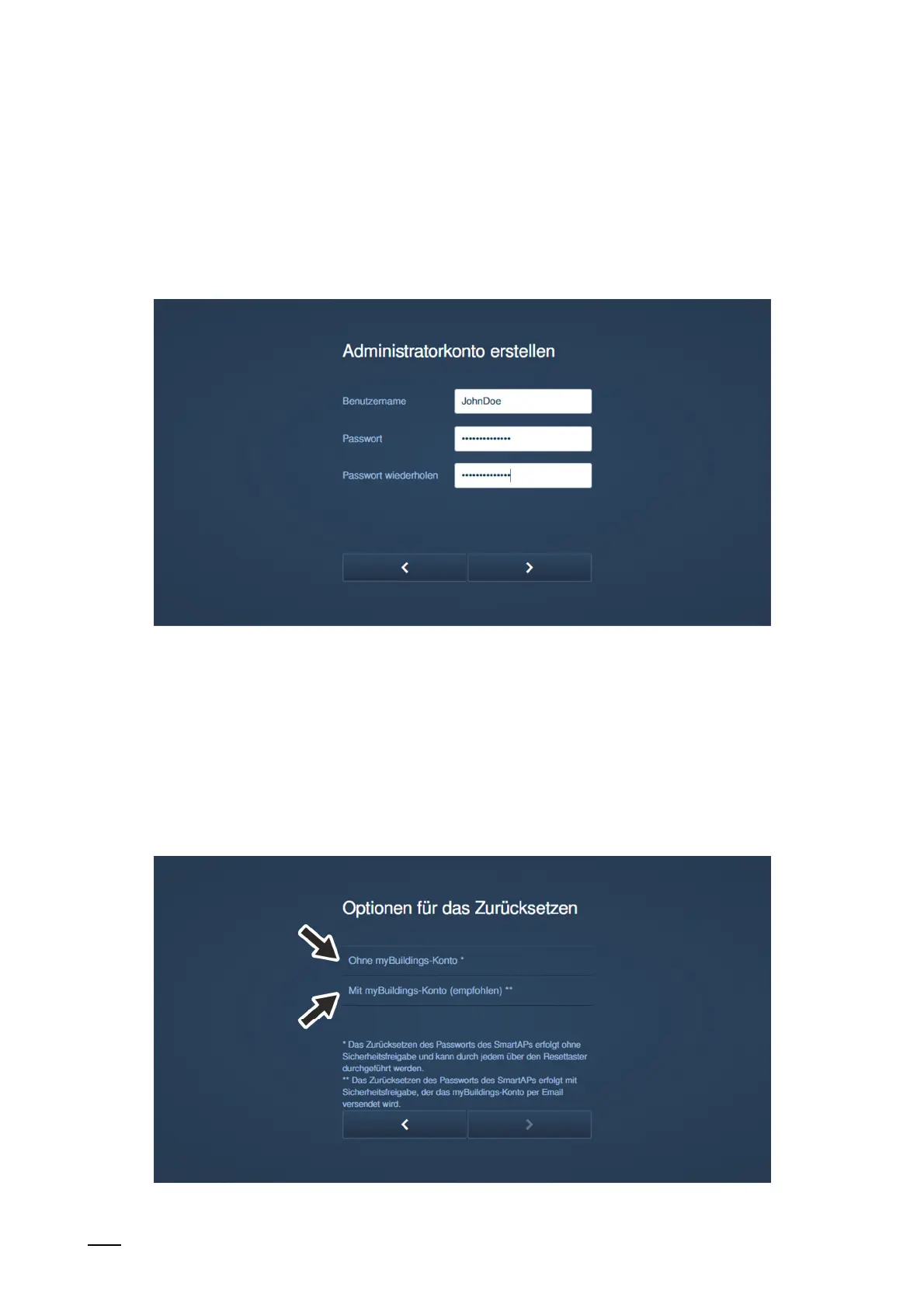
Fig. 73: Commissioning "Smart Access Point": Administrator account
8. Create administrator account (first admin user)
– The administrator account has management and modification rights for the entire
system. Additional accounts can be added at a later point in time. For example, an
account with rights only for the administration of keys and names.
– The first admin user cannot be deleted. It manages all other users.
– If you want to reset the password for the first admin, see chapter 6.7.4 “"Smart Access
Point"“ on page 120.
Fig. 74: Commissioning "Smart Access Point": Options for resetting















 To Next Page