MC81F4204
April 24, 2012 Ver.1.41 43
8.2 Read Timing
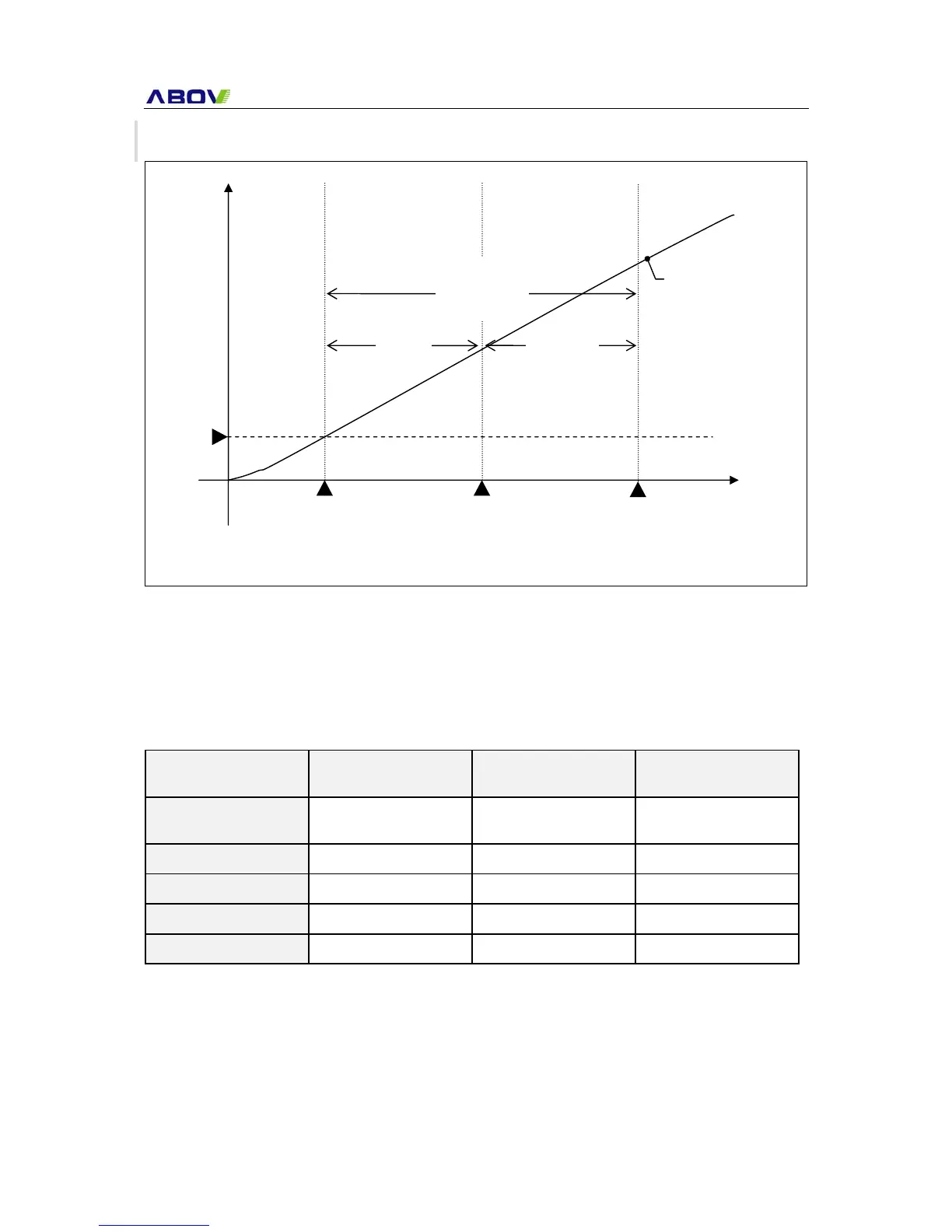
Rom option is affected 32 mili-second (typically) after VDD cross the POR level. More precisely
saying, the 32 mili-second is the time for 1/2 counting of 1024 divided BIT with 4 MHz internal OSC.
After the ROM option is affected, system clock source is changed based on the ROM option. And then,
rest 1/2 counting is continued with changed clock source. So, hole stabilization time is variable
depend on the clock source.
Before read
ROM option
After read
ROM option
OSC Stabilization Time
Formula
250ns x 128(BTCR) x
1024(divider)
Period x 128(BTCR) x
1024(divider)
Before + After
Int-RC 4MHz 32 ms 32 ms 64 ms
Int-RC 8MHz 32 ms 16 ms 48 ms
X-tal 12 MHz 32 ms 10.7 ms 42.7 ms
X-tal 16 Mhz 32 ms 8 ms 40 ms
Note that ROM option is affected in OSC stabilization time. So even you change the ROM option by
ISP. It is not affected until system is reset. In other words, you must reset the system after change the
ROM option.
Table 8-1 examples of OSC stabilization time
POR
Start
Volt
Time
Rom option
Read
32 ms
POR
level
32 ms
@4MHz
OSC.
Stabilization
Time
Reset process
& Main program
Start
VDD rising curve
Figure 8-1 ROM option read timing diagram



 To Next Page