EasyManua.ls Logo

Actidata actiNAS cube RDX - WEB Service Usage

Actidata actiNAS cube RDX
168 pages
Print Icon
To Next Page IconTo Next Page
To Previous Page IconTo Previous Page
Loading...
113
System · / actiNAS Manager
How to Use WEB Service
This section provides a simple example of how to setup WEB service and use a NAS share folder as
repository of WEB files.
NOTE: Do not enable Public option on the share folder designated as WEB target share folder.
To use WEB service:
1. Select the WEB service in SystemService.
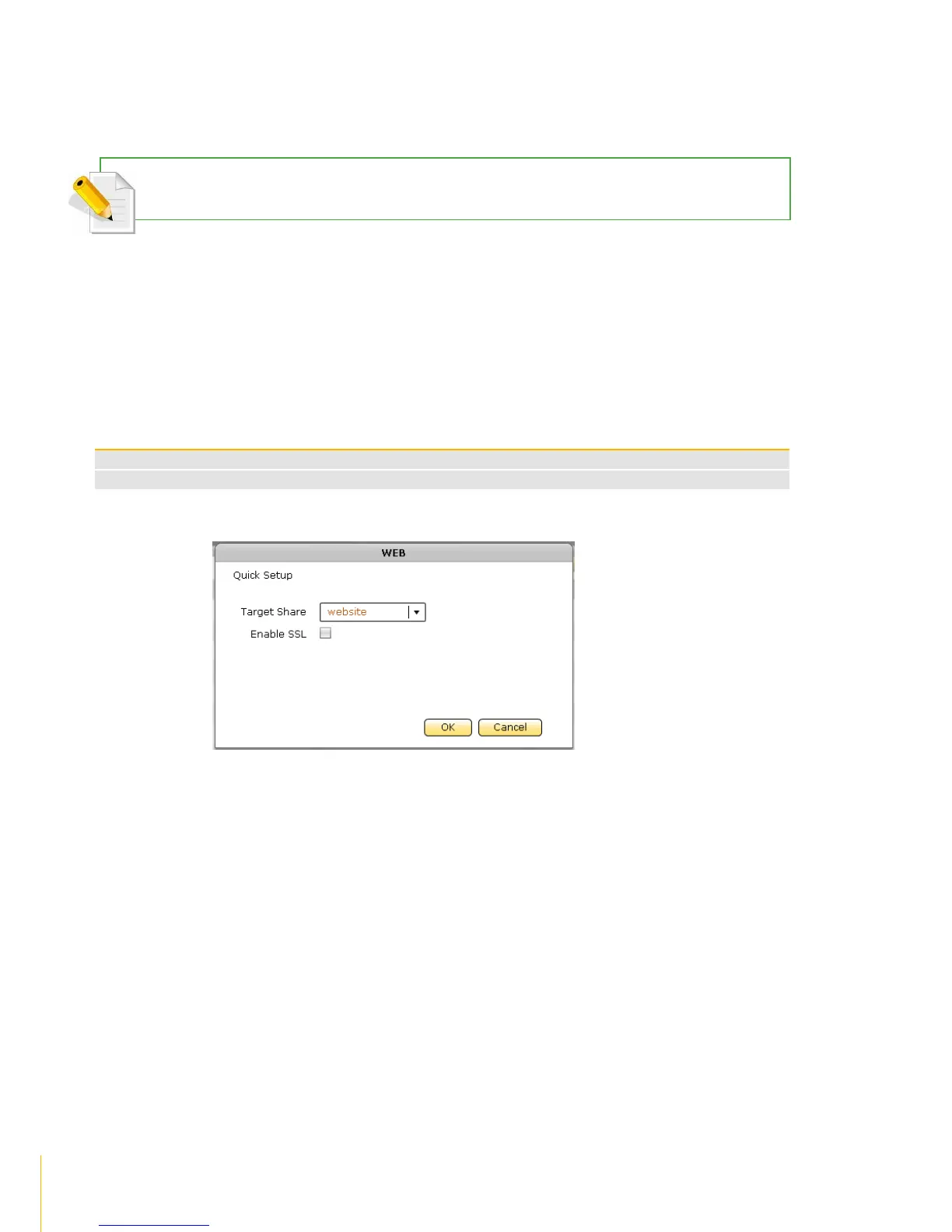
2. Click Edit. Configure the Target Share and select a share folder. If needed, enable SSL.
WEB Options
Target Share
Select the share folder name that will be used as target location for web server files.
Enable SSL
Tick the box to enable SSL option
3. Click OK to save.

Table of Contents