Extend a Volume Capacity
NOTE: The capacity of a Volumecan be extended many times as long as there is available free space in the
NASVG.
Steps to Extend a Volume:
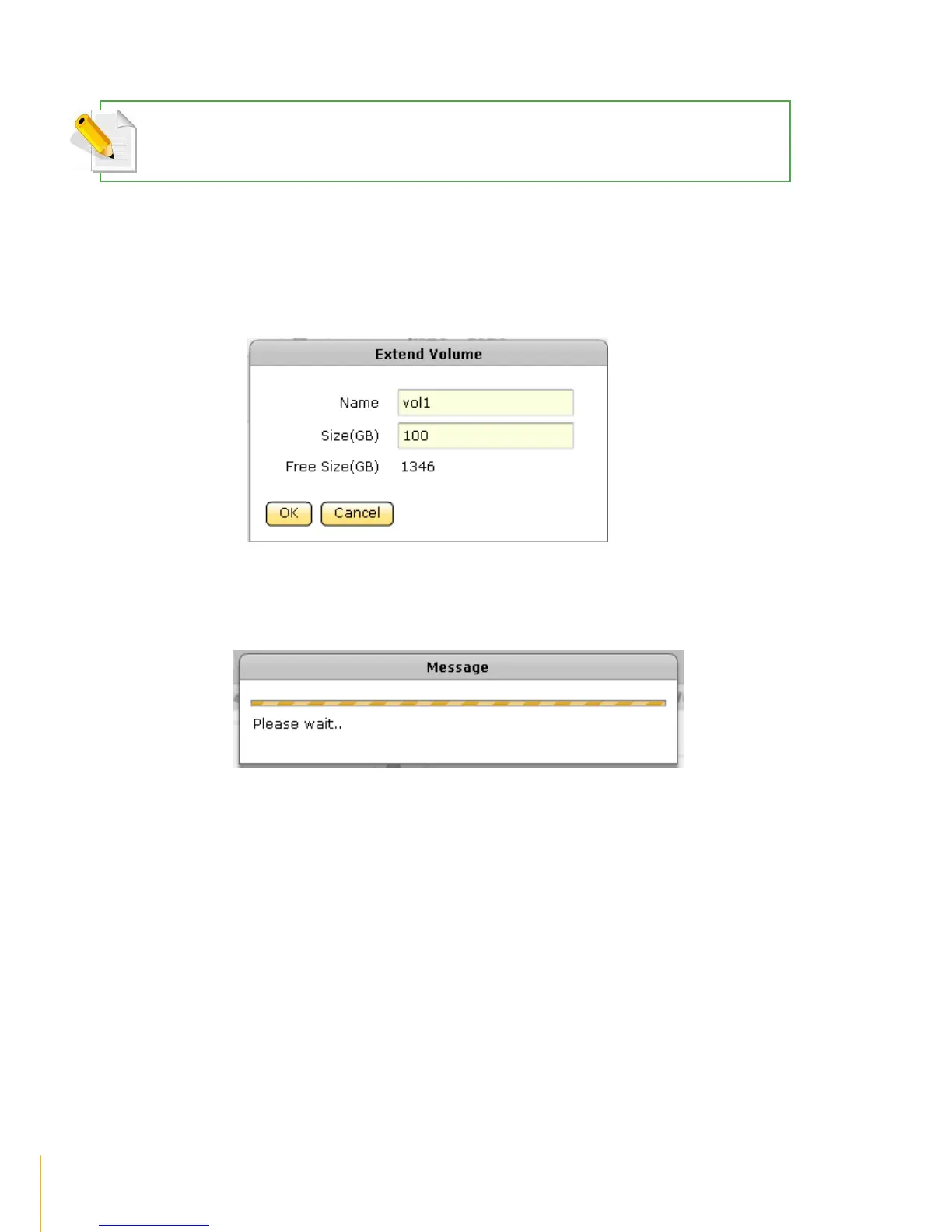
1. Click the Extend button of the Volume to be extended.
2. A dialog box will be displayed. Enter the additional capacity that will be added to the Volume in
the Size(GB) box. Click OK when done.
3. A message will be displayed.
4. The total Volume capacity will be increased.



 To Next Page