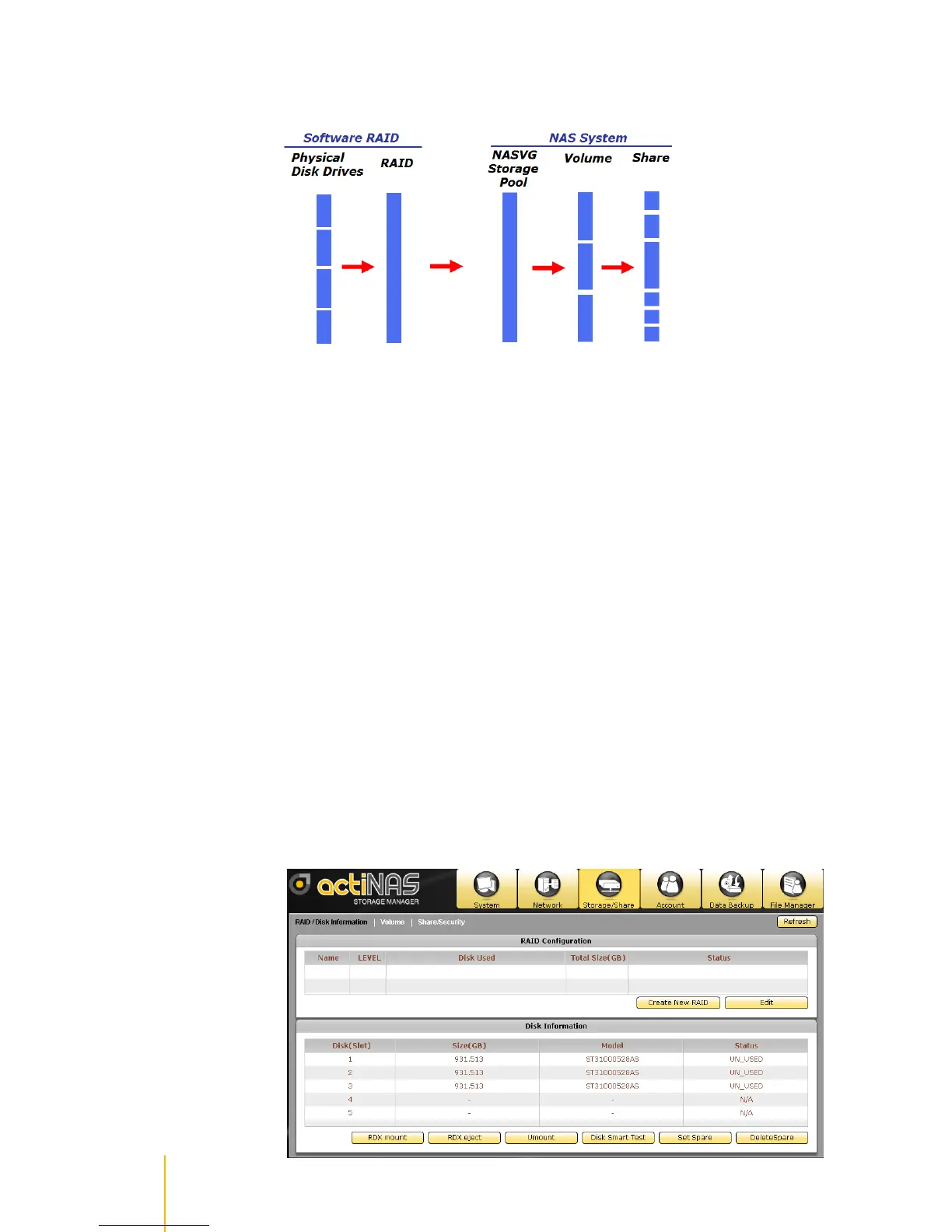
Relationship between RAID disks, Storage Pool, Volumes, and Shares
RAID disks
RAID disks are basically logical disks created using the Create New RAID button by selecting the
physical disk drives to be included as RAID member. When physical disk drives are included in RAID, the
status will show as RAID_MEMBER. When a physical disk drive is free (neither a RAID member nor a
hot-spare), its status will show UN_USED.
When a RAID disk is created, the RAID level is assigned. Select your preferred RAID level. Please note
that the RAID level options available for selection depends on the number of physical disk drives in the
NAS.
Please refer to page 10 for more information about the different RAID levels available in the NAS, and to
page 32 for creating RAID.
Storage Pool
The Storage Pool is a collection of storage devices, such as RAID disk, which have been joined to
NASVG (NAS Volume Group). At least one RAID disk must be joined to NASVG Storage Pool.
After one RAID disk is joined to Storage Pool, the NASVG is initialized and the basic NAS configuration is
setup. All other NAS configurations can be done, such as creating Volumes, Shares, and Accounts, and
configuring different NAS services.



 To Next Page