Join NAS to Windows AD Domain
Steps to Join NAS in the Windows AD Domain:
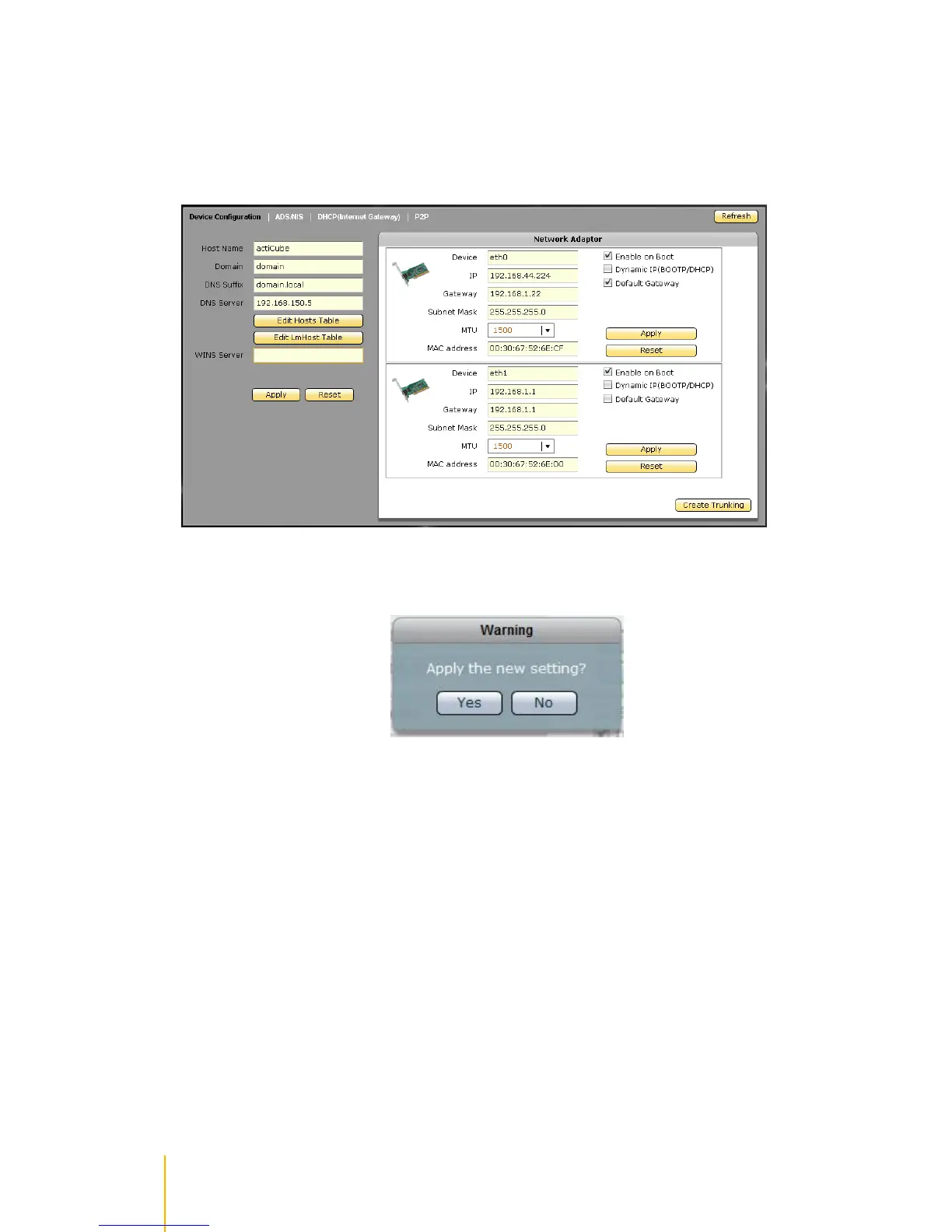
1. Select Network Device Configuration. Enter the Domain Name and DNS Suffix. A DNS Server
IP can also be entered if necessary. Refer to page 84 for the Device Configuration options.
2. A warning message will be displayed. Select Yes to apply new settings.
3. Select Network ADS/NIS tab.



 To Next Page