How to Use iTunes Service
NOTE: This section provides a simple example of how to use a NAS share folder as iTunes media folder. For
more information about iTunes and how to use it, please visit http://www.apple.com/itunes/what-is/.
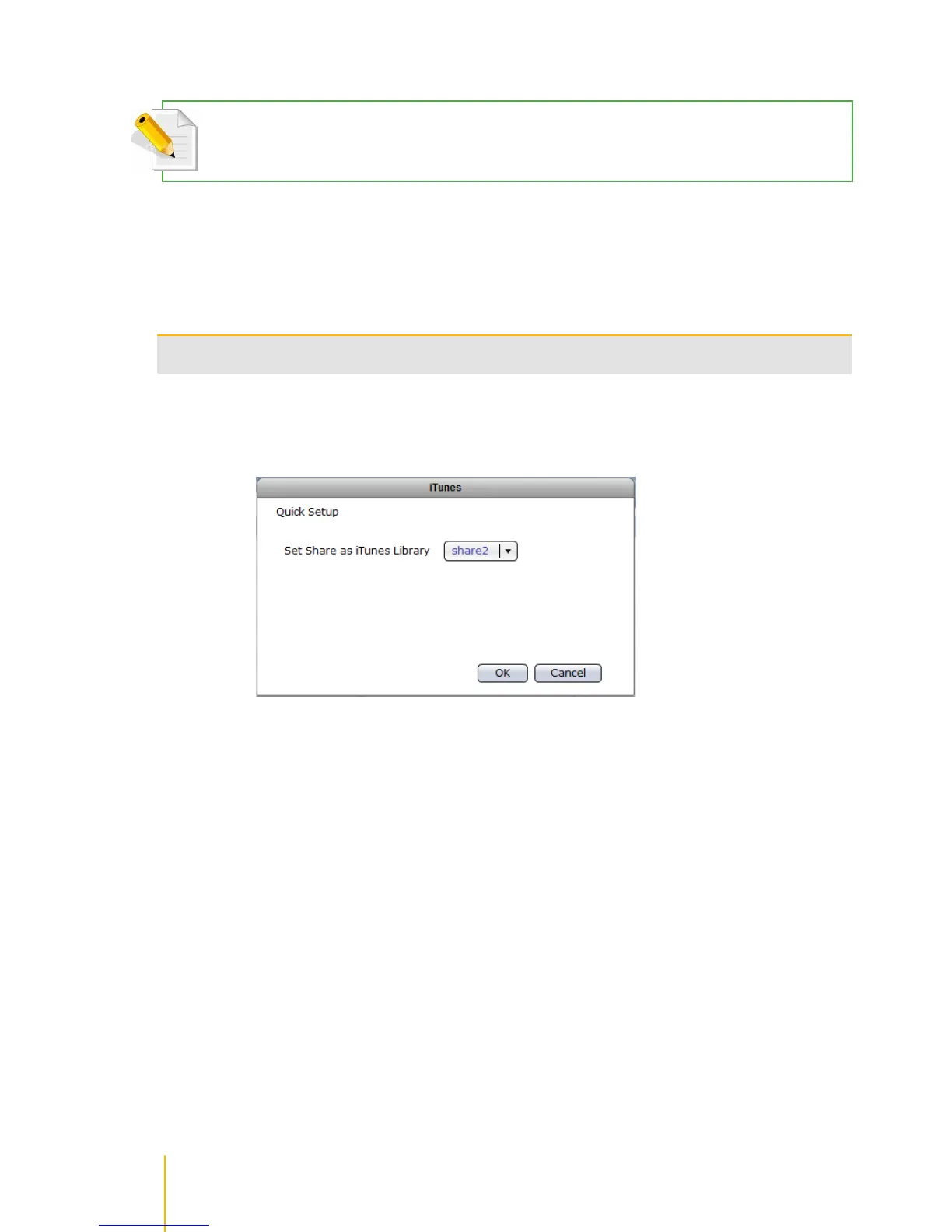
To use a NAS share folder as iTunes media folder:
1. Select the iTunes service in SystemService.
2. Click Edit. Select the share folder that will be used by iTunes service.



 To Next Page