Storage/Share · / actiNAS Manager
Share/Security
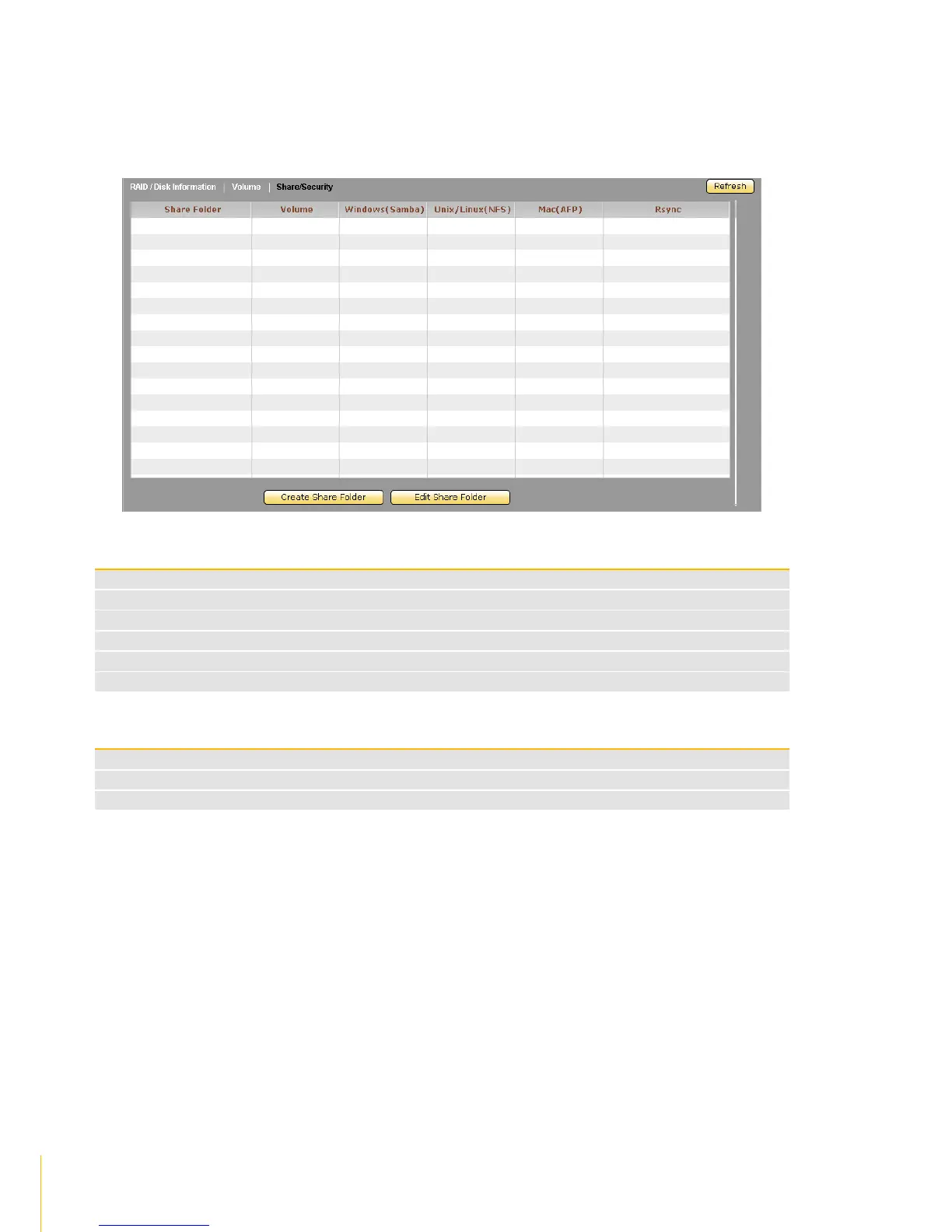
Click the Share/Security tab. The Share and Security Configuration window will be displayed. In this
window, you can configure the protocol settings as well as assign share access permission.
Share/Security Information Screen
Displays the share folder name
Shows the volume name where the share was created
Shows the status if Samba / CIFS protocol is enabled (Yes) or not (No) in the share folder
Shows the status if NFS protocol is enabled (Yes) or not (No) in the share folder
Shows the status if AppleTalk protocol is enabled (Yes) or not (No) in the share folder
Shows the status if Rsync is enabled (Yes) or not (No) in the share folder
Used to create a new share folder
Used to edit settings of an existing share folder
Used to update the information displayed in the screen



 To Next Page