Delete a Volume
Steps to Delete a Volume:
WARNING! Be careful when using this function. Make sure the data in the volume and all its share folders are no
longer needed or a backup has been made before deleting the volume
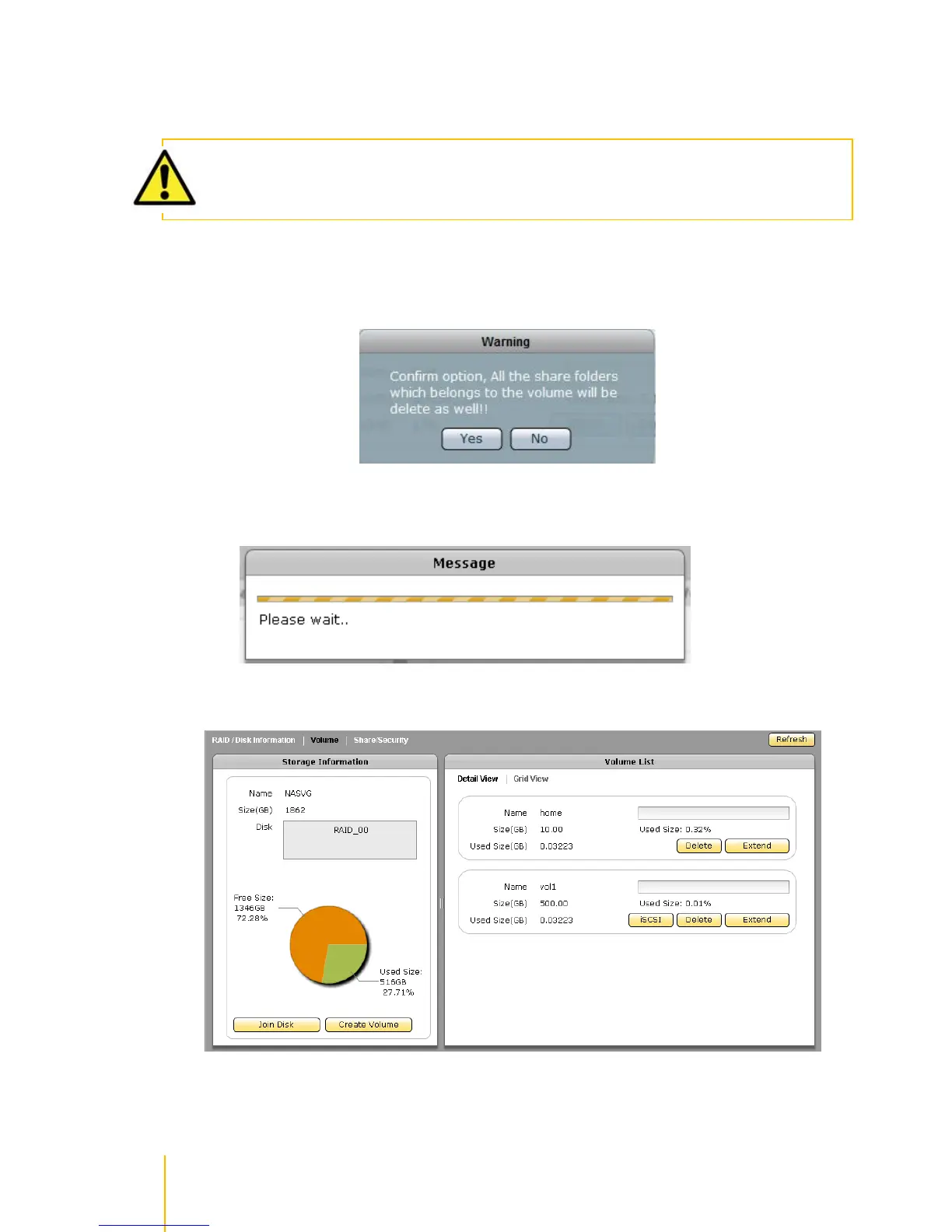
1. Click the Delete button of the Volume to be deleted.
2. A warning message will be displayed. Click Yes to proceed with deletion.
3. A message window will be displayed.
4. The Volume will be deleted.



 To Next Page