Edit Share Folder
Steps to Edit Share Folder:
6. Select the share folder name then click Edit Share Folder.
7. Change the necessary options. Click Save when done.
NOTE: The Share Name cannot be modified.
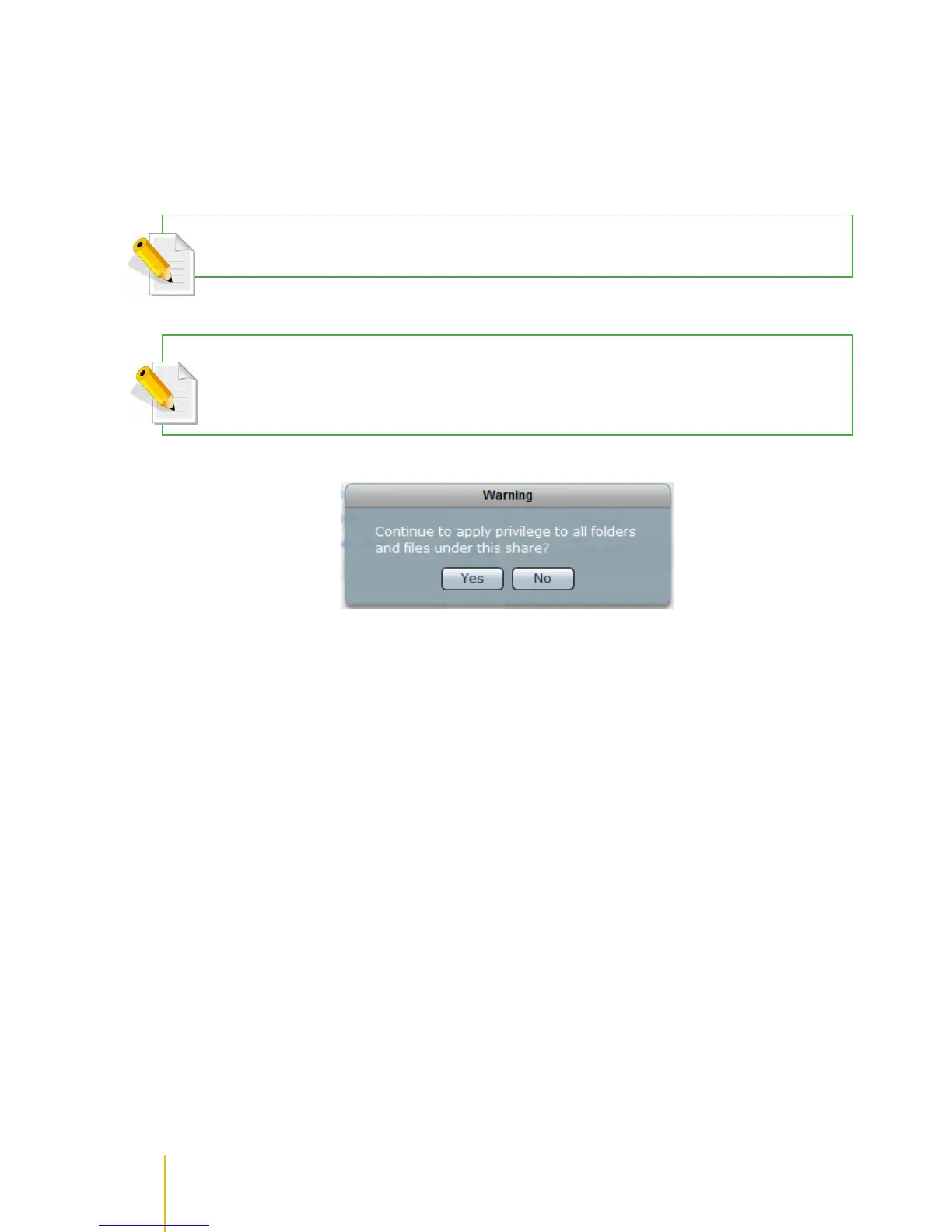
NOTE: If you want the same share folder privilege/permission to be propagated to existing sub-folders and files
under the share folder, use the Apply Privilege button. A warning message will be displayed. Select Yes to
confirm.



 To Next Page