How to Use PhotoService
To use the Photo service:
1. Enable the Photo Service, if not yet enabled, by selecting Photo service in System Service tab.
Click Edit and select the target share. Enable the Photo service by selecting the Enable check
box on the left of the service name.
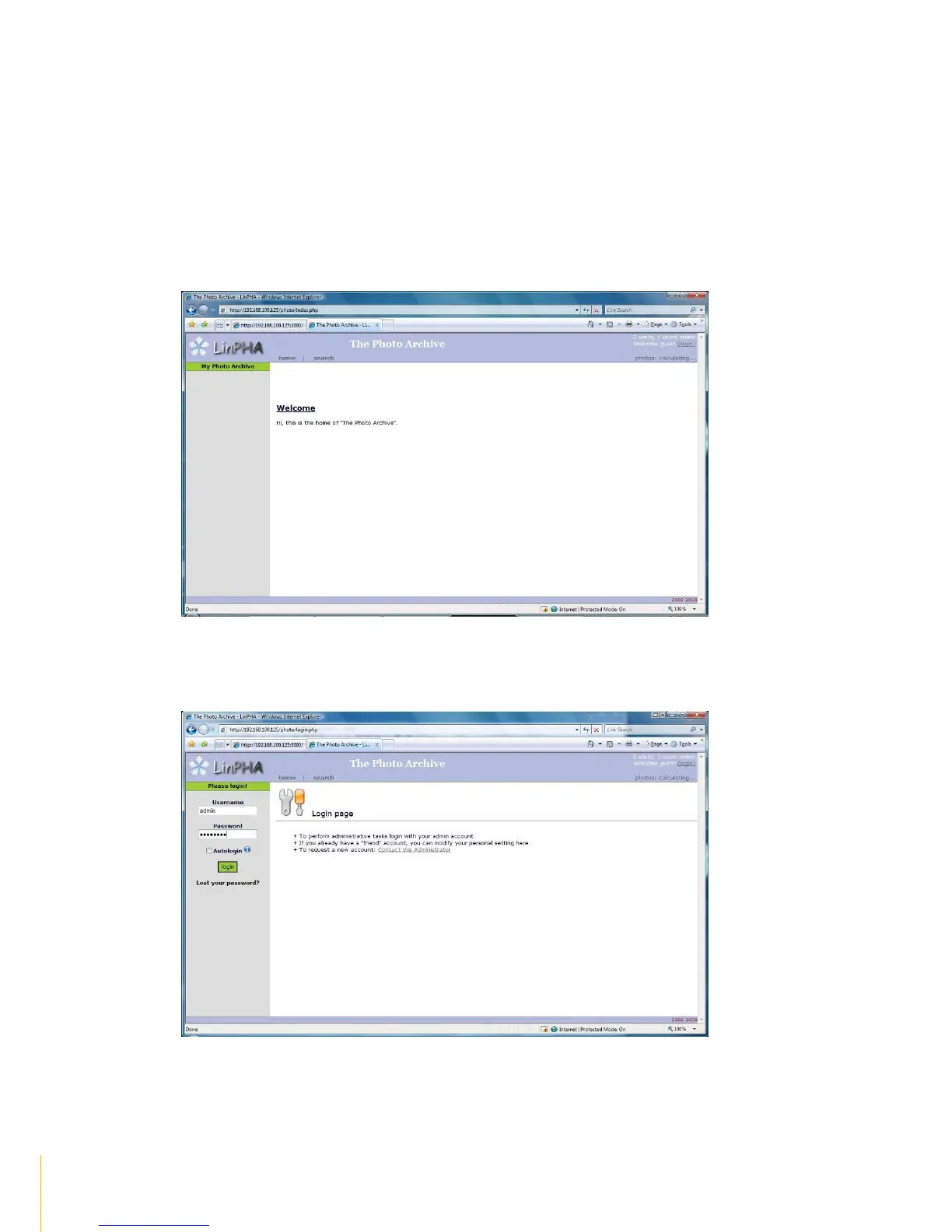
2. Open web browser and type http://xxx.xxx.xxx.xxx/photo/ wherexxx.xxx.xxx.xxx is the NAS IP
address. The LinPHA Photo Archive page will be displayed.
3. Click the login link in the upper right side then login as admin and enter admin‟s password.



 To Next Page