How to Setup Rsync
How to Setup the NAS as RsyncServer
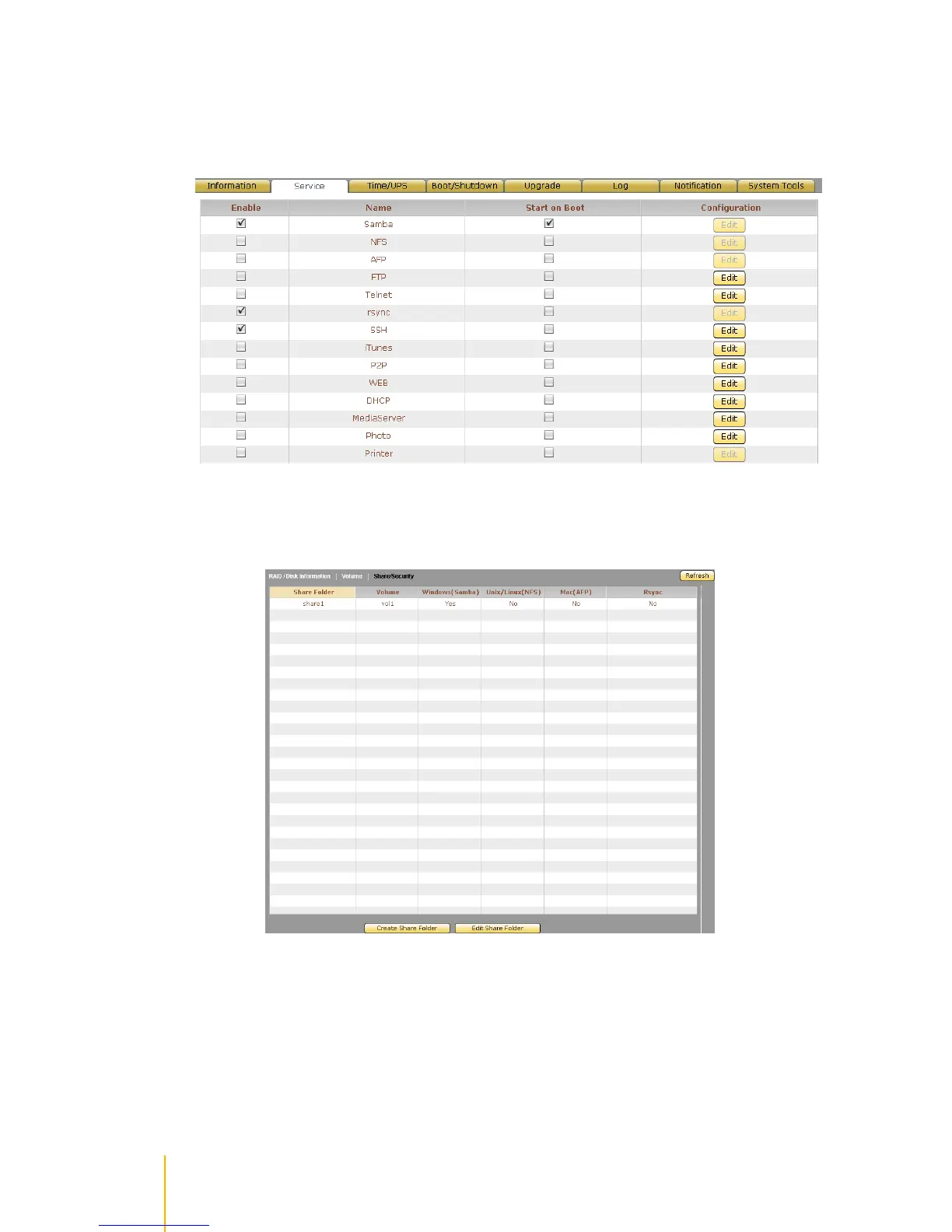
1. In System Service, enable SSH and Rsync services.
2. In Storage/Share Share/Security, select the share folder that will be used as RsyncServer
target share folder. Click Edit Share Folder.
3. In Basic tab, select Rsync in Protocol Setting. Then tick Enable Rsync. Remove check mark in
Anonymous option. Click Save.



 To Next Page