Delete Folder
NOTE: User needs to have read and write permission to the share folder and the sub-folder itself in order to
delete the sub-folder.
To delete a folder or sub-folder:
1. Select the folder or sub-folder that will be deleted, then select Folder menu and click Delete.
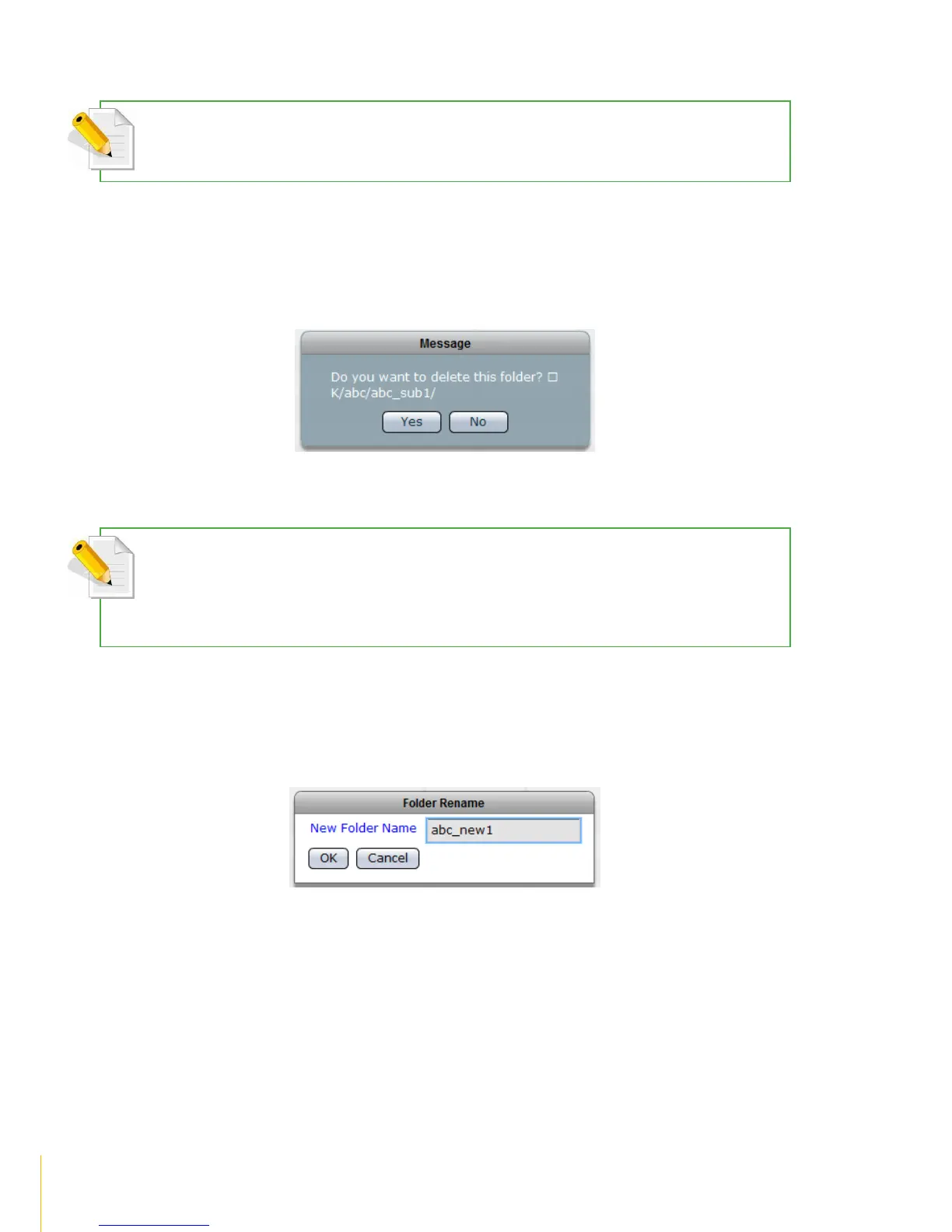
2. When a message is displayed, click Yes to confirm deletion.
3. The folder will be deleted.
Rename Folder
NOTE: User needs to have read and write permission to the share folder and the sub-folder itself in order to
rename the sub-folder.
NOTE: Some characters, such as (, #, $, ^, ”, and -, are not allowed to be used as folder name.
To rename a folder or sub-folder:
1. Select the folder or sub-folder, then click Folder menu then select Create.
2. Enter the new folder name in the New Folder Name box. Click OK when done.
3. The folder will be renamed.



 To Next Page