File
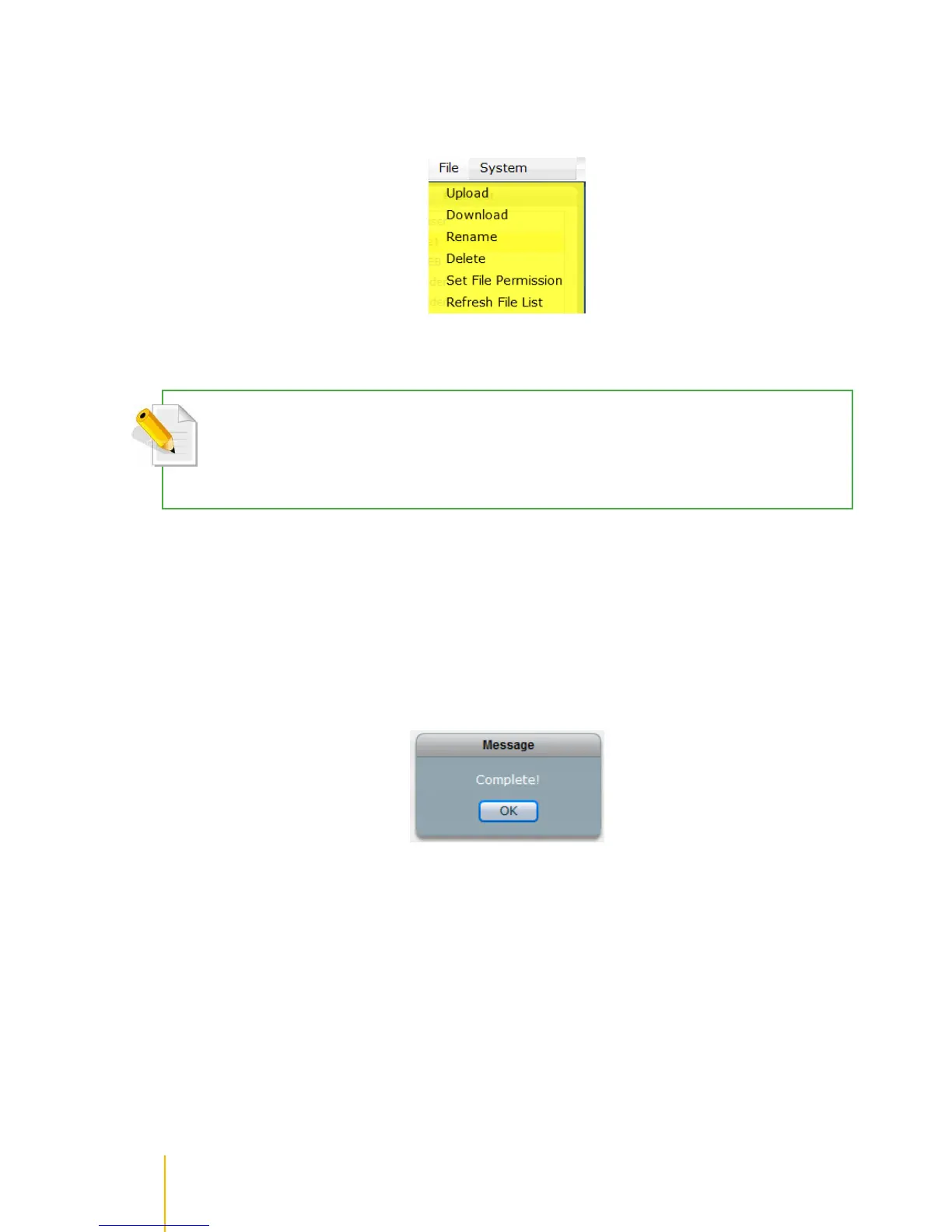
Under File menu, user can select the following functions: Upload, Download, Rename, Delete, Set File
Permission, and Refresh File List.
Upload File
NOTE: User needs to have read and write permission to the share folder and the sub-folder itself in order to
upload a file.
NOTE: The file size limit for uploading file via File Manager is 25MB only.
To upload a file:
1. Select a folder or sub-folder where a file will be uploaded, then select File menu and click Upload.
2. A pop up window will be displayed. Select the file that will be uploaded to the folder. Click Open.
3. The selected file will be uploaded.
4. A message will be displayed when upload is completed.



 To Next Page