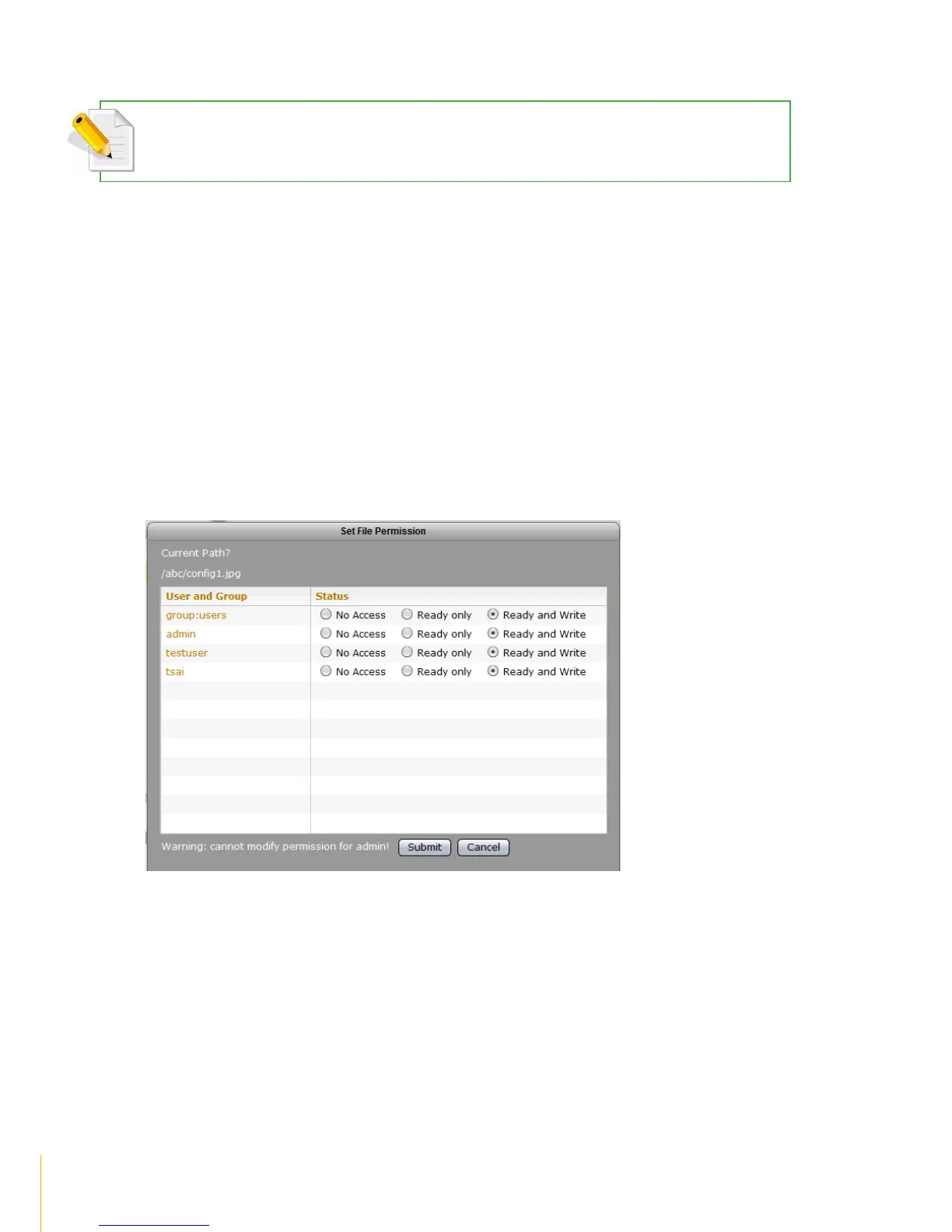
Set File Permission
NOTE: User needs to have read and write permission to the share folder/sub-folder and to the file itself in order
to set file permission.
To set file permission:
1. Select a folder or sub-folder where the file is located
2. Select the file
3. Select File menu and click Set File Permission
4. The Set File Permission window will be displayed
5. Modify the permission as needed
6. Click Submit when done
7. A Complete message will be displayed. Click OK



 To Next Page