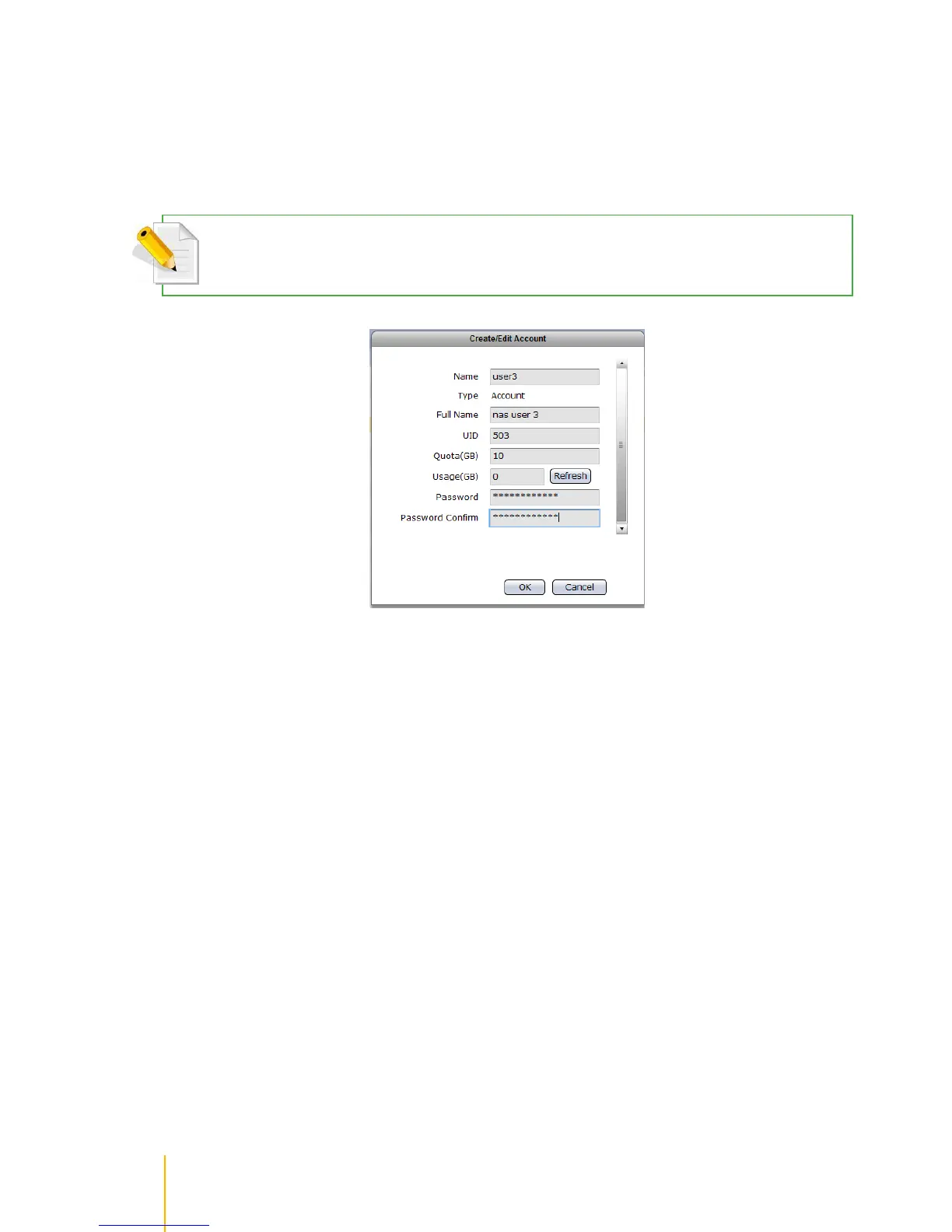
Edit Account
Steps to Edit Account:
1. Double-click the Account name in the Account List.
2. Edit the necessary options.
NOTE: Only the Full Name, Quota, Password, and Password Confirm can be changed. Account Name, UID,and
Usage cannot be changed.
3. Click OK when done. The account will be updated with the changes made.



 To Next Page